How do I use the Photorealistic Close-Up Eyes template?
Choose the primary action to open PicX Studio with the available template settings. Review the model and format, personalize the creative direction, and generate when ready.
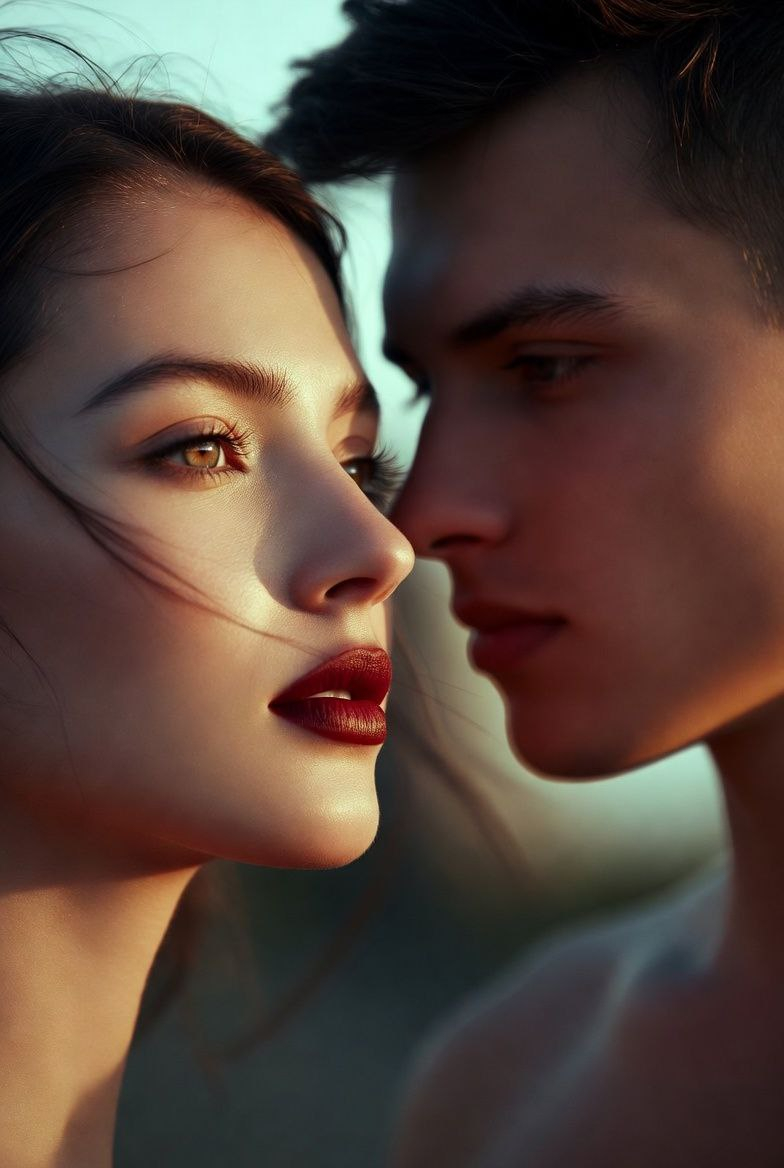
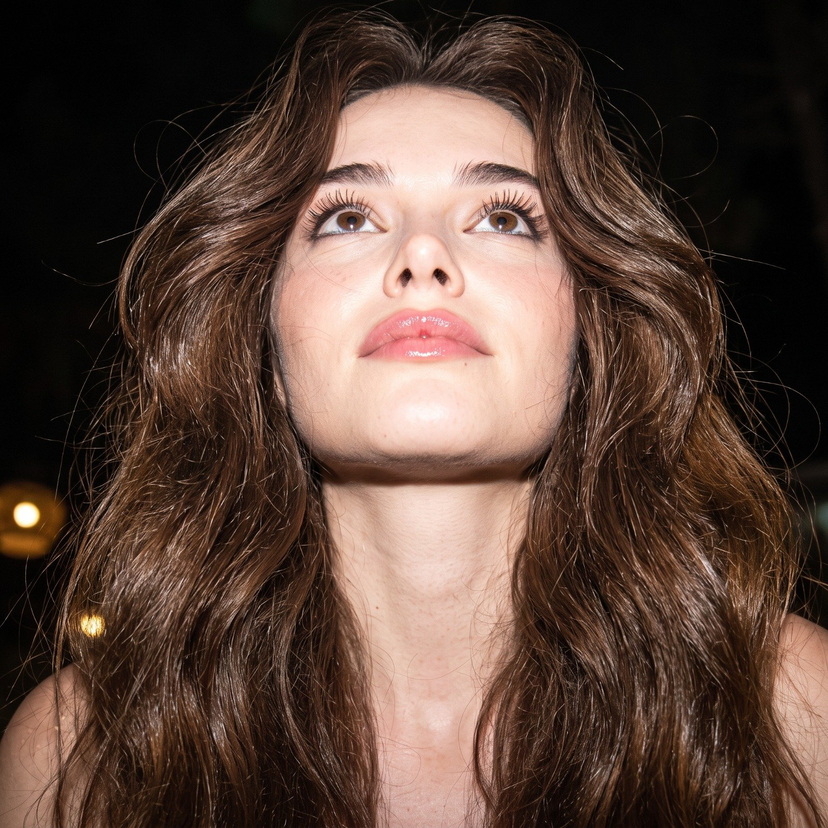
Generates a tightly cropped photorealistic beauty macro focused on eyes, eyelashes, and natural skin detail for studying lash rendering. Change the subject, setting, or lighting one variable at a time.
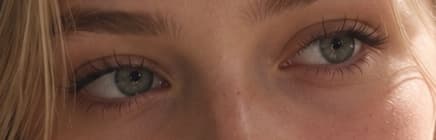
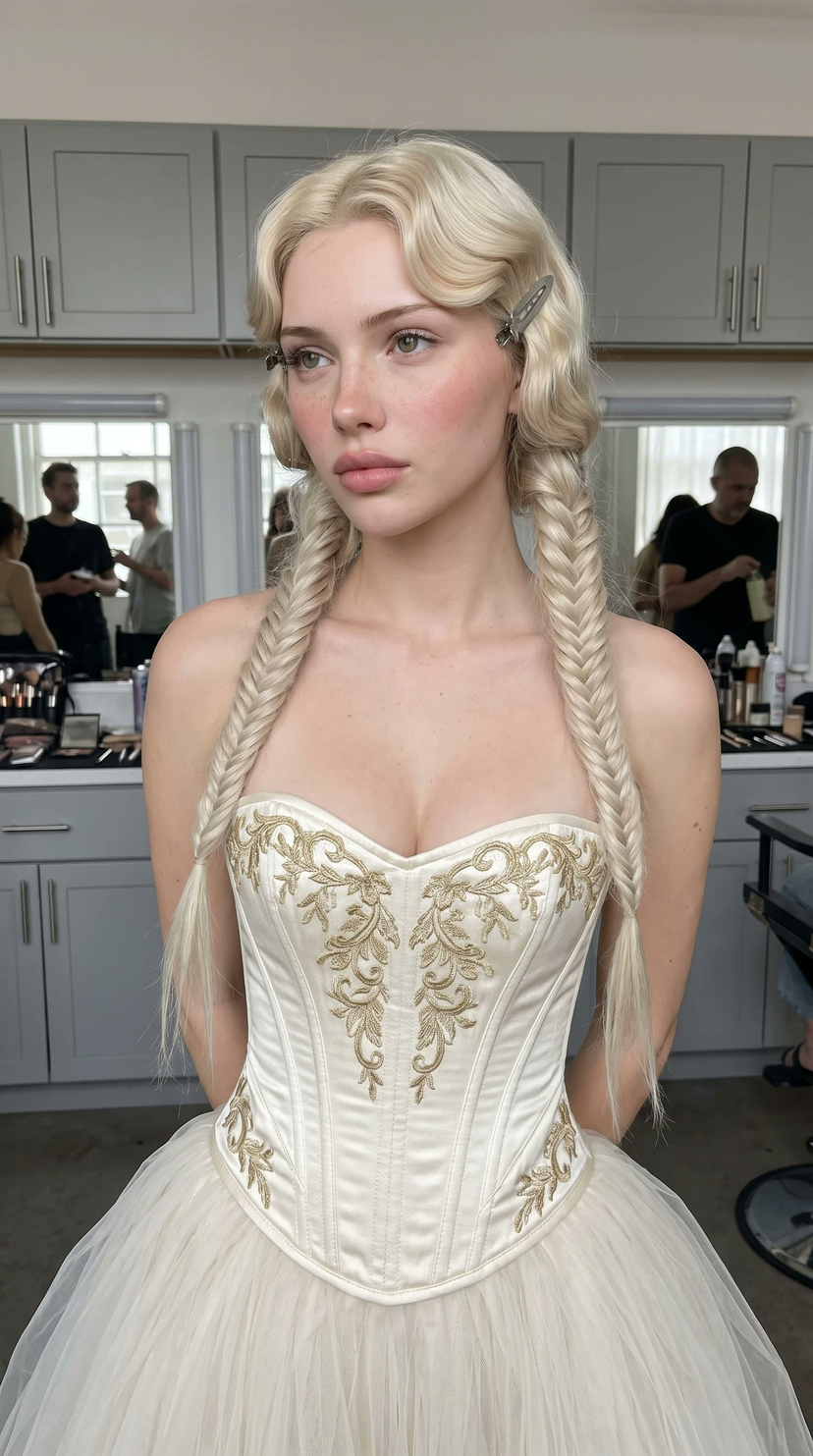
Create an ultra-photorealistic extreme close-up crop of a young woman’s eyes and upper nose bridge, focusing on detailed eyelashes and especially the subtle lower eyelashes. The subject has {argument name="eye color" default="gray-green"} eyes, {argument name="hair color" default="blonde"} hair falling loosely across the forehead and left side of the frame, natural light skin with faint freckles and realistic pores, soft peach undertones, and minimal natural makeup. The image is tightly framed in a wide horizontal aspect ratio so only both eyes, eyebrows, part of the nose bridge, and a small amount of cheek/forehead are visible; no mouth or full face. Render delicate individual upper lashes, simplified but visible lower lashes under both eyes, moist catchlights on the irises, realistic eyelid texture, soft shadows, and shallow depth of field. Use warm natural daylight from the upper right, cinematic macro photography, high-resolution skin detail, realistic lens softness, muted beige and honey tones, intimate beauty editorial style.
Choose the primary action to open PicX Studio with the available template settings. Review the model and format, personalize the creative direction, and generate when ready.
Yes. You can change the subject, setting, lighting, mood, format, and available model controls before creating your image.
This template is free to open and customize. Generation usage is shown in PicX Studio before you create.
Start with GPT Image 2, which is the model associated with this template. You can compare another compatible model for a different finish.
© 2026 PicX Studio. All rights reserved.

Follow a topic to a crawlable collection of related PicX Studio templates.
43,474 public templates available. Verified via the PicX Studio public templates API; refreshed hourly.












![Minimalist Flat Vector Travel Poster — Premium minimalist flat-vector travel poster for {argument name="city name" default="[CITY_NAME]"}, 3:4 vertical format.](https://cms-assets.youmind.com/media/1787917359711_3ug846_HQX205cbMAA6F6S-300x400.jpg)