How do I use the 9-Panel Product TVC Storyboard template?
Choose the primary action to open PicX Studio with the available template settings. Review the model and format, personalize the creative direction, and generate when ready.
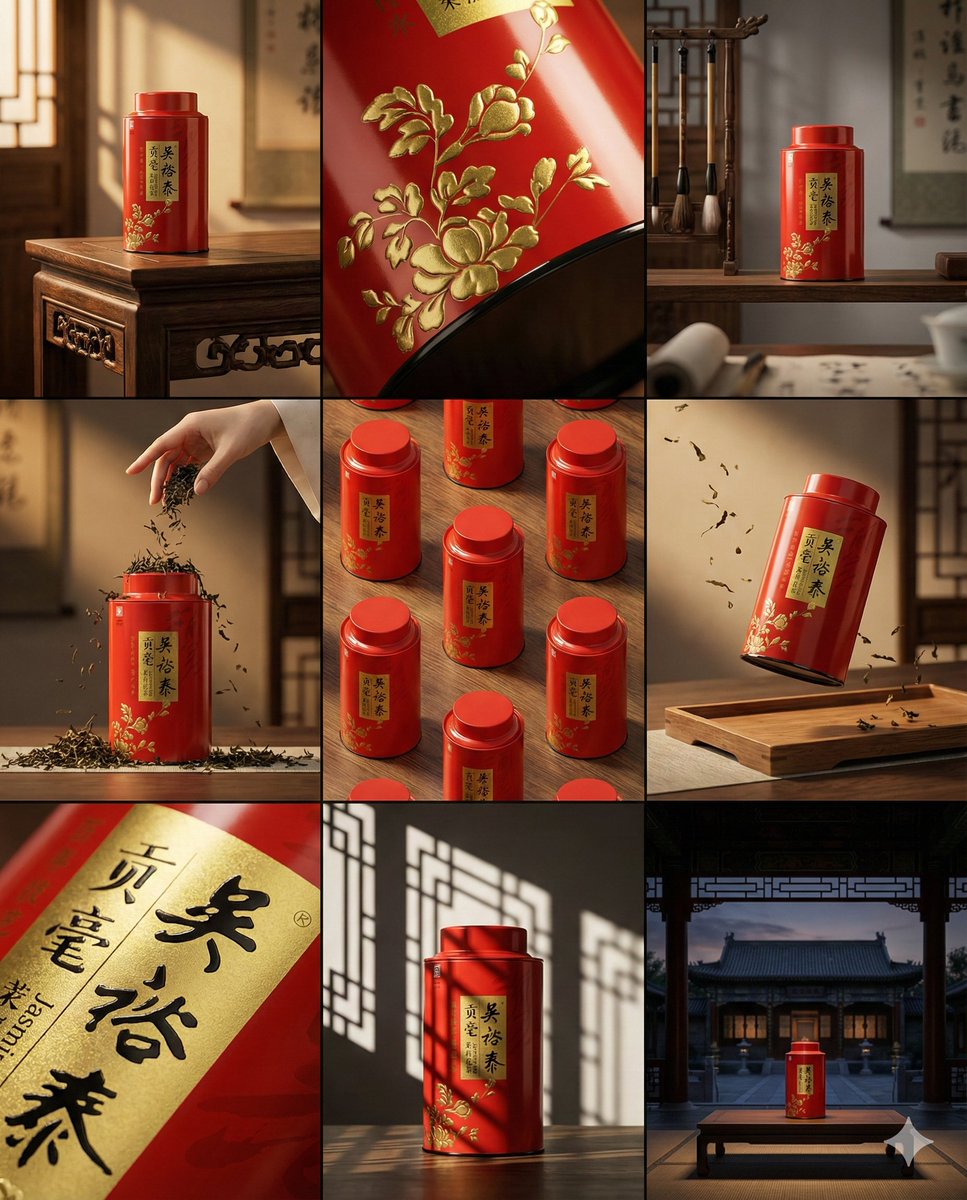
This prompt turns a single product reference photo into a polished 9-frame vertical commercial storyboard for e-commerce pitching, previsualization, or ad video planning. Change the subject, setting, or lighting one variable at a time.
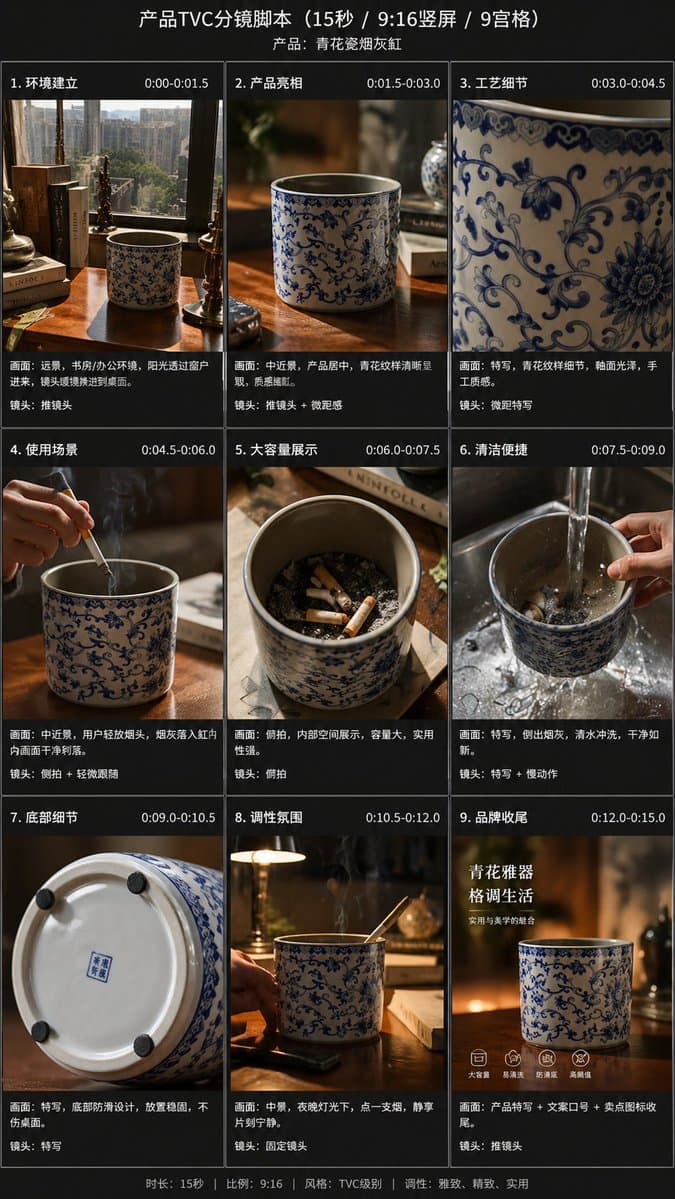
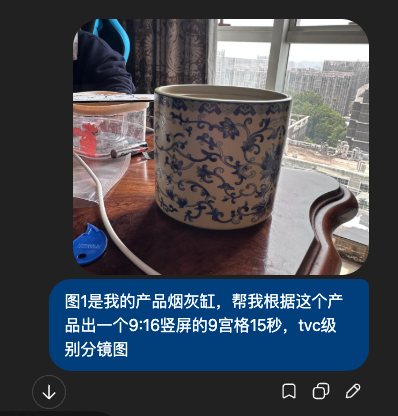
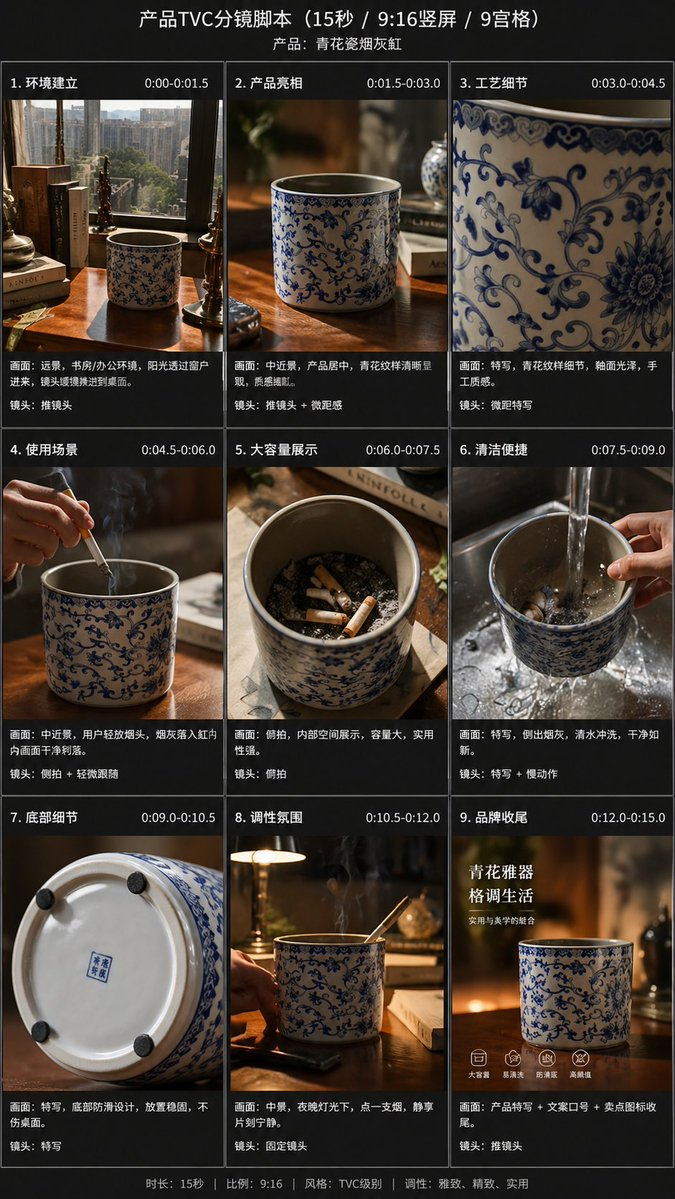
Using the provided reference image, transform the single casual product photo into a polished e-commerce TVC storyboard board for a {argument name="video duration" default="15-second"} ad in a {argument name="aspect ratio" default="9:16"} vertical format, presented as a 9-panel grid. Keep the same blue-and-white ceramic ashtray as the product base, but restage it across cinematic advertising shots with warm premium lighting, shallow depth of field, and a refined lifestyle desktop environment. Add a dark storyboard layout with Chinese titles and timing for each panel. Include exactly 9 scenes: 1) environment-establishing wide shot with desk, books, window, and the product placed in context; 2) hero product medium shot on the table; 3) extreme close-up of the blue floral craftsmanship pattern; 4) use case showing a hand placing a cigarette into the ashtray with visible smoke; 5) top-down capacity display showing multiple cigarette butts inside; 6) cleaning scene under running water in a sink with a hand holding the product; 7) bottom-detail close-up showing the underside and anti-slip pads; 8) mood/lifestyle scene at night with the product on a desk, smoke rising, and ambient lamp light; 9) brand closing frame with the product as the hero plus Chinese marketing text. Add the overall header text “产品TVC分镜脚本(15秒 / 9:16竖屏 / 9宫格)” and a product subtitle naming it {argument name="product name" default="青花瓷烟灰缸"}. Give each of the 9 panels a Chinese scene title and timestamp, plus small descriptive Chinese copy beneath each image in the style of a professional commercial shot list. Use premium, realistic commercial photography throughout, consistent product identity, elegant Chinese aesthetic, and a clean high-end storyboard presentation.
9-Panel Product TVC Storyboard needs input media to work. Open it in the studio and these load alongside the prompt — pick whichever ones your chosen model can take.
Choose the primary action to open PicX Studio with the available template settings. Review the model and format, personalize the creative direction, and generate when ready.
Yes. You can change the subject, setting, lighting, mood, format, and available model controls before creating your image.
This template is free to open and customize. Generation usage is shown in PicX Studio before you create.
Start with GPT Image 2, which is the model associated with this template. You can compare another compatible model for a different finish.
© 2026 PicX Studio. All rights reserved.

Follow a topic to a crawlable collection of related PicX Studio templates.
43,474 public templates available. Verified via the PicX Studio public templates API; refreshed hourly.



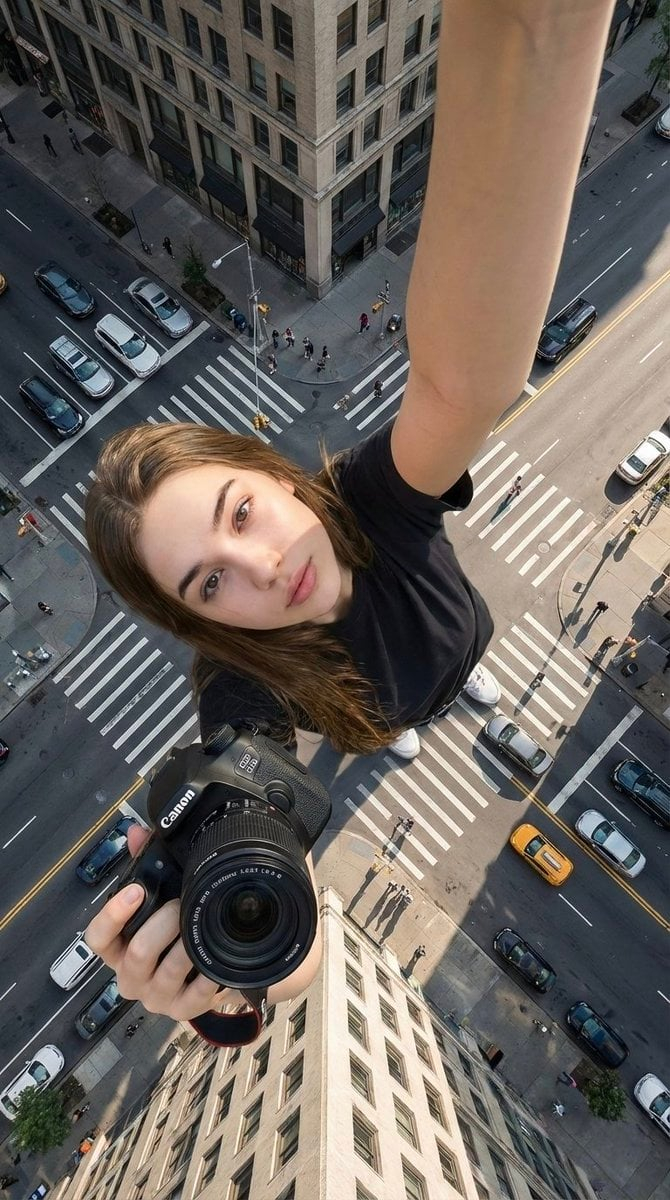
![Low Angle Product Fashion Campaign — Low-angle fashion campaign photograph of a confident model holding a large [product name] very close…](/_next/image?url=https%3A%2F%2Fcdn.picxstudio.com%2Fuploads%2Fmeigen_4c03edc4df35_6f63201c-902b-410c-8eaa-7760408114bb.jpg&w=828&q=100)
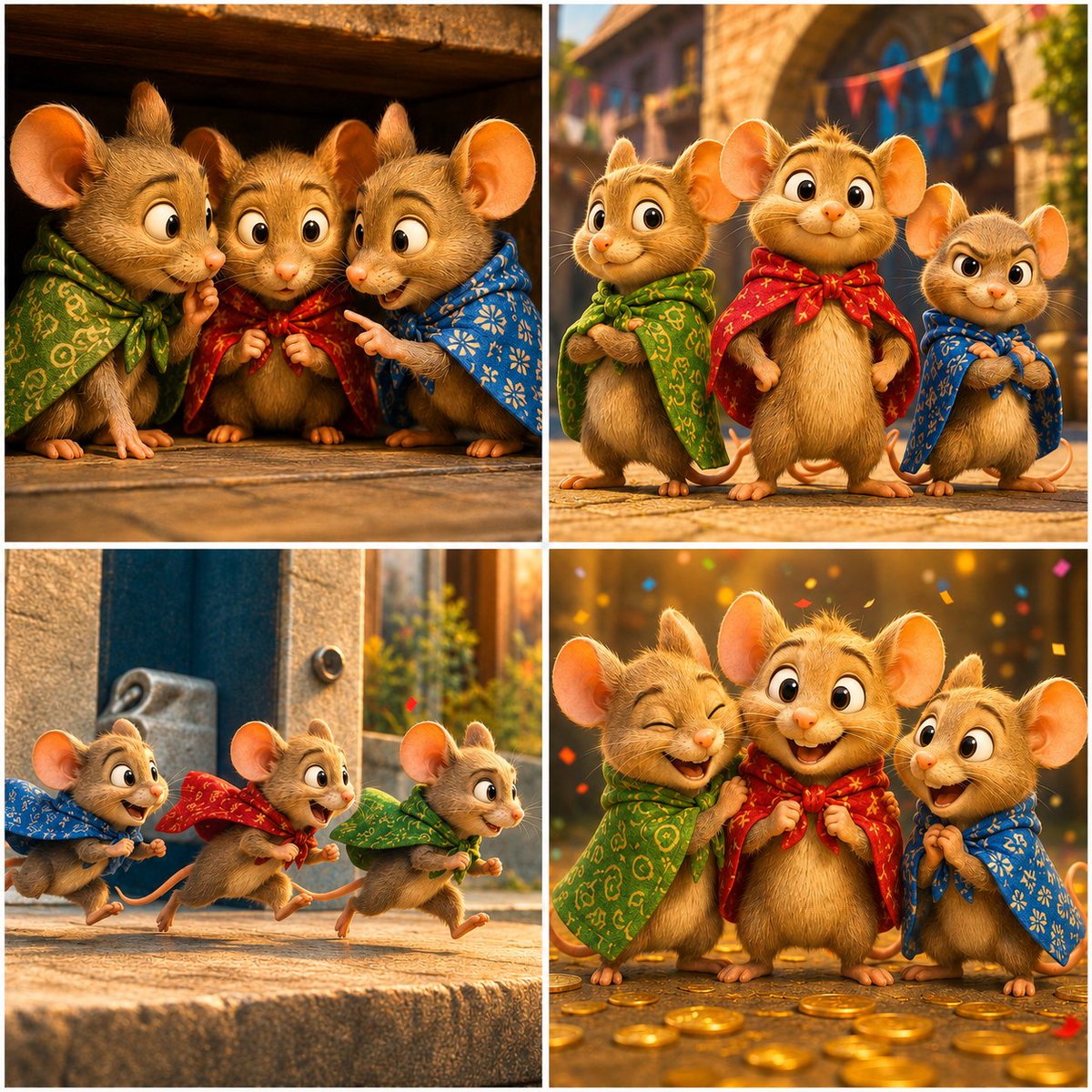

![Un storyboard limpio en cuadrícula 3 3 con nueve paneles iguales en — Un storyboard limpio en cuadrícula 3×3 con nueve paneles iguales en proporción [ratio], de](https://images.meigen.ai/tweets/2027526257018024246/0.jpg)
![Exploded Product Mechanics Advertising — [product], high-end product advertising, white seamless background, exploded view with inner mechanics revealed, outer](/_next/image?url=https%3A%2F%2Fcdn.picxstudio.com%2Fuploads%2Fmeigen_c33c116d1a53_fd77a4a5-4e6d-4870-b188-769ecf2f74d1.jpg&w=828&q=100)
![Oversized Hero Product Fashion Editorial — [person], [pose], oversized product as main hero prop, playful fun energy, fashion editorial styling, clean minimal b](/_next/image?url=https%3A%2F%2Fcdn.picxstudio.com%2Fuploads%2Fmeigen_43b3d6f04208_a5c18968-9001-4977-a6d2-83d92ba0940f.jpg&w=828&q=100)
![Playful Futuristic Brand Kit Board — Create a polished multi-page (multiple images) brand kit for a company called [YOYOYO]. The brand sh…](/_next/image?url=https%3A%2F%2Fcdn.picxstudio.com%2Fuploads%2Fmeigen_35482e665691_a87e3ac0-b1e5-4a95-a750-7378b7788369.jpg&w=828&q=100)
![Luxury Dessert Logo Product Photography — Minimalist luxury product photography of an edible sculpture inspired by the [brand name] logo. Logo transformed into](/_next/image?url=https%3A%2F%2Fcdn.picxstudio.com%2Fuploads%2Fmeigen_a9d271403edd_04fd5565-6f29-4349-9b66-e8e43523ac87.jpg&w=828&q=100)
![Moss Logo Minimalist Brand Flat Lay — [BRAND NAME]: Enter the brand name here.
Goal: Generate a minimalist organic image where a stylized logo icon of [BRAND NA](/_next/image?url=https%3A%2F%2Fcdn.picxstudio.com%2Fuploads%2Fmeigen_c099b4a510e0_2c38b884-72c5-4839-8374-99d9fab74c05.jpg&w=828&q=100)



![Minimalist Flat Vector Travel Poster — Premium minimalist flat-vector travel poster for {argument name="city name" default="[CITY_NAME]"}, 3:4 vertical format.](https://cms-assets.youmind.com/media/1787917359711_3ug846_HQX205cbMAA6F6S-300x400.jpg)