How do I use the Indonesia Graffiti Football Poster template?
Choose the primary action to open PicX Studio with the available template settings. Review the model and format, personalize the creative direction, and generate when ready.
Creates a vertical CapCut-style national football fan poster with a full-body player, wet street reflections, and a dramatic graffiti mural backdrop. Change the subject, setting, or lighting one variable at a time.
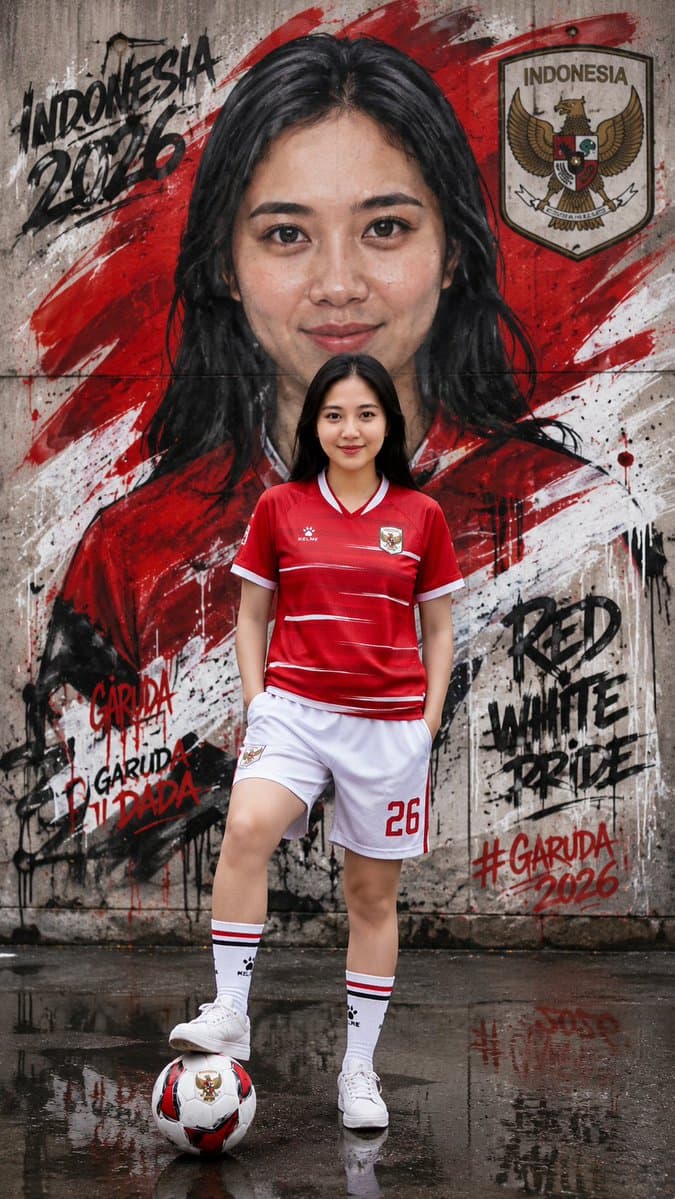
Create a vertical 9:16 viral CapCut-style football fan poster featuring a full-body young female football player with long black hair, standing confidently on wet reflective pavement in front of a gritty concrete graffiti wall. She wears an {argument name="national team jersey" default="Indonesia red home jersey"} with white trim, matching white shorts, tall white socks with red-and-black stripes, and white sneakers. Her pose is casual and athletic: one leg straight, the other foot resting on a red-white-black football placed in the foreground, hands relaxed in her shorts pockets. Behind her, paint a giant hand-painted mural portrait of the same woman with flowing black hair, filling most of the wall, partly obscured by the real player in front. Use bold red and white diagonal brush strokes across the wall, black paint splatters, drips, and street-art texture. Include exactly 5 visible graffiti/text elements: 1) top left black graffiti reading “INDONESIA 2026”, 2) upper right shield crest with the Indonesian Garuda and the word “INDONESIA”, 3) lower left red-and-black graffiti reading “GARUDA” and “GARUDA DI DADA”, 4) mid-right black graffiti reading “RED WHITE PRIDE”, 5) lower right red hashtag reading “#GARUDA 2026”. Add jersey number {argument name="jersey number" default="26"} on the shorts. Make the environment cinematic, high contrast, slightly wet and moody, with reflections on the ground, realistic sportswear details, sharp full-body subject, dramatic urban mural background, red-white national pride color palette, and social-media poster energy. Use {argument name="country name" default="Indonesia"} symbolism throughout, but avoid adding extra logos or extra text beyond the five listed graffiti/text elements.
Choose the primary action to open PicX Studio with the available template settings. Review the model and format, personalize the creative direction, and generate when ready.
Yes. You can change the subject, setting, lighting, mood, format, and available model controls before creating your image.
This template is free to open and customize. Generation usage is shown in PicX Studio before you create.
Start with GPT Image 2, which is the model associated with this template. You can compare another compatible model for a different finish.
© 2026 PicX Studio. All rights reserved.

Follow a topic to a crawlable collection of related PicX Studio templates.
43,474 public templates available. Verified via the PicX Studio public templates API; refreshed hourly.


![Cartoon TV Show Poster Pack — A bold Cartoon Network-style promotional poster for [SHOW], featuring the main characters in a flat 2D illustrated style with thic](/_next/image?url=https%3A%2F%2Fcdn.picxstudio.com%2Fuploads%2Fimg0_107064d3-b797-488a-a32e-d75dea9d3b4c.jpg&w=828&q=100)





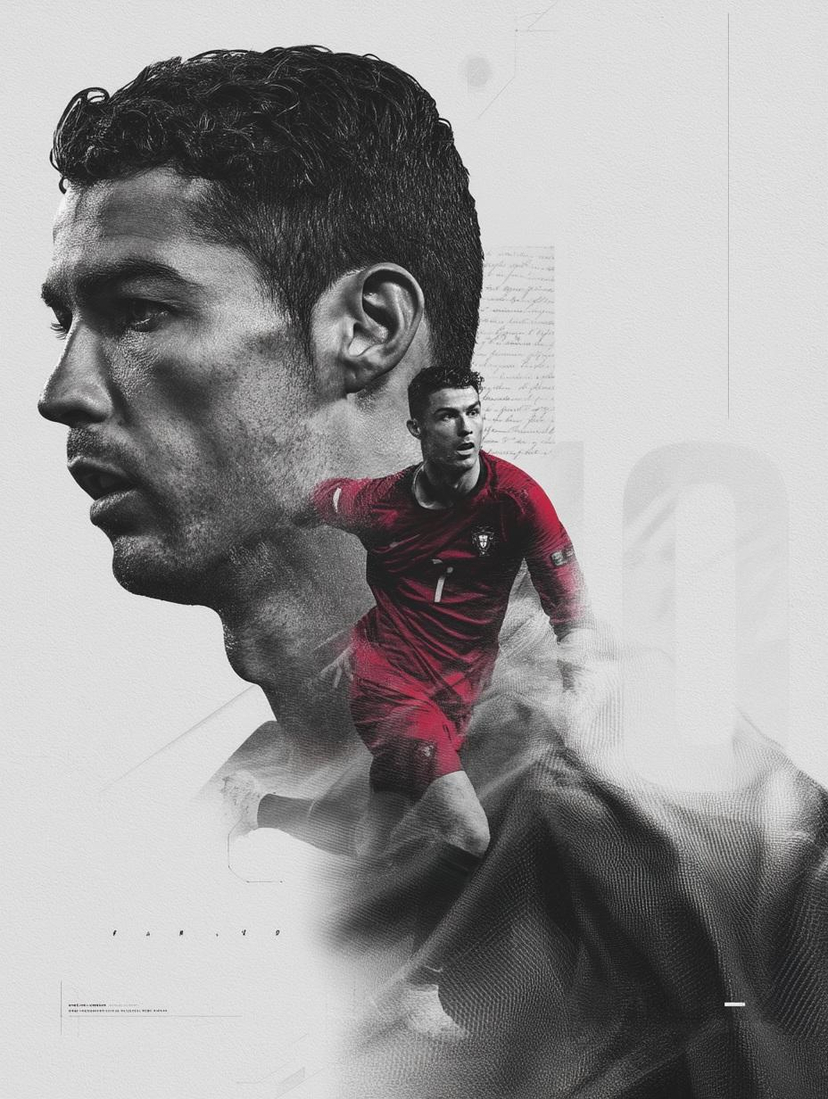
![clean-minimalist-player-editorial-poster — A professional sports graphic design poster of [Player Name], designed in a clean, modern, and minimalist editorial s](/_next/image?url=https%3A%2F%2Fcdn.picxstudio.com%2Fuploads%2Fmeigen_5524a0a10196_94b81982-ef58-45e9-8d49-9b017a7f26cb.jpg&w=828&q=100)
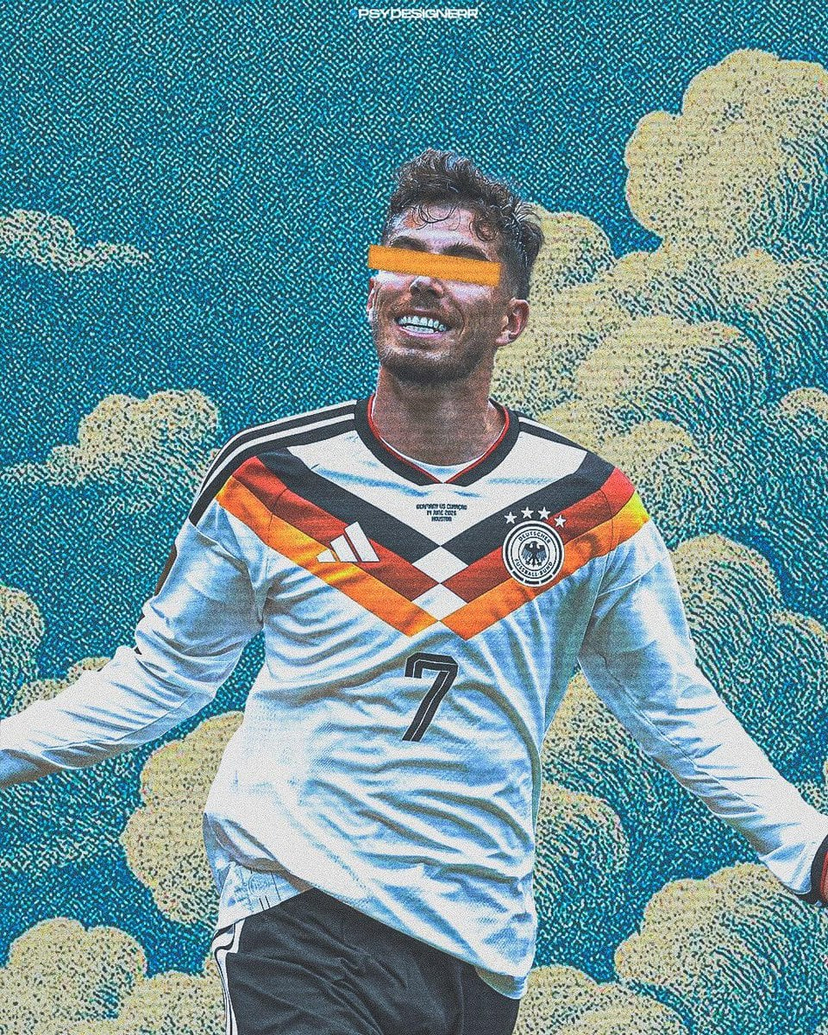



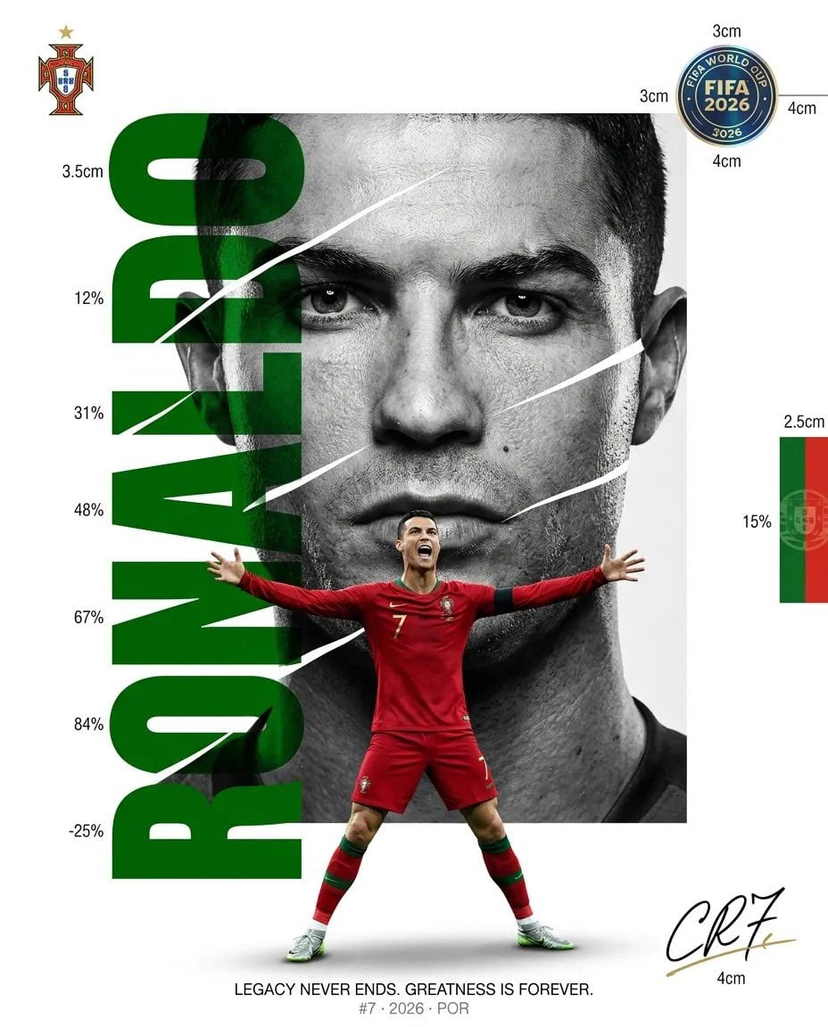
![vertical-football-star-campaign-poster — Create a vertical 9:16 high-resolution football star campaign poster.
Player: [Player Name]
Player concept: [football](/_next/image?url=https%3A%2F%2Fcdn.picxstudio.com%2Fuploads%2Fmeigen_996a192156cb_45d1d198-bb81-4272-be3f-df0eda9f0a74.jpg&w=828&q=100)

![Japan Travel Brochure Poster — Create a vertical vintage travel-brochure infographic poster titled “[COUNTRY/DESTINATION]: [TAGLINE]”, using a warm parchment-pa](/_next/image?url=https%3A%2F%2Fcdn.picxstudio.com%2Fuploads%2Fp0_982bf820-bb34-4c43-8a6d-42d799d7282b.jpg&w=828&q=100)




![Minimalist Flat Vector Travel Poster — Premium minimalist flat-vector travel poster for {argument name="city name" default="[CITY_NAME]"}, 3:4 vertical format.](https://cms-assets.youmind.com/media/1787917359711_3ug846_HQX205cbMAA6F6S-300x400.jpg)

























![Octane-Rendered Floating Ecological Island — [SUBJECT]
A massive floating island captured as a photoreal, physically plausible environment, rendered with Octane](https://pbs.twimg.com/media/HA0hnpMaMAAfeTe.jpg)



![Floating Football Jersey Luxury Editorial — {argument name="brand" default="[BRAND NAME]"}. You are a fashion photographer and creative director producing a lux](https://cms-assets.youmind.com/media/1780650728327_xz5huj_HJ_QntmbkAAG_Qe.jpg)