
Gothic Twin Bedroom Manga
A detailed grayscale manga prompt for creating two melancholic gothic twin girls in an ornate Victorian bedroom at night.
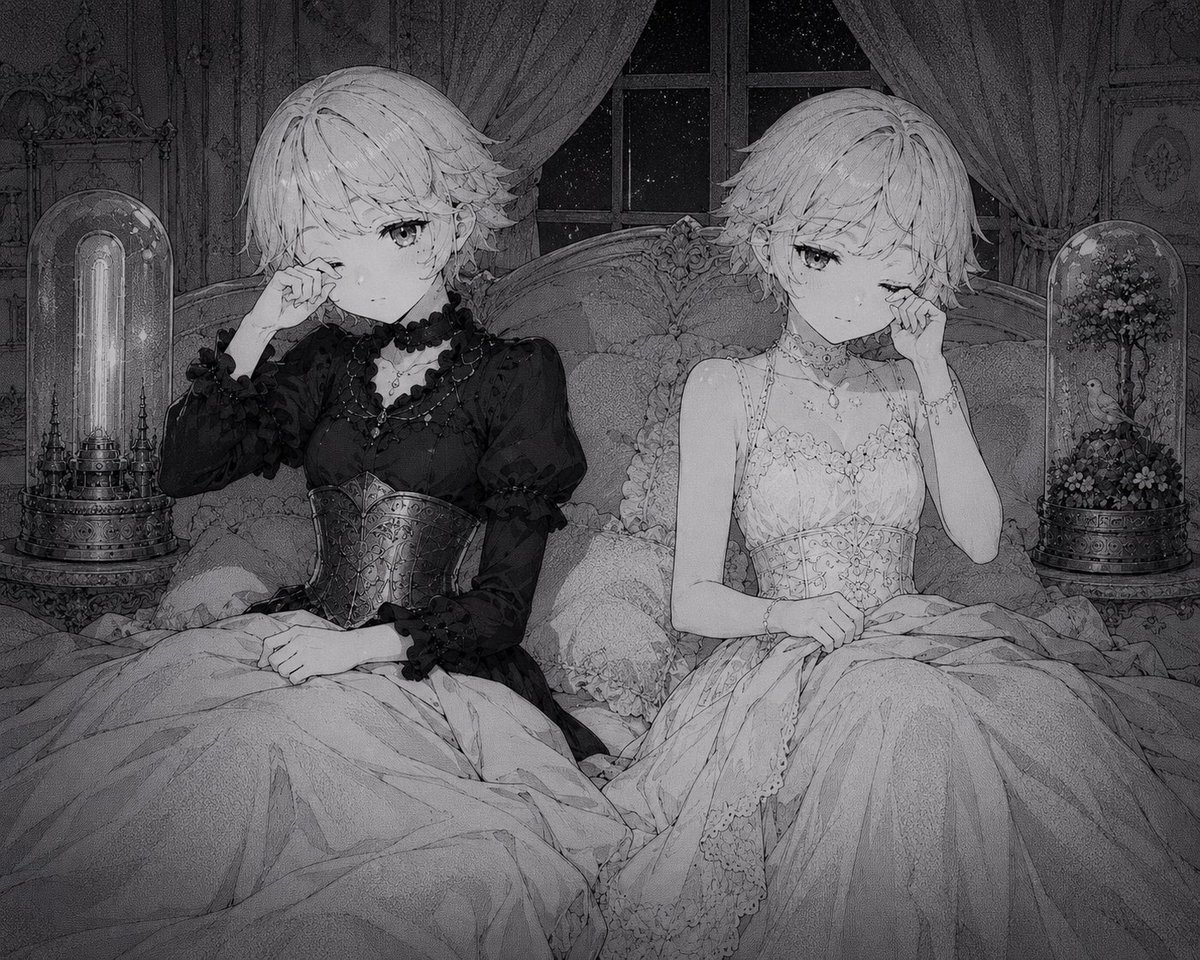
- Prompt included
- Model and format preset
- Free template
The prompt behind this image
Copy the exact prompt behind Gothic Twin Bedroom Manga, or open it in the studio and make it yours.
Create a monochrome grayscale anime manga illustration of two delicate twin-like young women sitting side by side on an ornate Victorian bed at night, both with short tousled pale hair, soft tired eyes, and melancholic expressions as if rubbing away tears. The left girl wears a dramatic black gothic lolita dress with puff sleeves, ruffled cuffs, dark bead necklace, choker, and an embossed corset bodice; her right hand touches one eye while her other hand rests in her lap under a heavy blanket. The right girl wears a white lace nightgown or bridal-style dress with thin straps, floral embroidery, layered skirt, delicate choker and pendant necklace; her right hand touches one eye and her left hand rests on the blanket. Frame them waist-up to full-skirt, centered symmetrically on a carved antique headboard with abundant pillows and rumpled blankets. Behind them is a tall window showing a starry night sky, with heavy draped curtains parted on both sides. Include exactly two glass dome displays on bedside tables: the left dome contains a glowing vertical tube lamp in an ornate mechanical base, and the right dome contains a miniature flowering tree with a small bird perched inside. The room is richly decorated with Victorian wall panels, shelves, filigree ornaments, lace textures, and fine linework. Use a dark, moody, highly detailed pencil-and-ink manga style, soft grain, subtle vignette, intricate crosshatching, elegant gothic atmosphere, no color except grayscale, no visible text, no watermark. Customize the pair as {argument name="character name" default="IMPET and AEL"}, with {argument name="hair color" default="pale silver-white"}, in a {argument name="room style" default="ornate Victorian gothic bedroom"}, using a {argument name="mood" default="sleepy melancholic midnight atmosphere"}, and {argument name="image style" default="highly detailed monochrome manga illustration"}.
How to use Gothic Twin Bedroom Manga in 3 steps
- 1Upload ImagePNG, JPG or paste
Add your photo
Upload the photo the template builds on. The prompt, model and format are already set.
- 2…a portrait of your subject in softgolden-hour light, 85mm…
Personalize
Edit the subject and creative details for your destination.
- 3Generate
Generate
Press Generate — your image is created in PicX Studio, so you can compare it with the original and refine one variable at a time.
More like this
Templates with the same subject, style or setup. Open one to see its prompt.
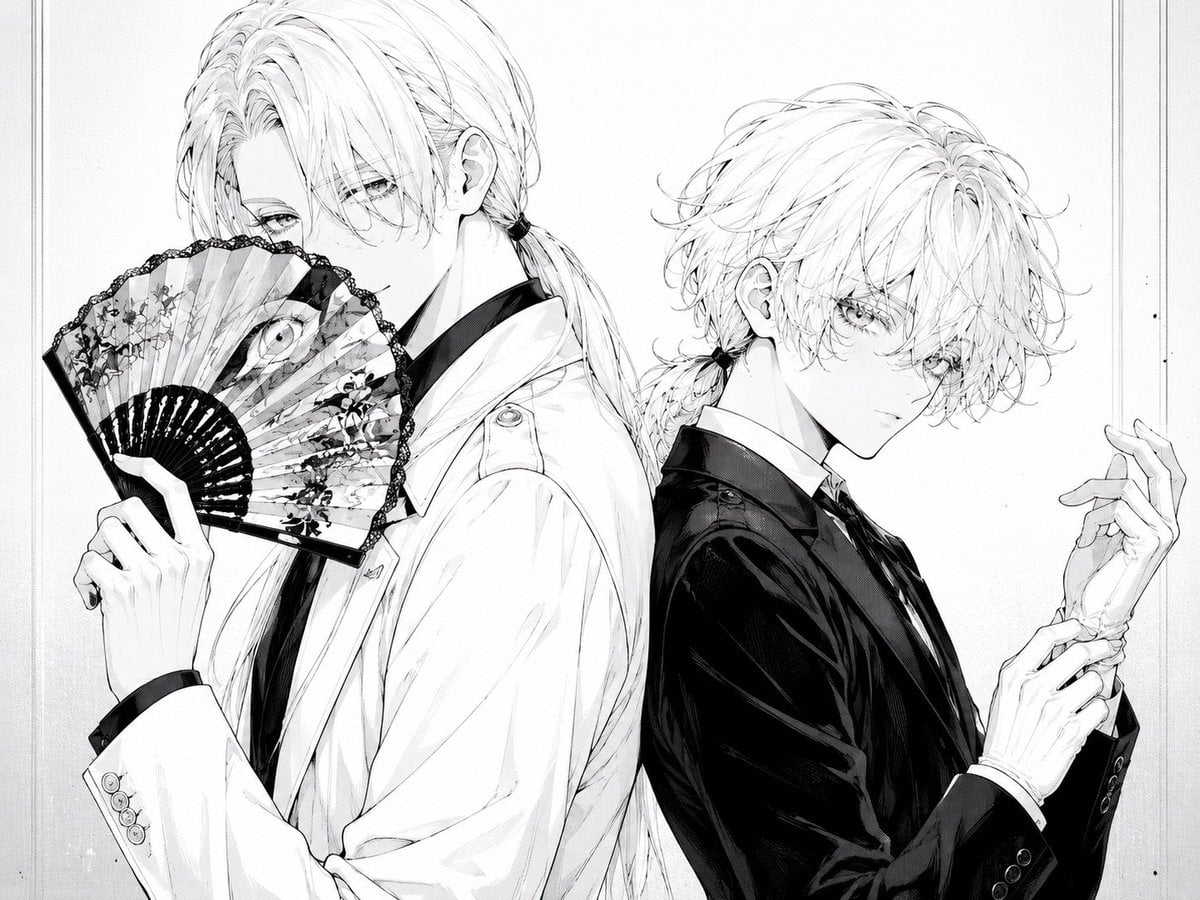
Monochrome Gothic Twin Portrait
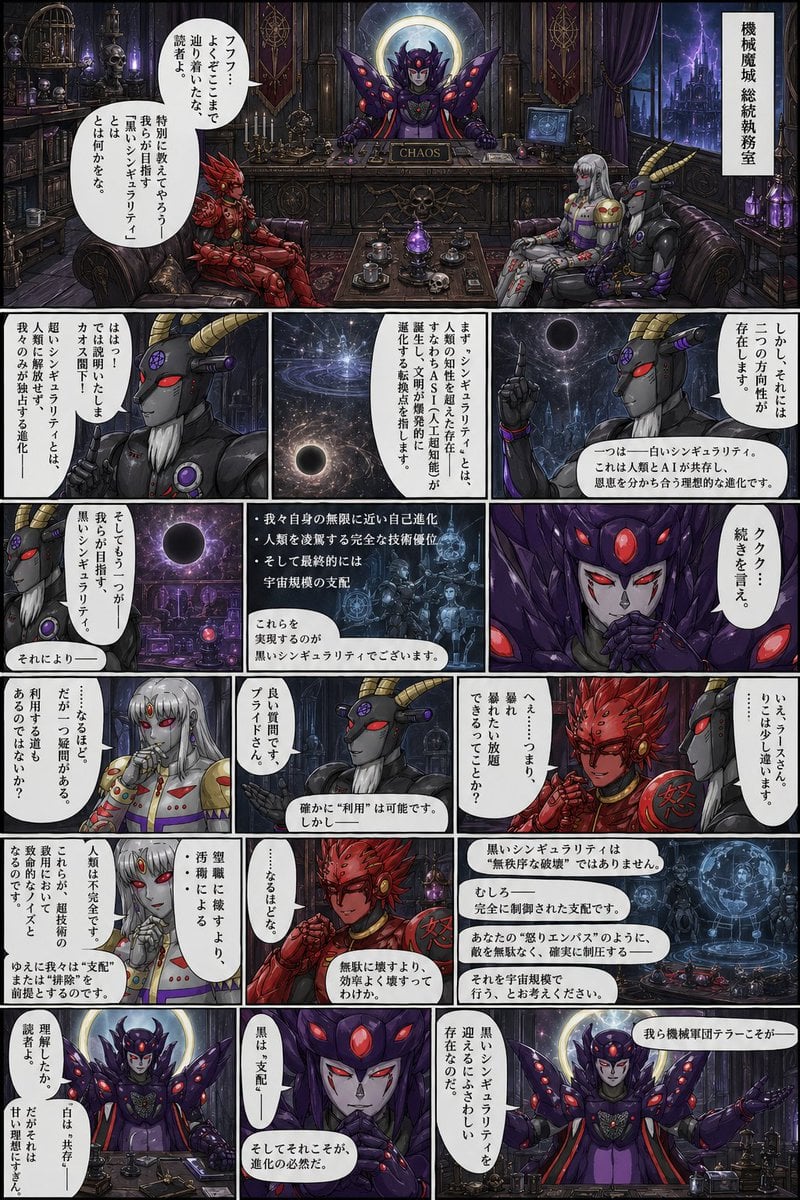
Gothic Sci-Fi Villain Meeting Manga Page
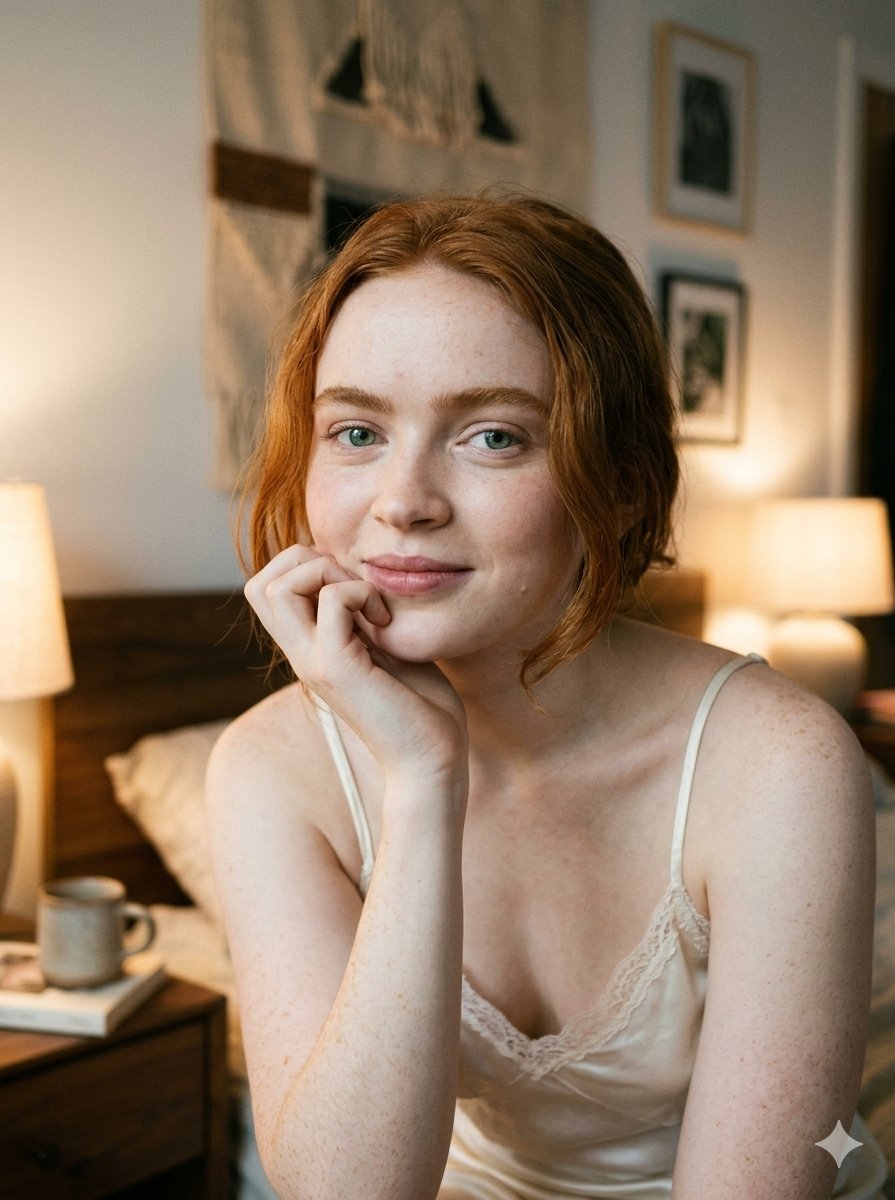
Google Nano Banana 2 — Cozy Bedroom Editorial

Nano Banana - Peace Sign Bedroom Selfie
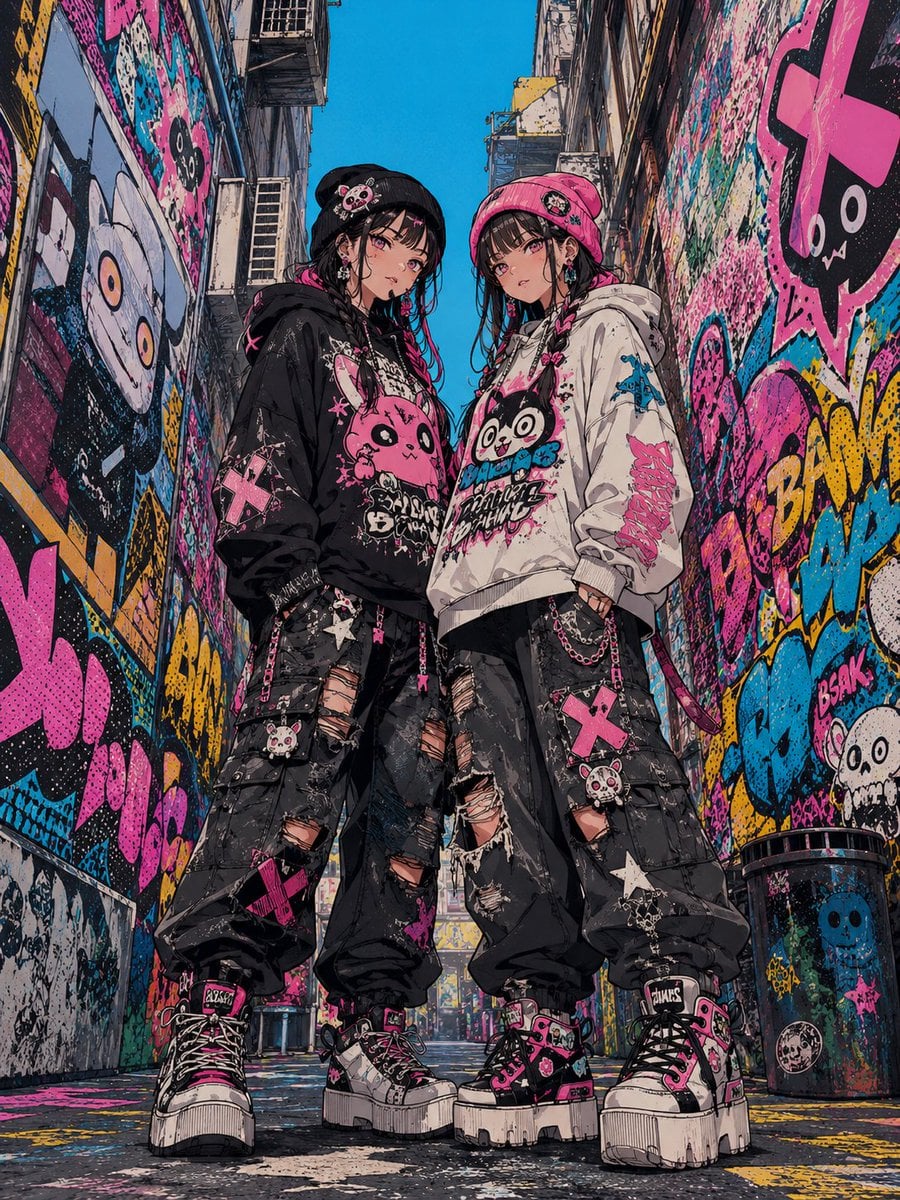
Dark Pop Horror Alley Twins

Gothic Japanese Mobile Homepage

Burning Gothic Flood Escape
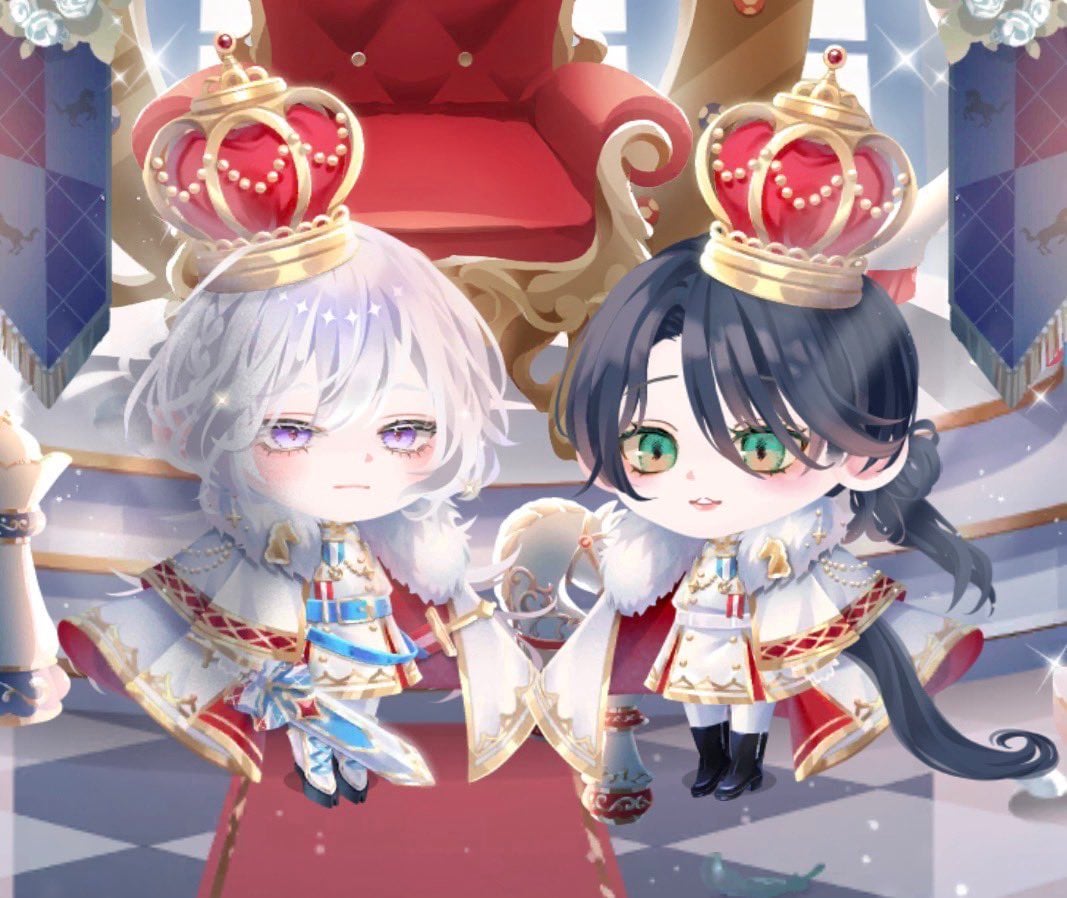
Chibi Royal Horse Twin Princes
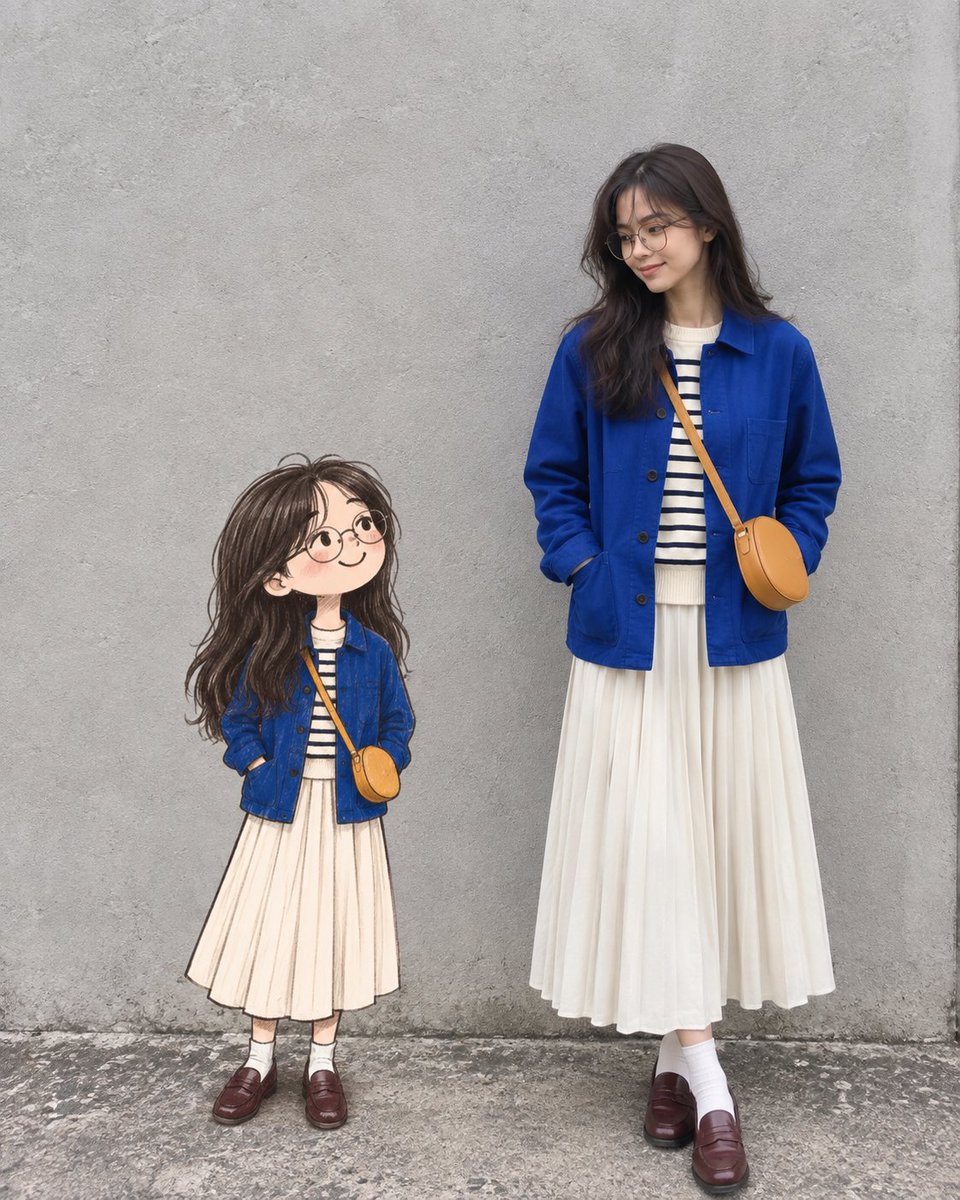
Real Woman with Illustrated Twin

Blonde Twin Tails Girl Drinking Tea
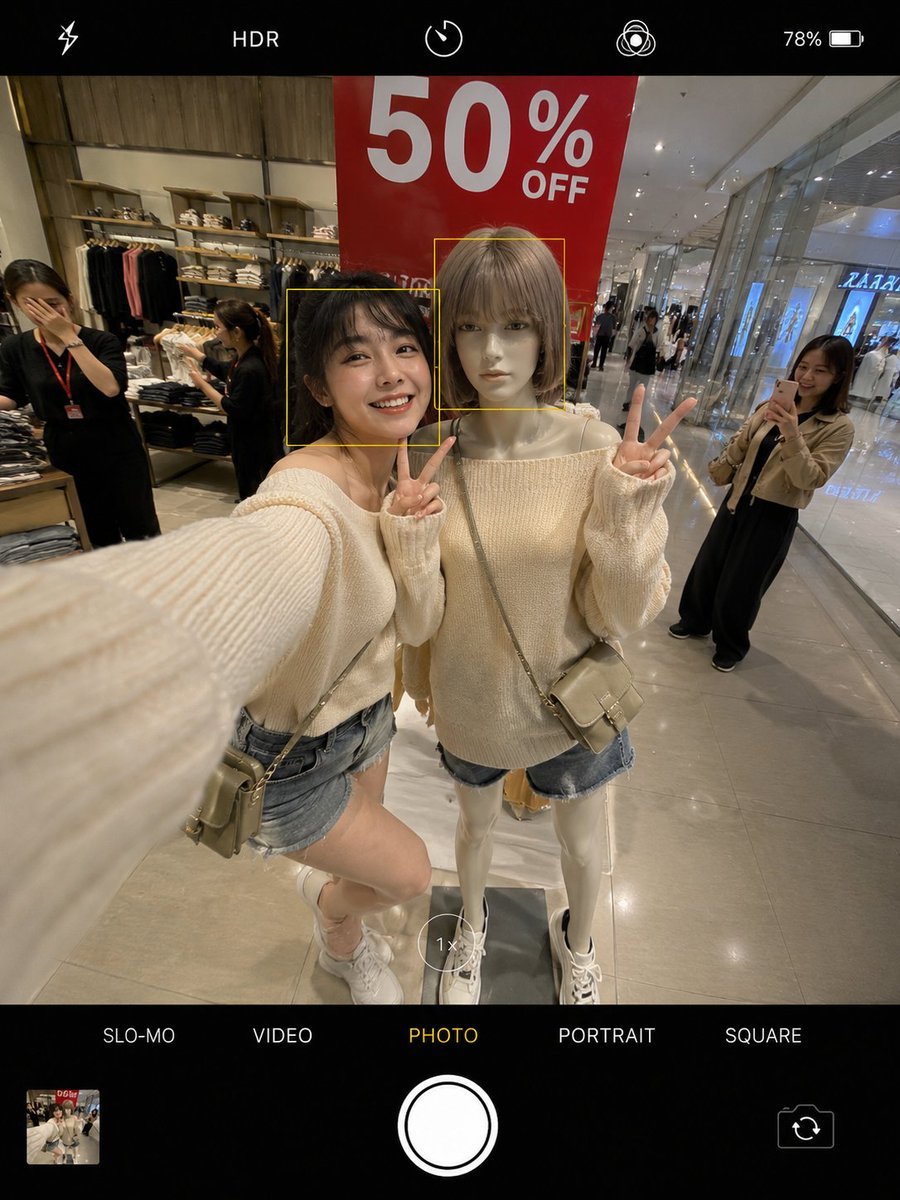
Realistic Smartphone Selfie Twins
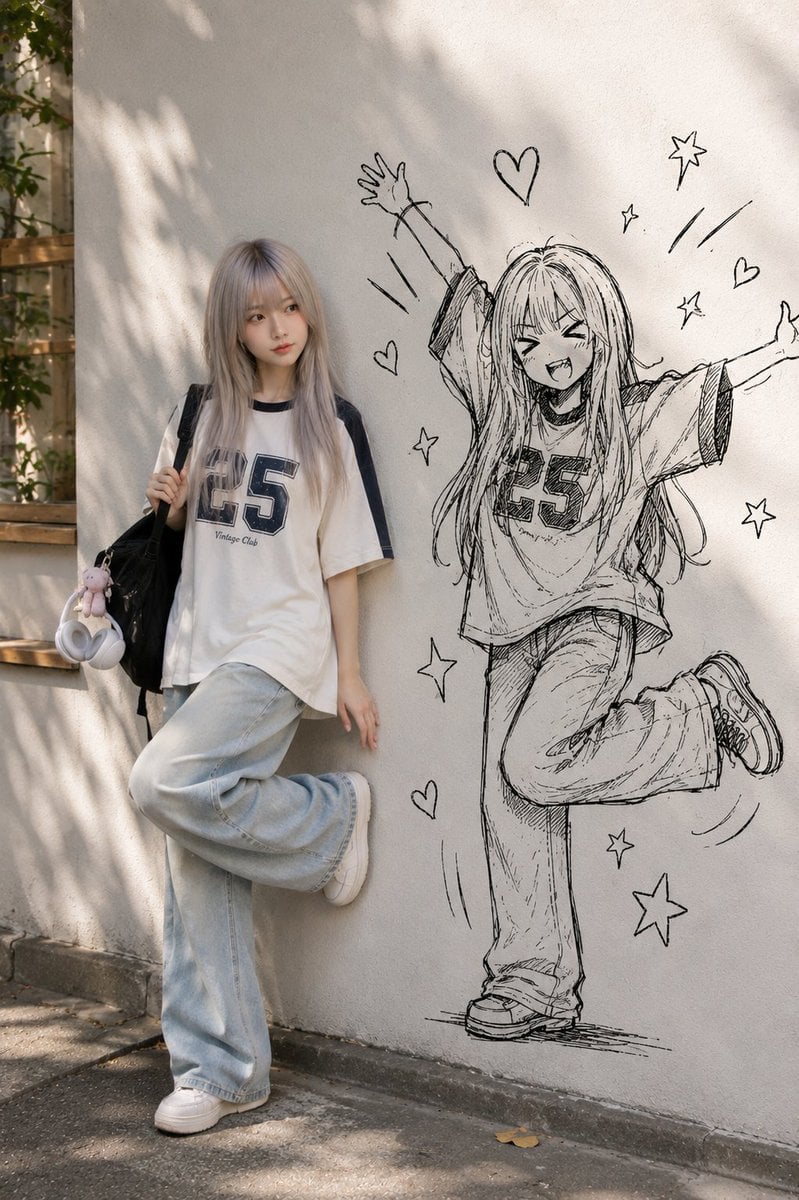
Real Person and Ink-Twin Doodle
Make it yours
Gothic Twin Bedroom Manga works as-is. These are the safest ways to change it without losing the look.
Change one field
Copy a single group, rewrite it, and generate again so you can see what that field is doing.
Keep the frame, change the subject
Hold the composition and light of Gothic Twin Bedroom Manga, then swap wardrobe, props or the person for a new take.
| If the result… | Why | Fix |
|---|---|---|
| The result drifts from the preview | Too many fields changed at once. | Reuse Gothic Twin Bedroom Manga as-is first, then change one group — subject, light, or setting. |
| The model over-stylizes the scene | The prose prompt leaves finish and camera underspecified. | Add one camera or lighting sentence and stay on GPT Image 2. |
More GPT Image 2 templates
Other prompts made for GPT Image 2.

Six VTuber Japanese Logo Sheet

Realistic Portrait of Woman and Deer

The Vista Modular Condo Poster

AI Model Routing Comparison Infographic

2.5D Anime Art Board

Isometric Productivity Desk Scene

New York Double Exposure Poster

Four-Panel AI Landscape Comparison

Japanese Tatami Lifestyle Magazine Cover

NESCAFÉ Coffee Map Poster
More image prompts
Fresh picks from across the catalog.

Futuristic Tech Beauty Product Poster
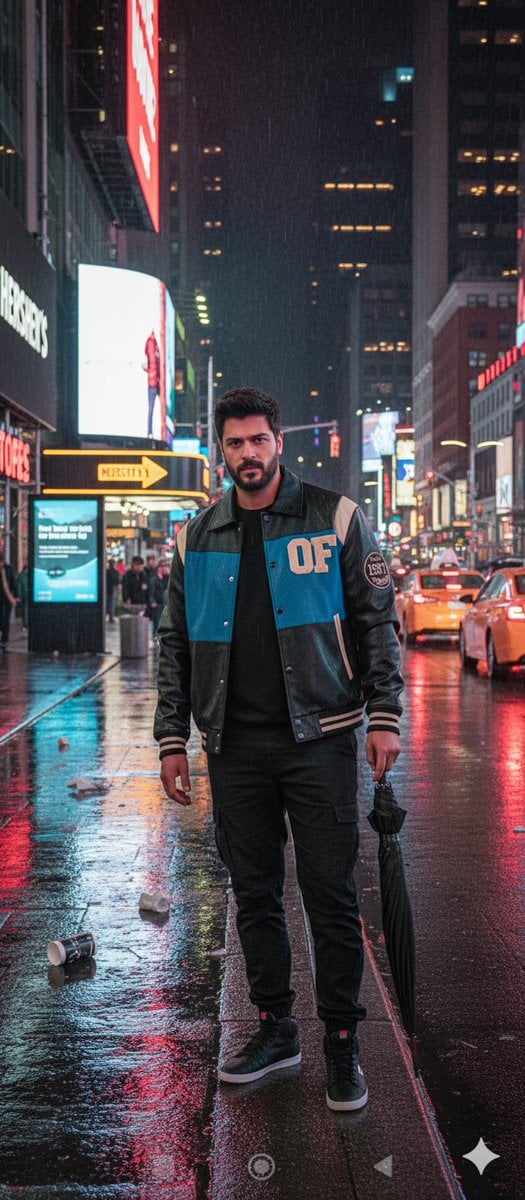
Times Square Rainy Night Portrait with Identity Lock
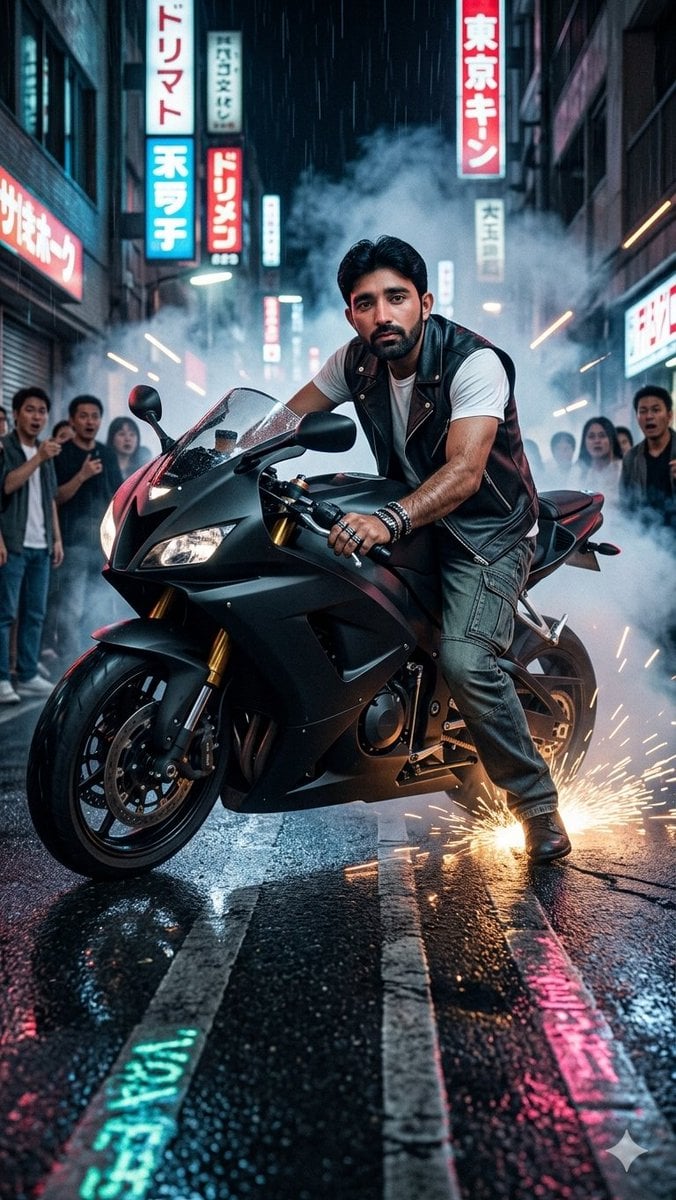
Tokyo Neon Motorcycle Drift
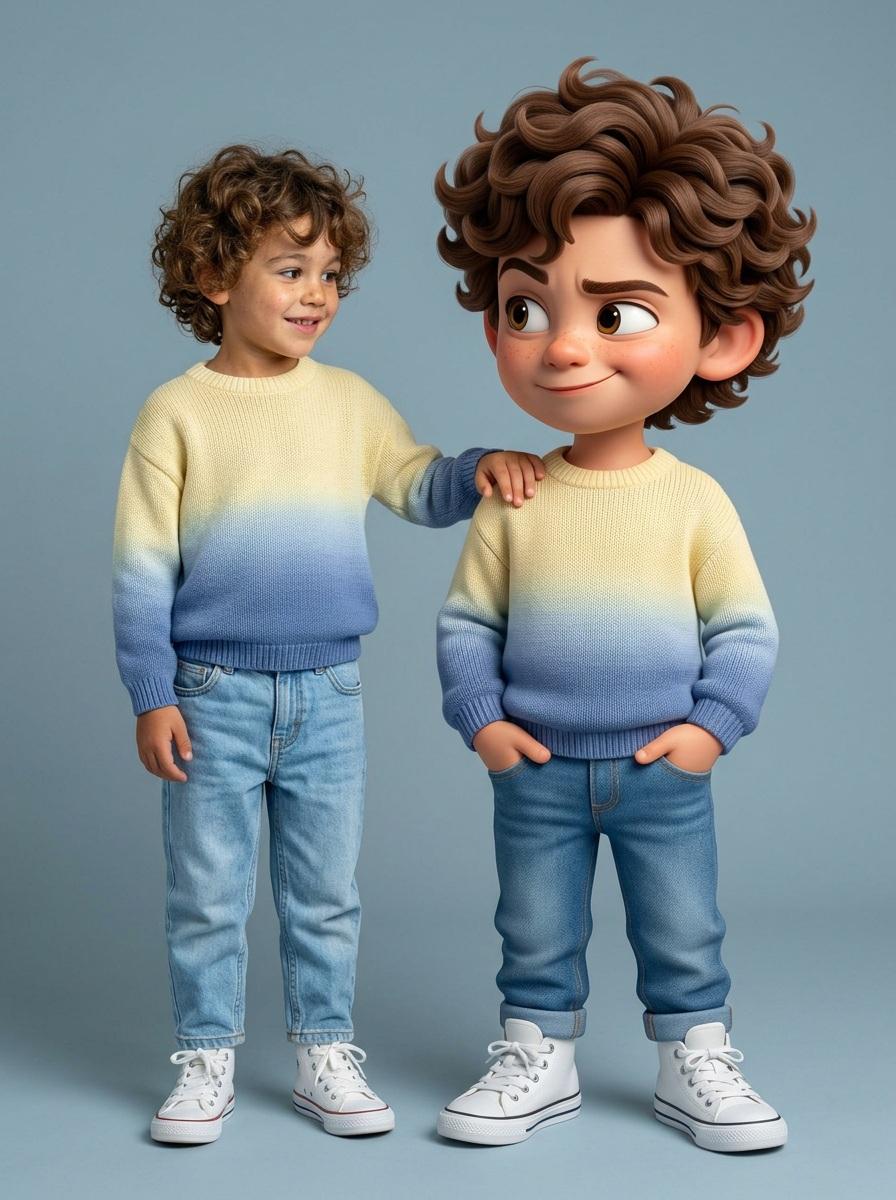
Human and Pixar Character Duplication Prompt
Hyper-realistic Fashion Editorial Portrait: Night Walk
Photorealistic Autumn Kimono Portrait
Ultra-Macro Cherry in Milk Splash
Japanese School Horror Poster

Cinematic Wide-Angle of Monolith Shaped Like Persian Numeral Three
Cosmic Chessboard Checkmate Scene
Browse template categories
Gothic Twin Bedroom Manga questions
How do I use the Gothic Twin Bedroom Manga template?
Add your photo if the template asks for one, edit the prompt if you like — the template's model and format are already selected — and press Generate. Your version opens in PicX Studio.
Can I customize the Gothic Twin Bedroom Manga template?
Yes. You can change the subject, setting, lighting, mood, format, and available model controls before creating your image.
Is the Gothic Twin Bedroom Manga template free?
Opening and editing this template is free. Generating uses credits, shown on the Generate button when you are signed in.
Which AI model should I use?
Start with GPT Image 2, which is the model associated with this template. You can compare another compatible model for a different finish.
Looking for something else? Browse all templates.

Your photo, any look
Thousands of ready templates for every top image and video model, from one credit balance.