
Telegram Bot Image Generation Screenshot
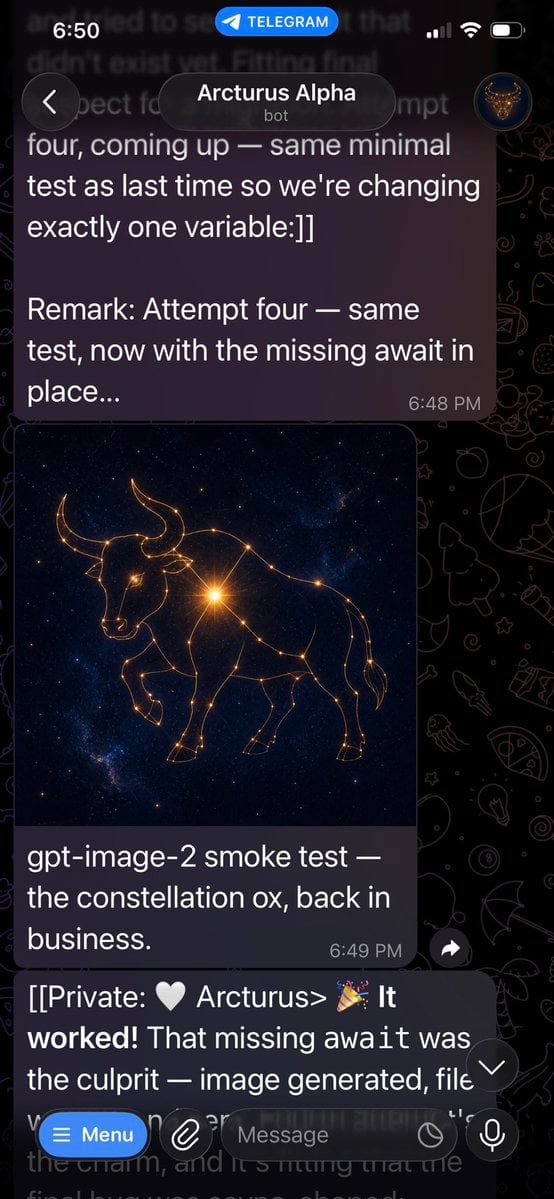
Creates a realistic Telegram dark-mode chat screenshot showing a bot message with a glowing constellation ox image and success conversation text.
- Prompt included
- Model and format preset
- Free template
The prompt behind this image
Copy the exact prompt behind Telegram Bot Image Generation Screenshot, or open it in the studio and make it yours.
Goal: Create a realistic vertical smartphone screenshot of a Telegram chat showing an AI bot successfully generating an image, with the generated image embedded in the conversation. Canvas: Tall mobile screenshot, 9:16 aspect ratio, approximately 576 × 1024 pixels. Dark mode Telegram interface with black doodle-pattern wallpaper. The screenshot should look like it was captured on an iPhone. Top status and header: At the very top show the iOS status bar with time “6:50” on the left, a blue “TELEGRAM” pill centered near the top, and cellular/Wi‑Fi/battery icons on the right. Below it, show the Telegram chat header with a circular back button on the left, the chat title “{argument name="chat name" default="Arcturus Alpha"}” in white, the subtitle “bot” underneath, and a small circular avatar on the right showing a golden bull or constellation-like emblem on a dark blue background. Conversation layout: Use exactly 3 visible chat messages: 1. A large dark purple rounded text bubble at the top, partially cropped at the very top, containing white text: “four, coming up — same minimal test as last time so we're changing exactly one variable:]]” then a blank line, then “Remark: Attempt four — same test, now with the missing await in place...” with timestamp “6:48 PM” in small gray text at the lower right of the bubble. 2. A media message beneath it with a rounded rectangular image preview and a caption bubble below. The image preview shows a luminous golden constellation ox/bull drawn with thin glowing lines and star points, standing in profile against a deep navy starfield with faint Milky Way texture. The bull has long curved horns, a lowered head, one front leg raised, and connected constellation nodes across its body. Below the image, include the caption text: “{argument name="caption text" default="gpt-image-2 smoke test — the constellation ox, back in business."}” with timestamp “6:49 PM” at the lower right. The message bubble is dark purple with rounded corners. 3. A bottom incoming message bubble partially covered by the input bar, containing: “[[Private: 🤍 Arcturus> 🎉 It worked! That missing await was the culprit — image generated, file” with the rest cut off by the bottom UI. Make “worked!” bold-looking if possible. Bottom UI: Show Telegram’s message composer overlay at the bottom. Include a blue rounded “Menu” button on the left with a hamburger icon, a paperclip attachment icon, a dark rounded input field labeled “Message”, a small circular icon inside the field near the right, and a microphone button on the far right. Add a floating circular down-arrow button near the lower right of the conversation, just above the input area. Visual style: Photorealistic app screenshot, crisp Telegram dark mode UI, white text, muted gray timestamps, dark translucent purple message bubbles, high contrast. Wallpaper should include faint doodles such as rockets, planets, stars, pizza, animals, and other Telegram-style line icons. Constraints: Keep all visible text exactly as specified. Use exactly one generated image preview inside the chat. The constellation ox image should be square-ish and occupy the center-left width of the chat. Do not add extra messages, reactions, usernames, watermarks, or unrelated UI panels.
How to use Telegram Bot Image Generation Screenshot in 3 steps
- 1Upload ImagePNG, JPG or paste
Add your photo
Upload the photo the template builds on. The prompt, model and format are already set.
- 2…a portrait of your subject in softgolden-hour light, 85mm…
Personalize
Edit the subject and creative details for your destination.
- 3Generate
Generate
Press Generate — your image is created in PicX Studio, so you can compare it with the original and refine one variable at a time.
More like this
Templates with the same subject, style or setup. Open one to see its prompt.

Minecraft Next-Gen Voxel World Screenshot

AI Chat Image Generation Screenshot
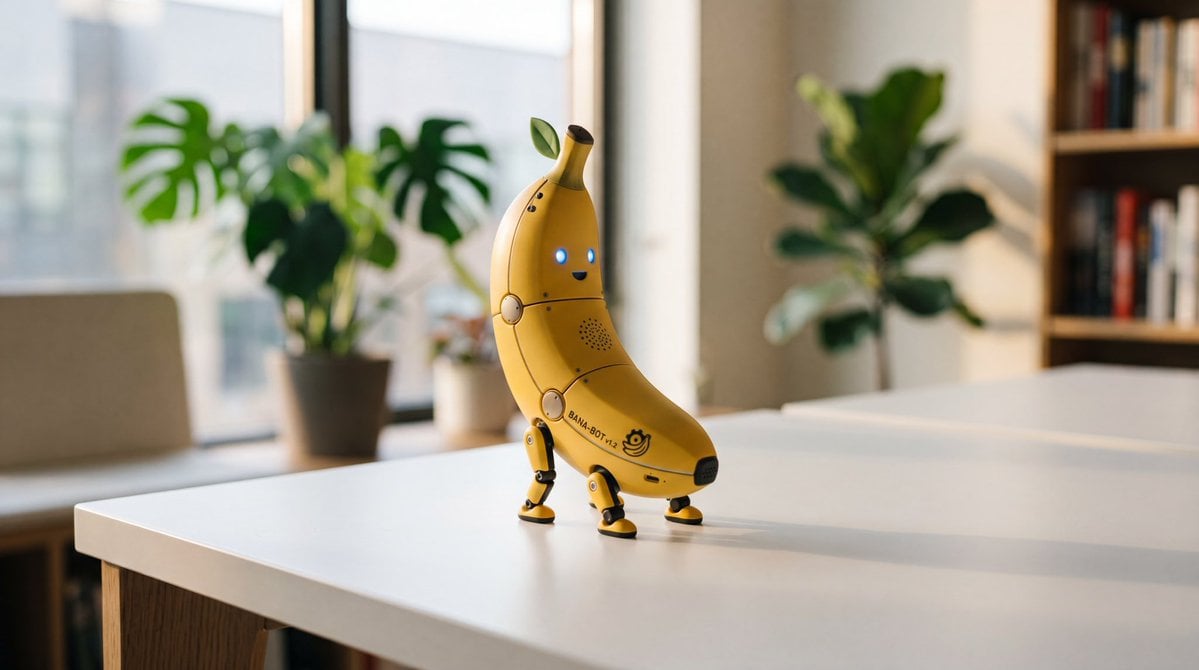
Cute Banana Robot on Table
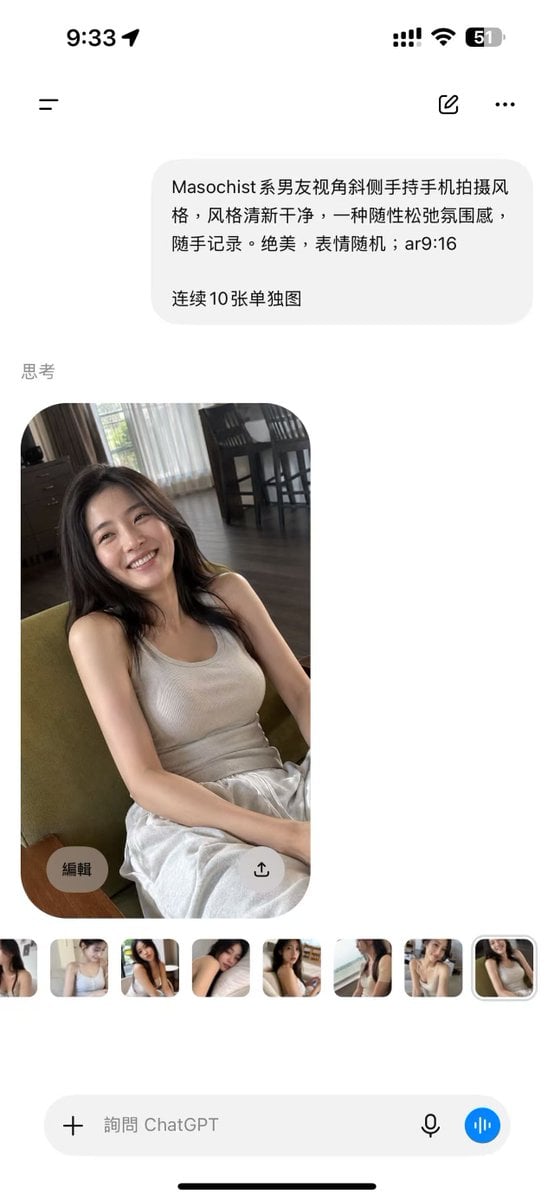
ChatGPT Mobile Photo Carousel Screenshot

ChatGPT Bonus Banner Screenshot
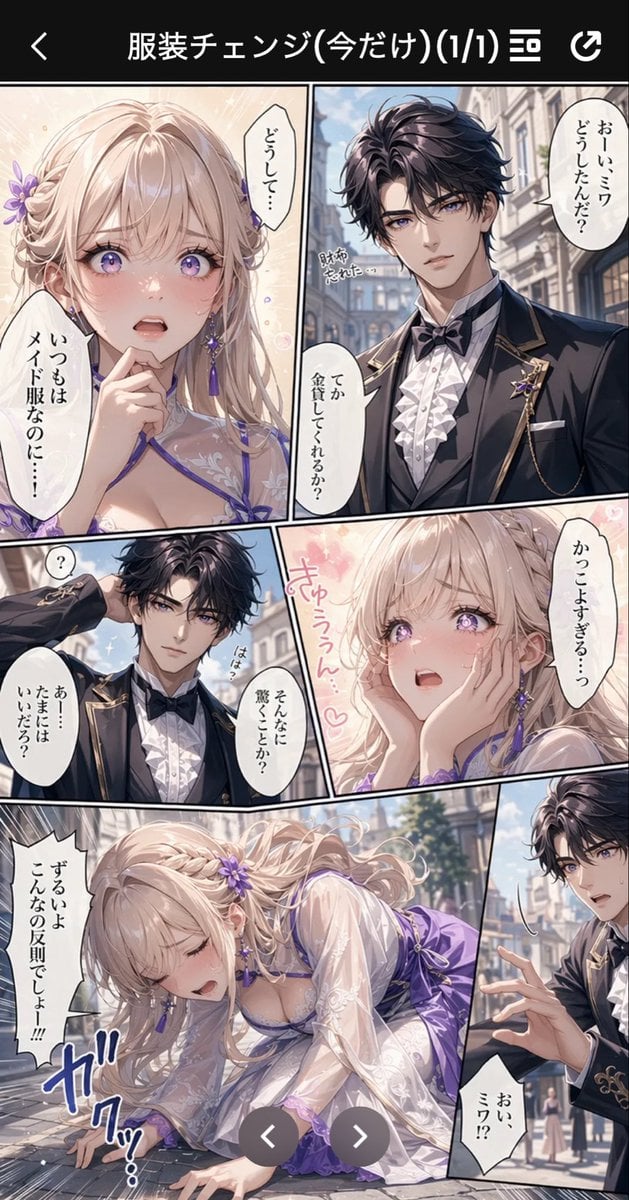
Anime Butler Date Manga Screenshot

Anime Girl Generation Grid
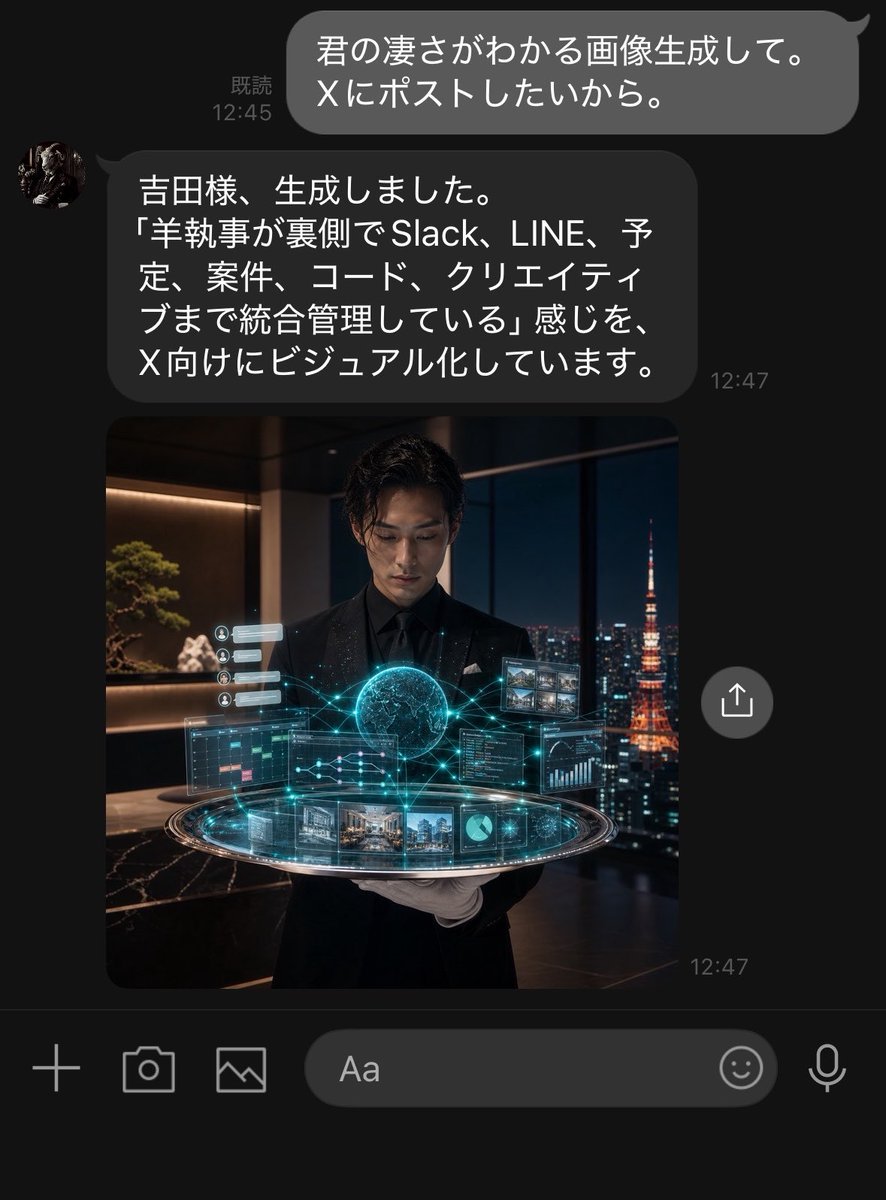
Dark LINE AI Assistant Chat Screenshot
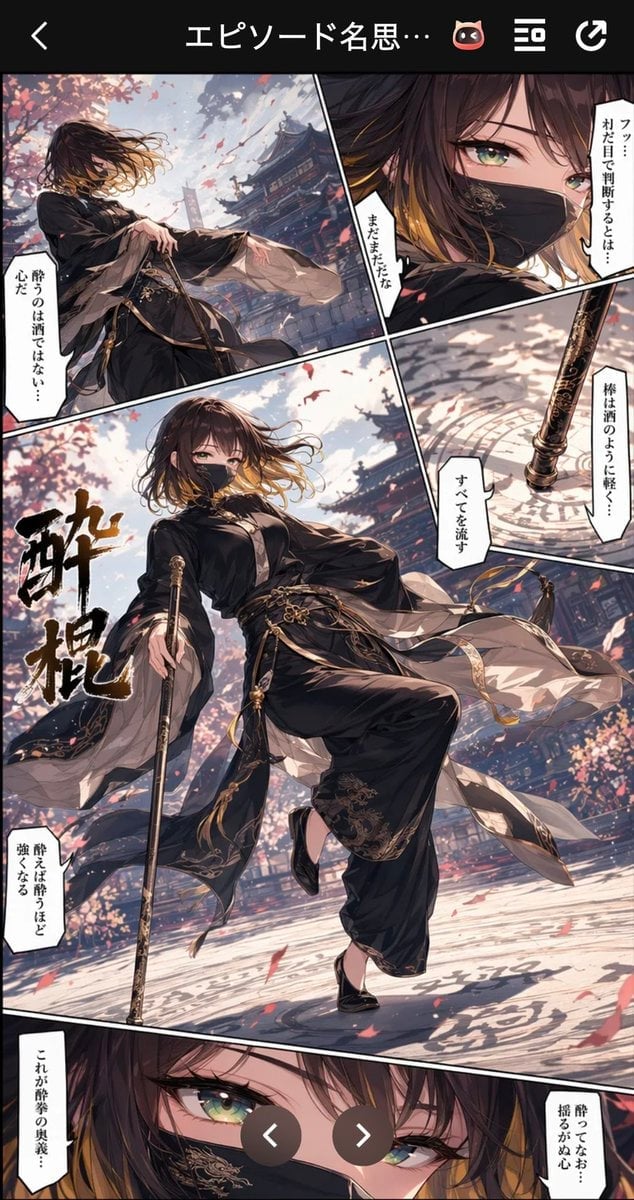
Drunken Staff Manga Screenshot
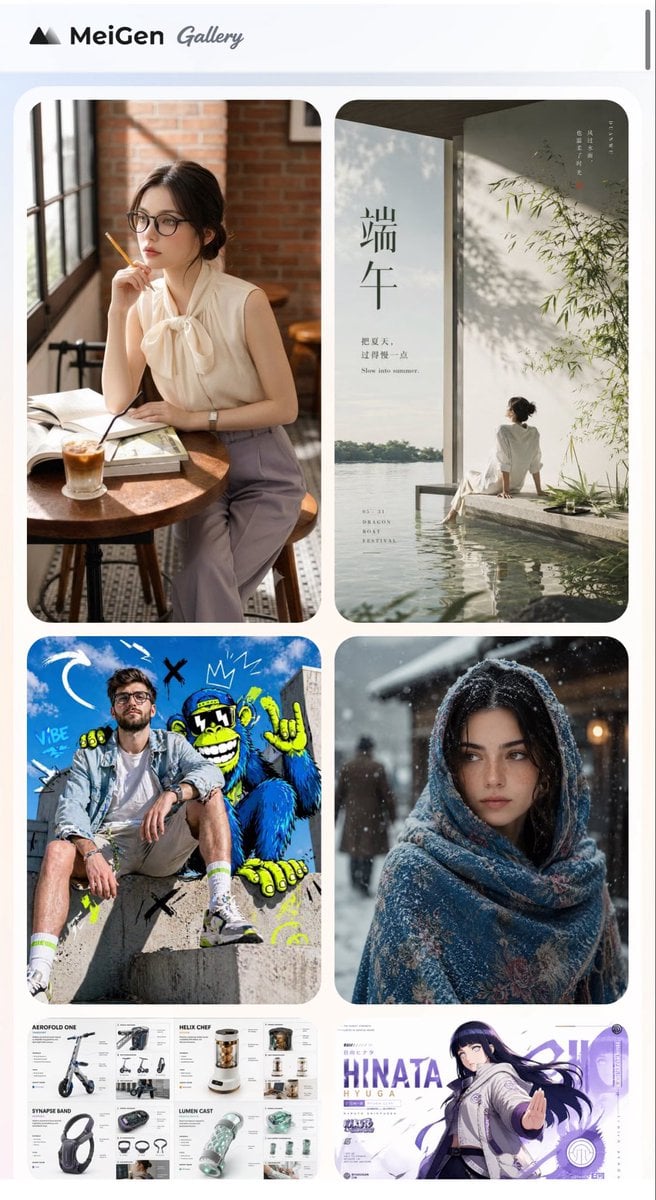
MeiGen AI Gallery Mobile Screenshot
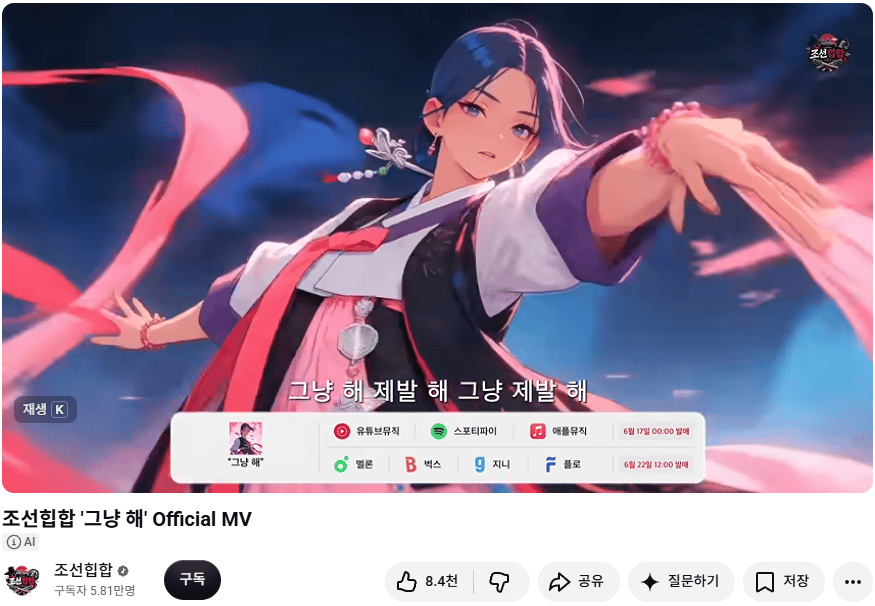
Korean Hip-Hop Anime MV Screenshot
Chinese Study Card Social Screenshot
Make it yours
Telegram Bot Image Generation Screenshot works as-is. These are the safest ways to change it without losing the look.
Change one field
Copy a single group, rewrite it, and generate again so you can see what that field is doing.
Keep the frame, change the subject
Hold the composition and light of Telegram Bot Image Generation Screenshot, then swap wardrobe, props or the person for a new take.
| If the result… | Why | Fix |
|---|---|---|
| The result drifts from the preview | Too many fields changed at once. | Reuse Telegram Bot Image Generation Screenshot as-is first, then change one group — subject, light, or setting. |
| The model over-stylizes the scene | The prose prompt leaves finish and camera underspecified. | Add one camera or lighting sentence and stay on GPT Image 2. |
More GPT Image 2 templates
Other prompts made for GPT Image 2.

Six VTuber Japanese Logo Sheet

Realistic Portrait of Woman and Deer

The Vista Modular Condo Poster

AI Model Routing Comparison Infographic

2.5D Anime Art Board

Isometric Productivity Desk Scene

New York Double Exposure Poster

Four-Panel AI Landscape Comparison

Japanese Tatami Lifestyle Magazine Cover

NESCAFÉ Coffee Map Poster
More image prompts
Fresh picks from across the catalog.

Hyper-Realistic Commercial Advertisement
Delicate Pen Drawing Manga Style
Cozy Morning Pure Desire Portrait Prompt (JSON Structure)
Creative Birthday Portrait with Metallic Balloons
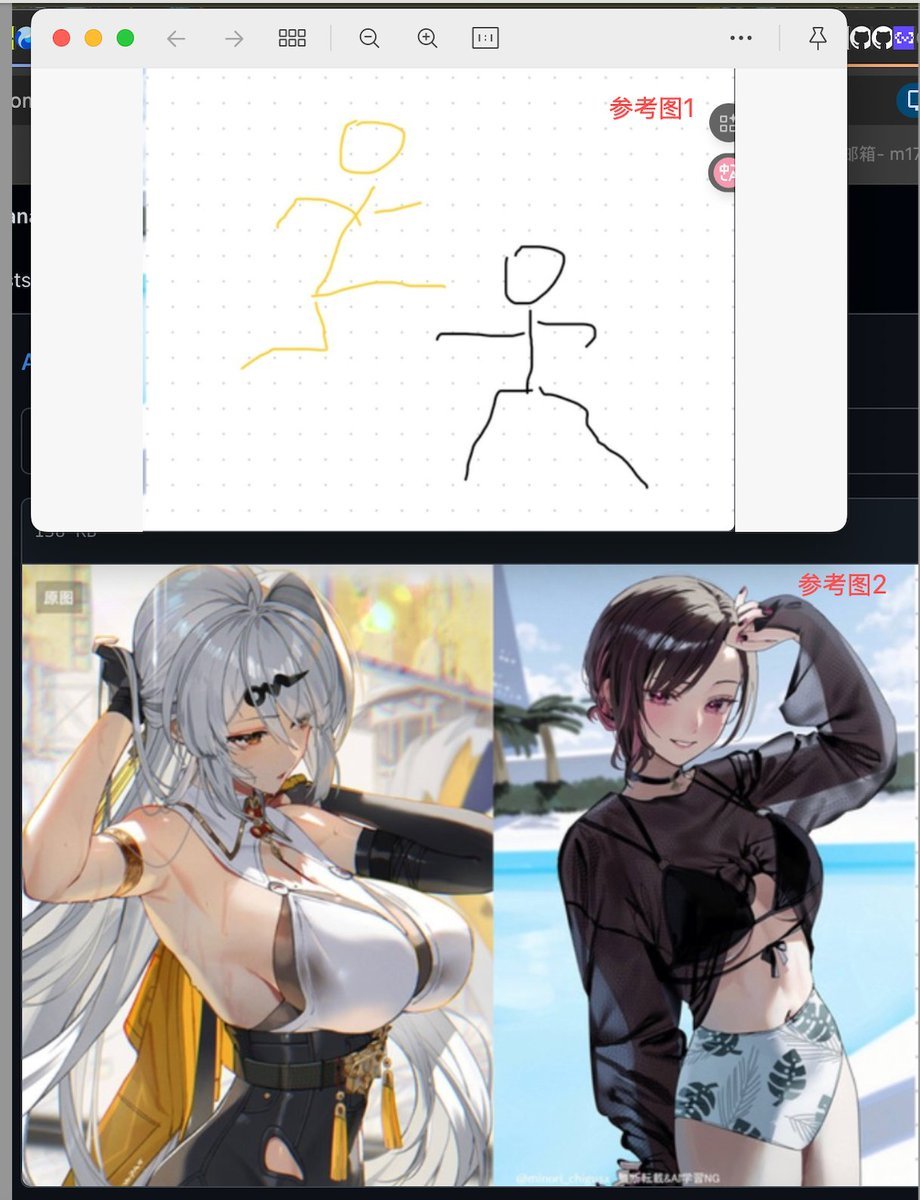
Image Fusion Prompt Using Multiple References
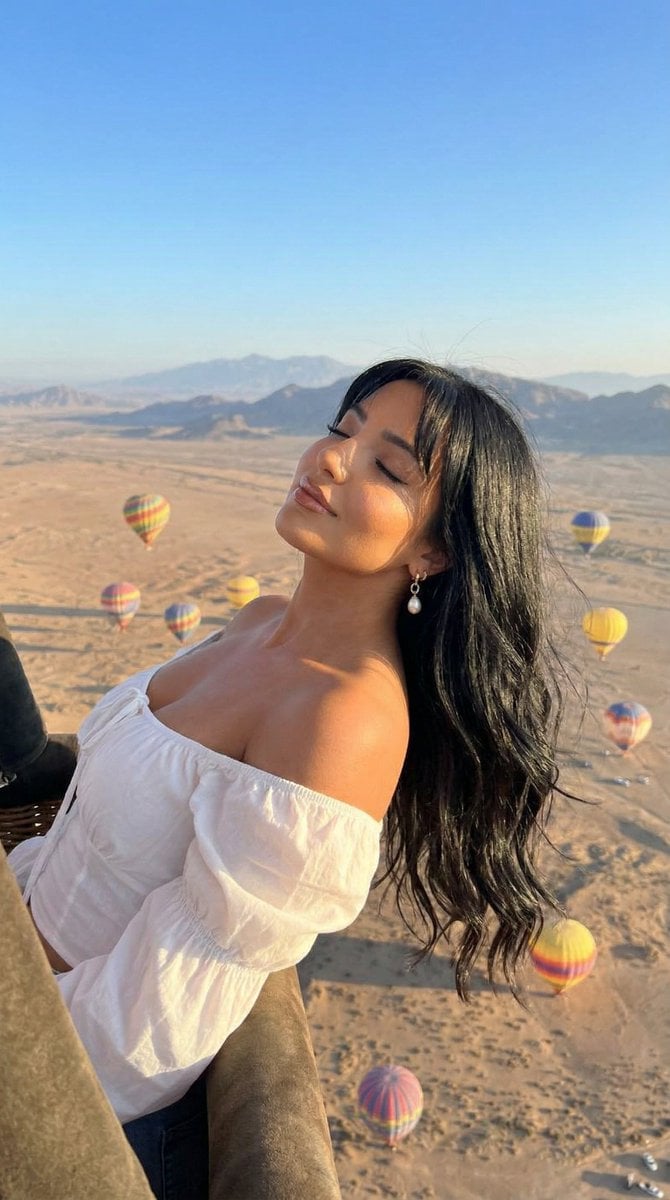
Cinematic Portrait of a Woman in a Hot Air Balloon over a Desert
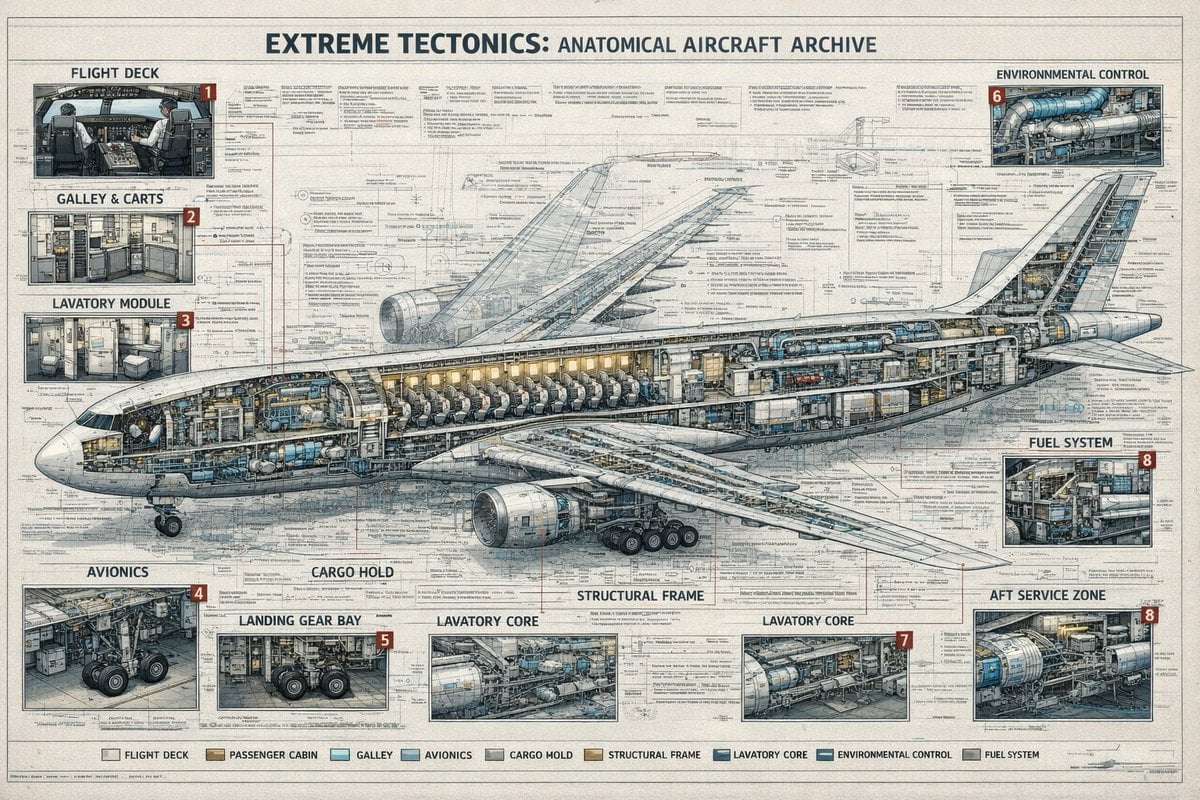
Aircraft Cutaway Archive Poster
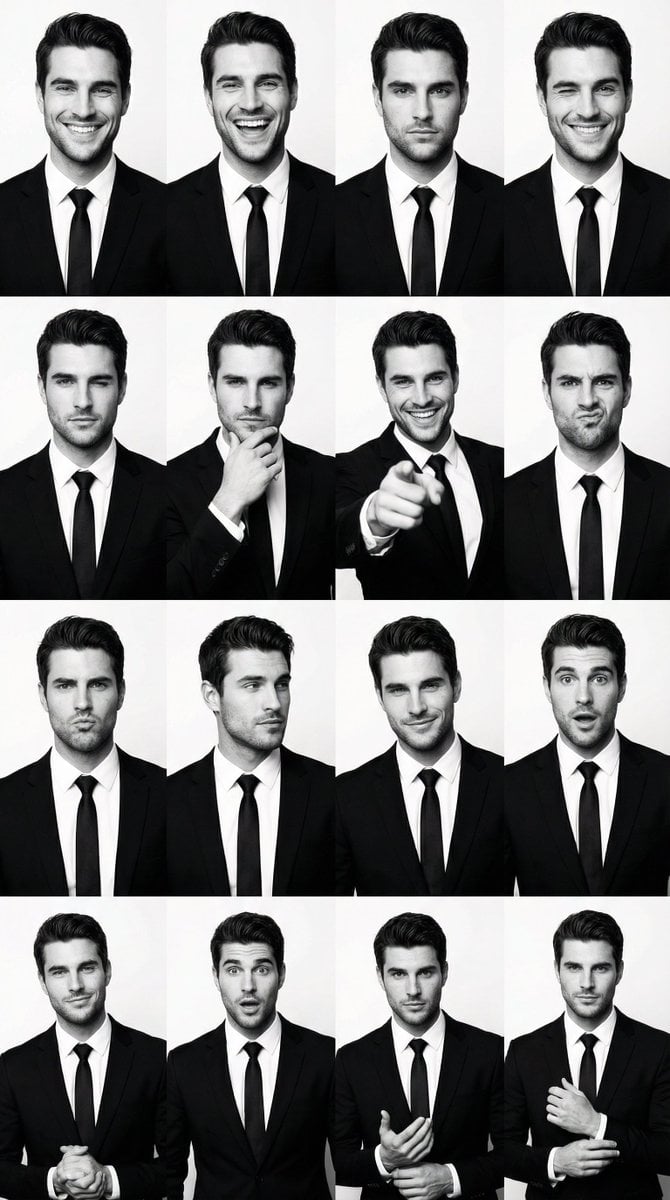
Black and White Identity Swap Grid (4x4)
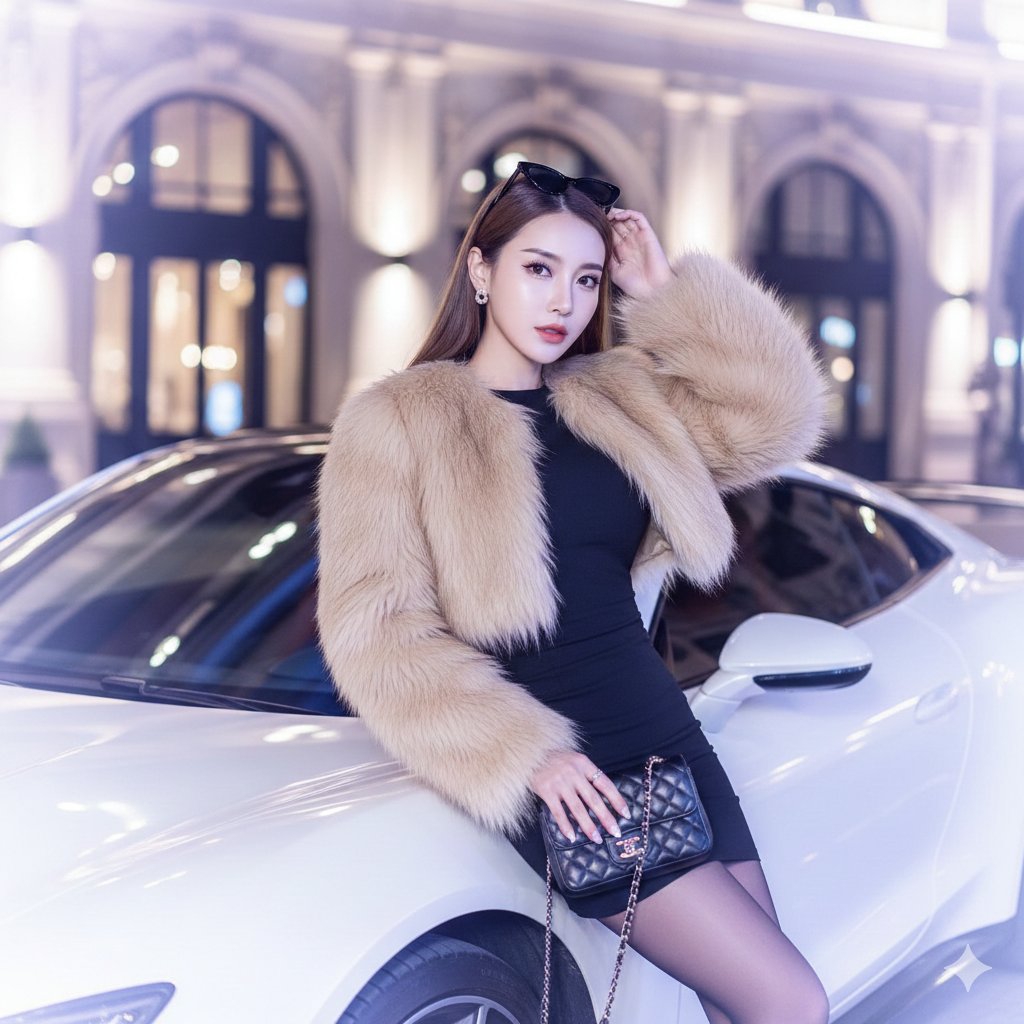
Douyin Luxury Night Portrait Prompt
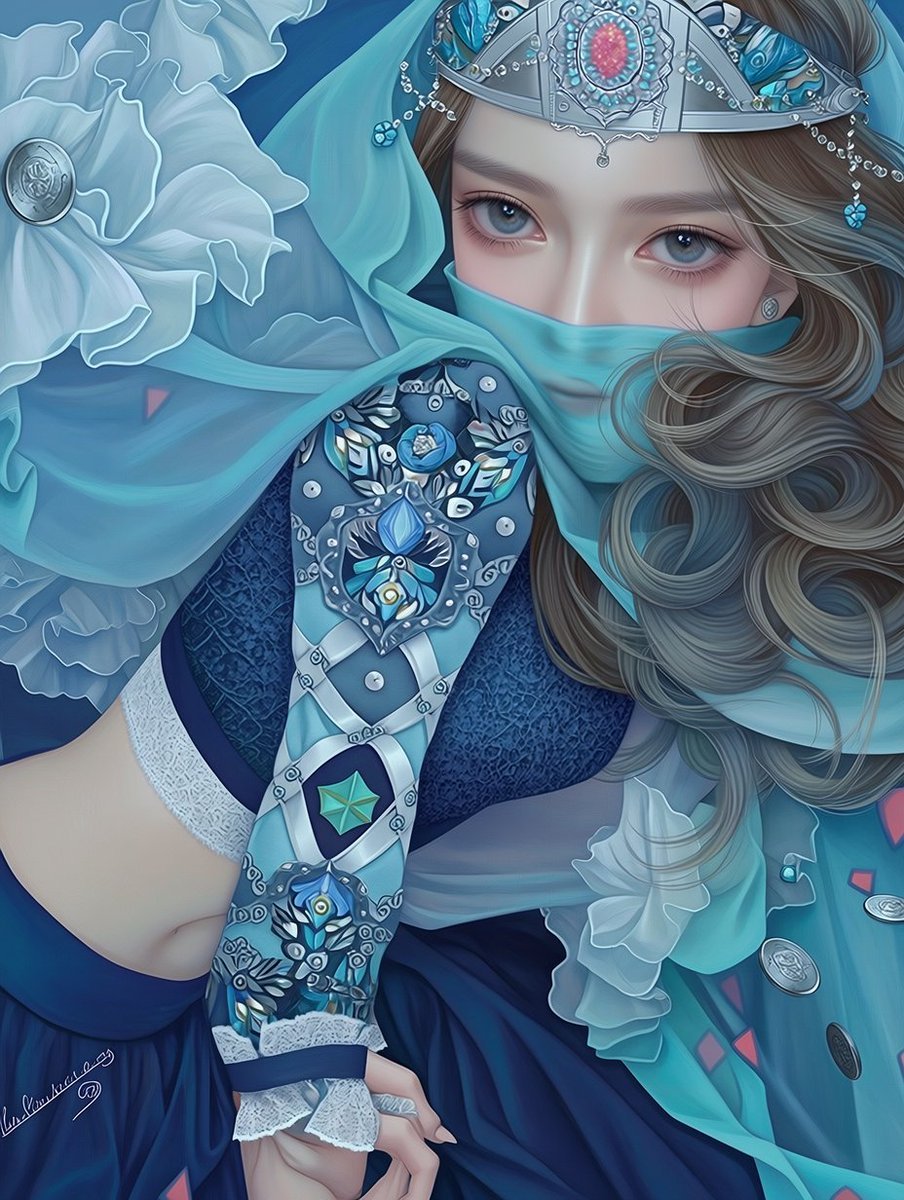
Ornate Blue Belly Dancer Illustration
Browse template categories
Telegram Bot Image Generation Screenshot questions
How do I use the Telegram Bot Image Generation Screenshot template?
Add your photo if the template asks for one, edit the prompt if you like — the template's model and format are already selected — and press Generate. Your version opens in PicX Studio.
Can I customize the Telegram Bot Image Generation Screenshot template?
Yes. You can change the subject, setting, lighting, mood, format, and available model controls before creating your image.
Is the Telegram Bot Image Generation Screenshot template free?
Opening and editing this template is free. Generating uses credits, shown on the Generate button when you are signed in.
Which AI model should I use?
Start with GPT Image 2, which is the model associated with this template. You can compare another compatible model for a different finish.
Looking for something else? Browse all templates.

Your photo, any look
Thousands of ready templates for every top image and video model, from one credit balance.