How do I use the Minimalist Event Flyer Design template?
Choose the primary action to open PicX Studio with the available template settings. Review the model and format, personalize the creative direction, and generate when ready.
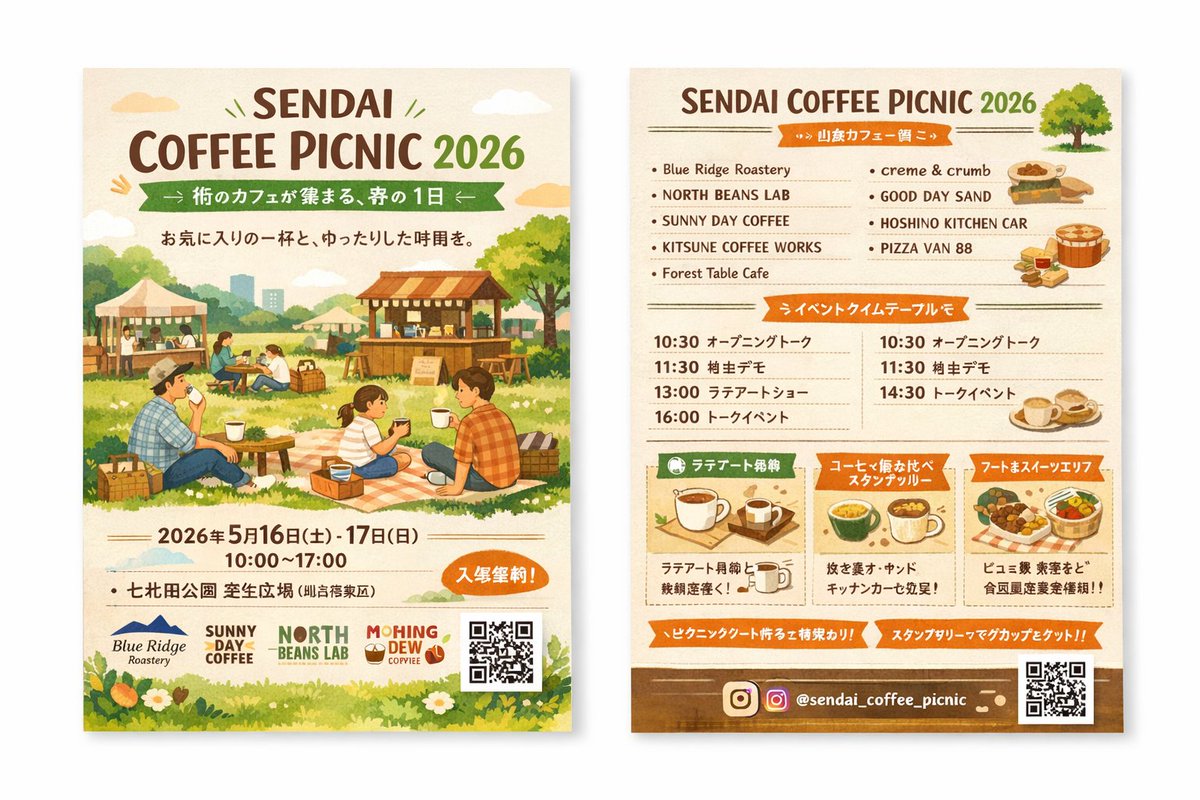
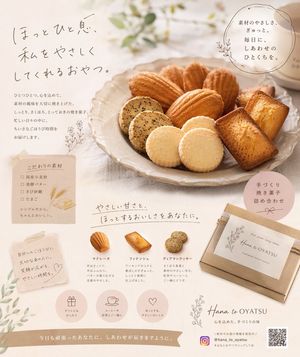
A structural prompt for generating clean, minimalist graphic flyers suitable for art exhibitions or modern design events, configured with layout parameters.
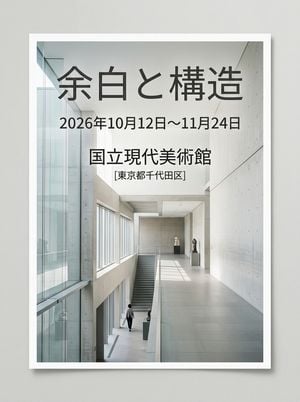
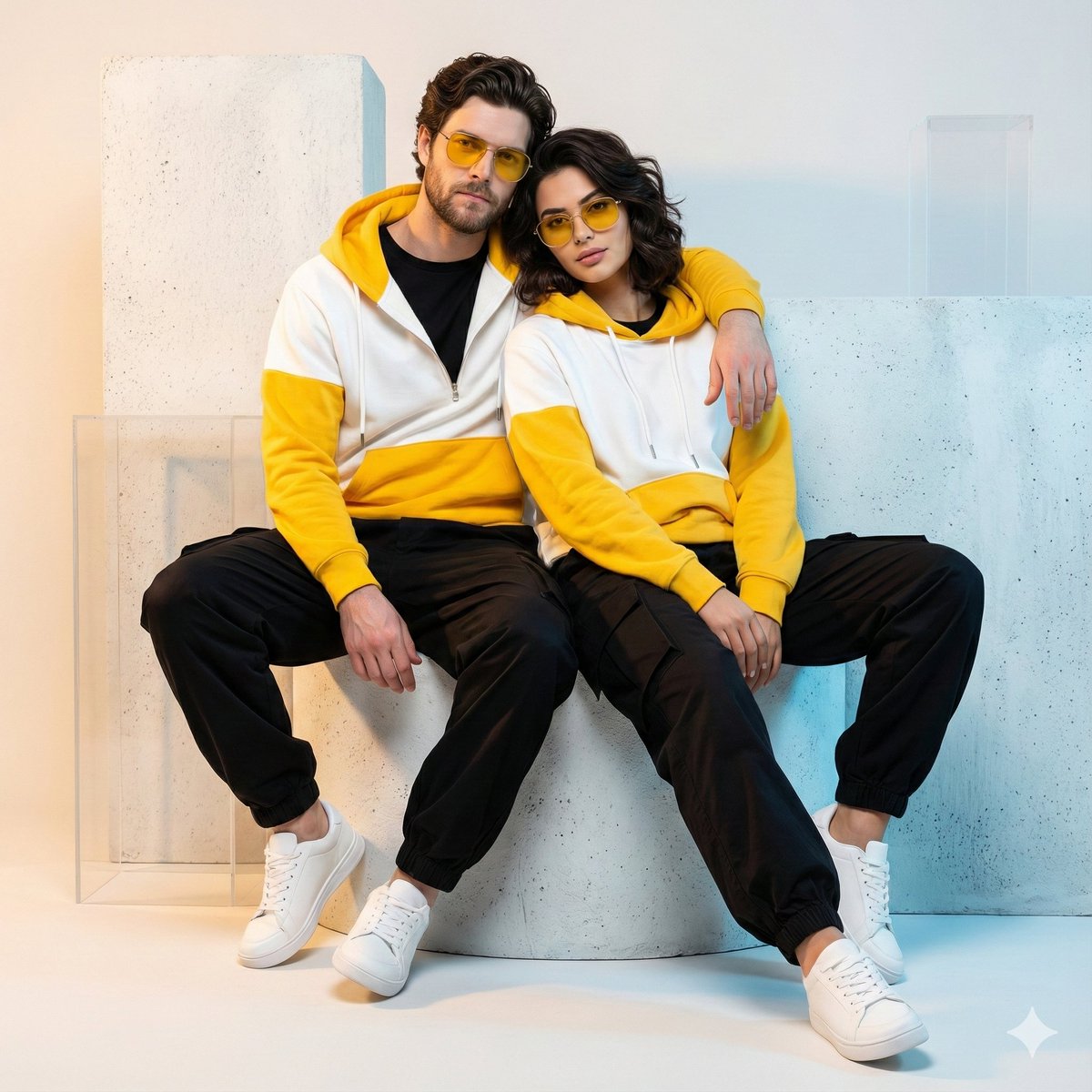
【イベント情報】 ・イベント名: {argument name="イベント名" default="余白と構造"} ・開催日時: {argument name="開催日時" default="2026年10月12日〜11月24日"} ・会場: {argument name="会場" default="国立現代美術館"} 【画質・演出・構図指定】 ・スタイル: 現代美術展や現代デザインイベントのポスター、クリーンでミニマルなエディトリアルレイアウト。 ・ビジュアル要素: 幾何学的で抽象的なアートオブジェ、またはコンクリートやガラスの建築空間を背景にした、静寂と知性を感じさせる美しい実写構成。 ・タイポグラフィの配置(GPT-image / Nano Banana Pro向け): 画面の余白部分に、{argument name="イベント名" default="余白と構造"}というイベント名、{argument name="開催日時" default="2026年10月12日〜11月24日"}という日付、{argument name="会場" default="国立現代美術館"}という会場情報が、洗練されたモダンなサンセリフフォントで美しくレイアウトされている。文字が画像全体の美しさを損なわず、調和している。 ・照明・色彩: 白を基調としたクリーンな空間、冷たい自然光とソフトな光のグラデーション、ニュートラルなトーンにアクセントカラー(例:ネイビーやダークグレー)。 【レイアウトおよび出力上の厳格な制約(必須)】 ・完成したデザインそのものを、画面全体いっぱいに出力してください。デザイン内部の背景やシーン描写(壁・空間・影など)は本文の指示に従って構いません。 ・禁止事項:完成ポスターを額縁に入れた写真、壁に貼った状態の写真、机や紙の上に置いたモックアップ写真、紙の縁の遠近の歪みやドロップシャドウ。 ・Output the finished flat 2D design itself, filling the entire canvas. Scene elements inside the design (walls, rooms, shadows) described above are allowed. Absolutely NO photo-of-a-poster mockups: no picture frames, no poster-on-wall or poster-on-desk shots, no perspective warp or drop shadow around the artwork's edges. ・アスペクト比: --ar 3:4
Choose the primary action to open PicX Studio with the available template settings. Review the model and format, personalize the creative direction, and generate when ready.
Yes. You can change the subject, setting, lighting, mood, format, and available model controls before creating your image.
This template is free to open and customize. Generation usage is shown in PicX Studio before you create.
Start with GPT Image 2, which is the model associated with this template. You can compare another compatible model for a different finish.
Follow a topic to a crawlable collection of related PicX Studio templates.