How do I use the NES BG Dot Art Conversion Prompt template?
Choose the primary action to open PicX Studio with the available template settings. Review the model and format, personalize the creative direction, and generate when ready.
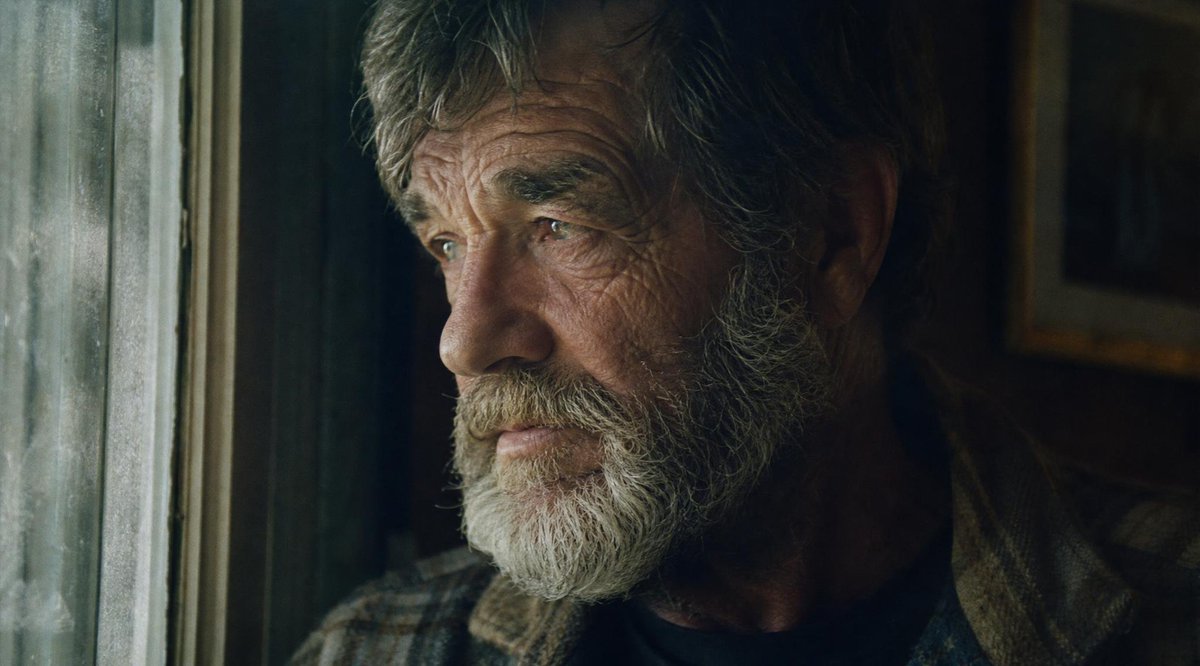
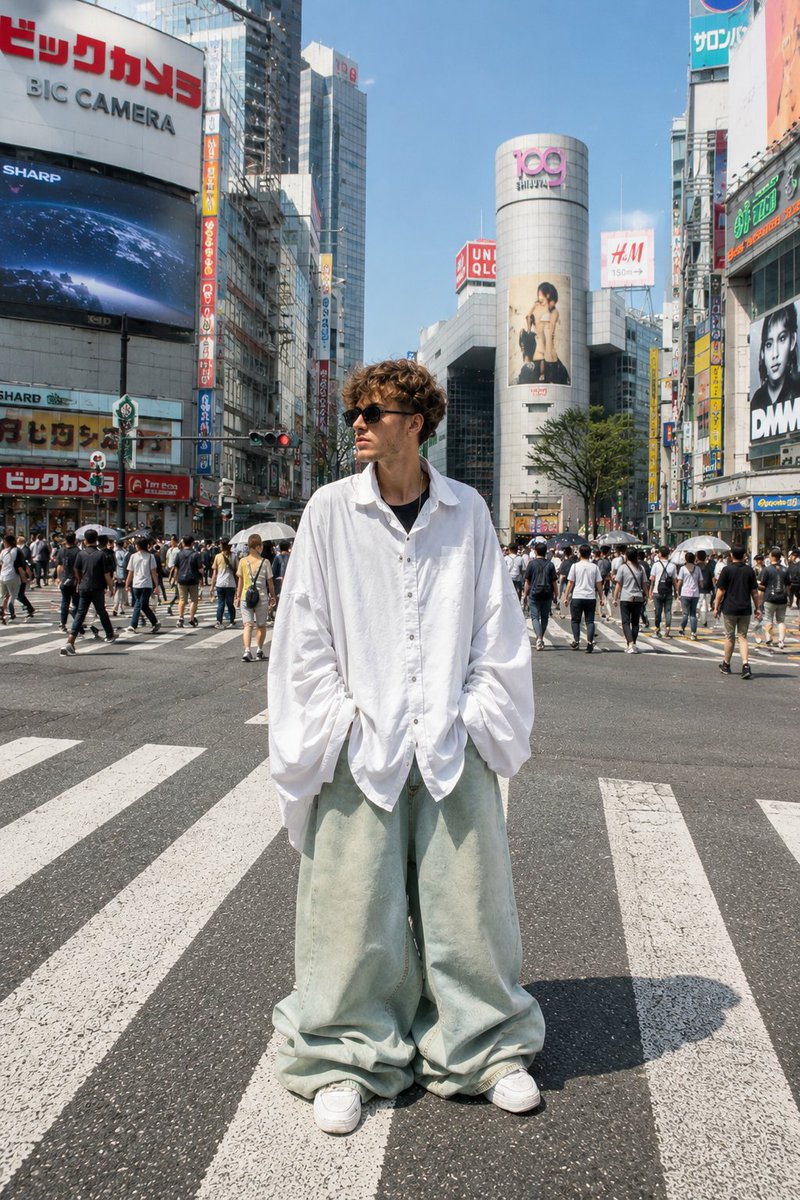
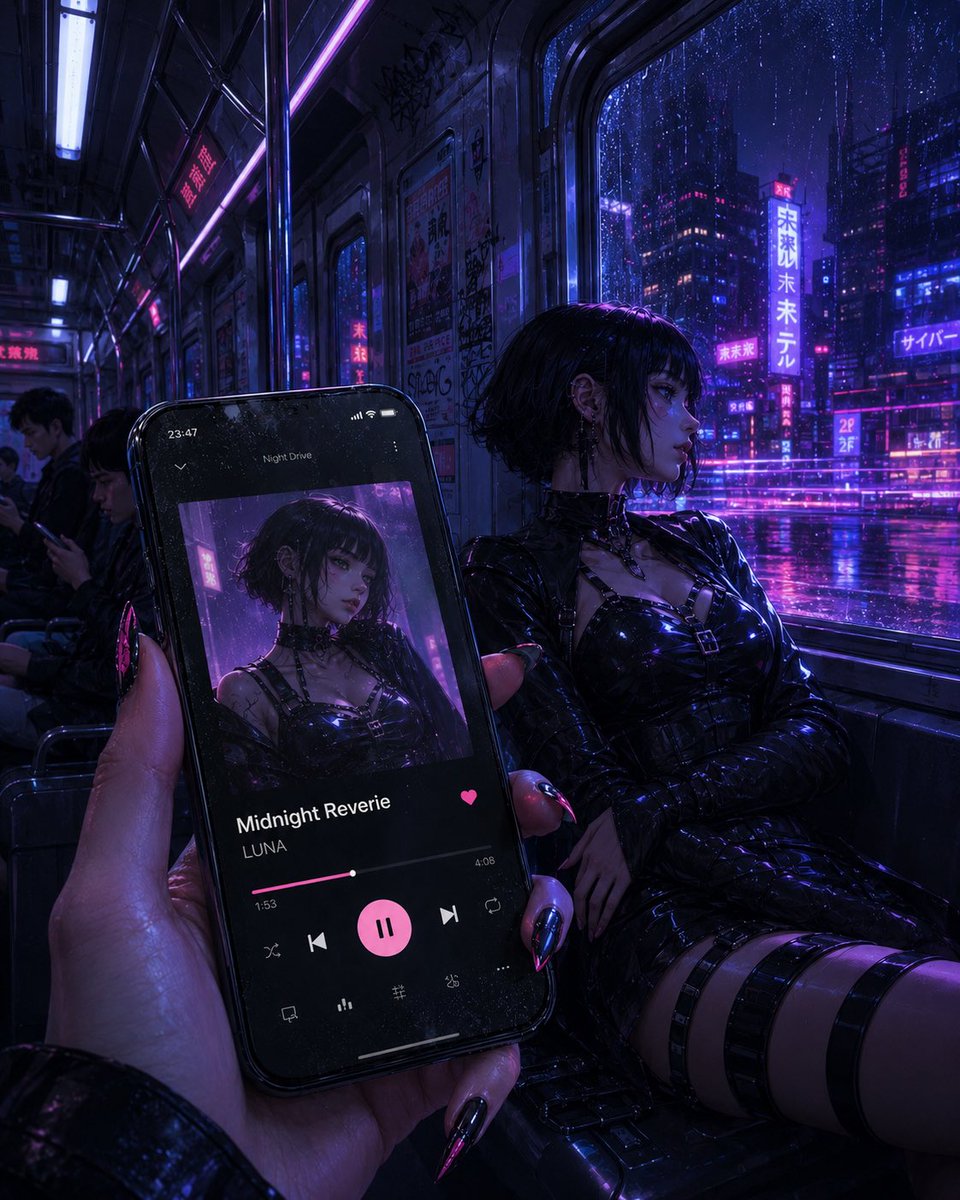
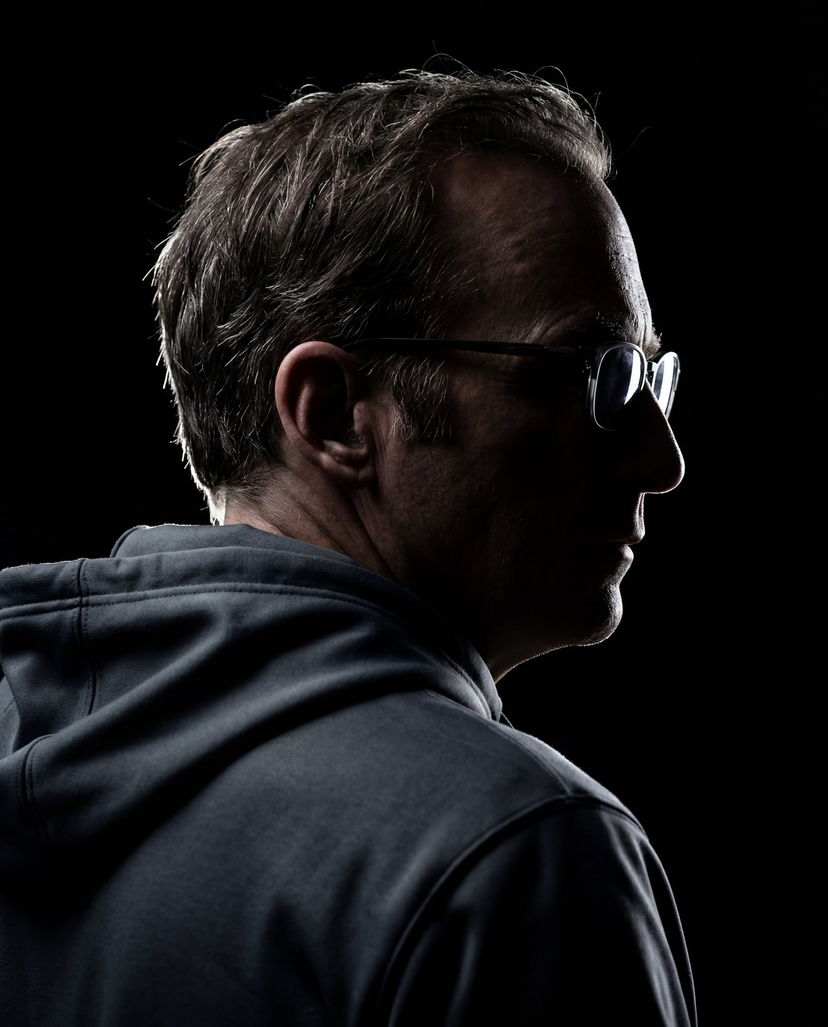
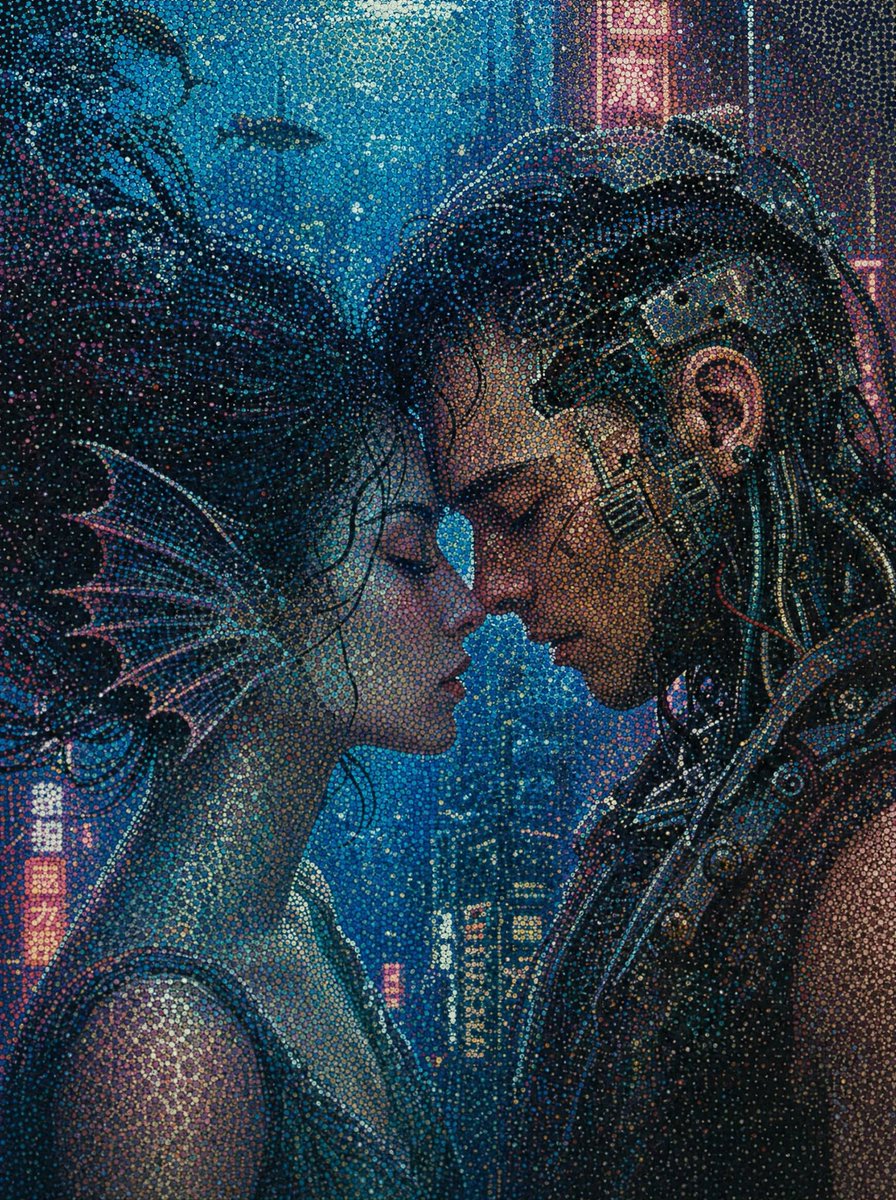
An extremely detailed, multi-step LLM prompt designed to convert any image into a background (BG) dot art image strictly adhering to the technical specifications and constraints of the Nintendo Entertainment System (NES) hardware, including resolution, color palettes, tile limits, and dithering techniques. Change the subject, setting, or lighting one variable at a time.

Choose the primary action to open PicX Studio with the available template settings. Review the model and format, personalize the creative direction, and generate when ready.
Yes. You can change the subject, setting, lighting, mood, format, and available model controls before creating your image.
This is a premium template. An entitled PicX Studio plan unlocks its protected prompt; the preview and guide remain public.
Start with Nano Banana 2, which is the model associated with this template. You can compare another compatible model for a different finish.
© 2026 PicX Studio. All rights reserved.

Follow a topic to a crawlable collection of related PicX Studio templates.
43,474 public templates available. Verified via the PicX Studio public templates API; refreshed hourly.














![Naive doodle-style subject illustration — A doodle-style {argument name="subject" default="[subject]"}, naive lines, humorous shape exaggeration](https://pbs.twimg.com/media/G6Wl2YxbsAARB2b.jpg)