How do I use the Ultra-Premium Minimalist Espresso Still Life template?
Choose the primary action to open PicX Studio with the available template settings. Review the model and format, personalize the creative direction, and generate when ready.
A prompt for generating an ultra-premium, minimalist still life photograph of a single espresso cup. Change the subject, setting, or lighting one variable at a time.
Ultra-premium minimalist still life photography of a single white porcelain espresso cup with a small right-side handle, filled with freshly extracted espresso that looks rich and delicious, featuring dense, velvety crema with a silky glossy surface, subtle natural swirl, golden-amber center fading into caramel-brown edges, fine micro-bubbles visible, warm and appetizing color depth. Seamless warm beige background with no visible surface, no table, no floor, no horizon line, background and ground merged into one clean plane. Strong hard controlled studio light from upper left with very low ambient fill, precisely highlighting the crema texture. The cup casts one single, clean, deep near-black shadow with smooth edges, no secondary or decorative shadows. Dramatic yet restrained chiaroscuro, slightly underexposed ambience, refined luxury editorial aesthetic, museum-grade composition, shallow depth of field, ultra-realistic textures, no people, no props, no text.
Choose the primary action to open PicX Studio with the available template settings. Review the model and format, personalize the creative direction, and generate when ready.
Yes. You can change the subject, setting, lighting, mood, format, and available model controls before creating your image.
This template is free to open and customize. Generation usage is shown in PicX Studio before you create.
Start with Nano Banana 2, which is the model associated with this template. You can compare another compatible model for a different finish.
© 2026 PicX Studio. All rights reserved.

Follow a topic to a crawlable collection of related PicX Studio templates.
43,474 public templates available. Verified via the PicX Studio public templates API; refreshed hourly.


![Soft Shadow Studio Minimalist Product Shot — Studio shot of [PRODUCT] placed on a [background], surrounded by soft shadows and gradient background, high-key lig](/_next/image?url=https%3A%2F%2Fcdn.picxstudio.com%2Fuploads%2Fmeigen_4280b03b1ce9_9630872f-a4e6-4dc6-88e5-1f48c266df73.jpg&w=828&q=100)



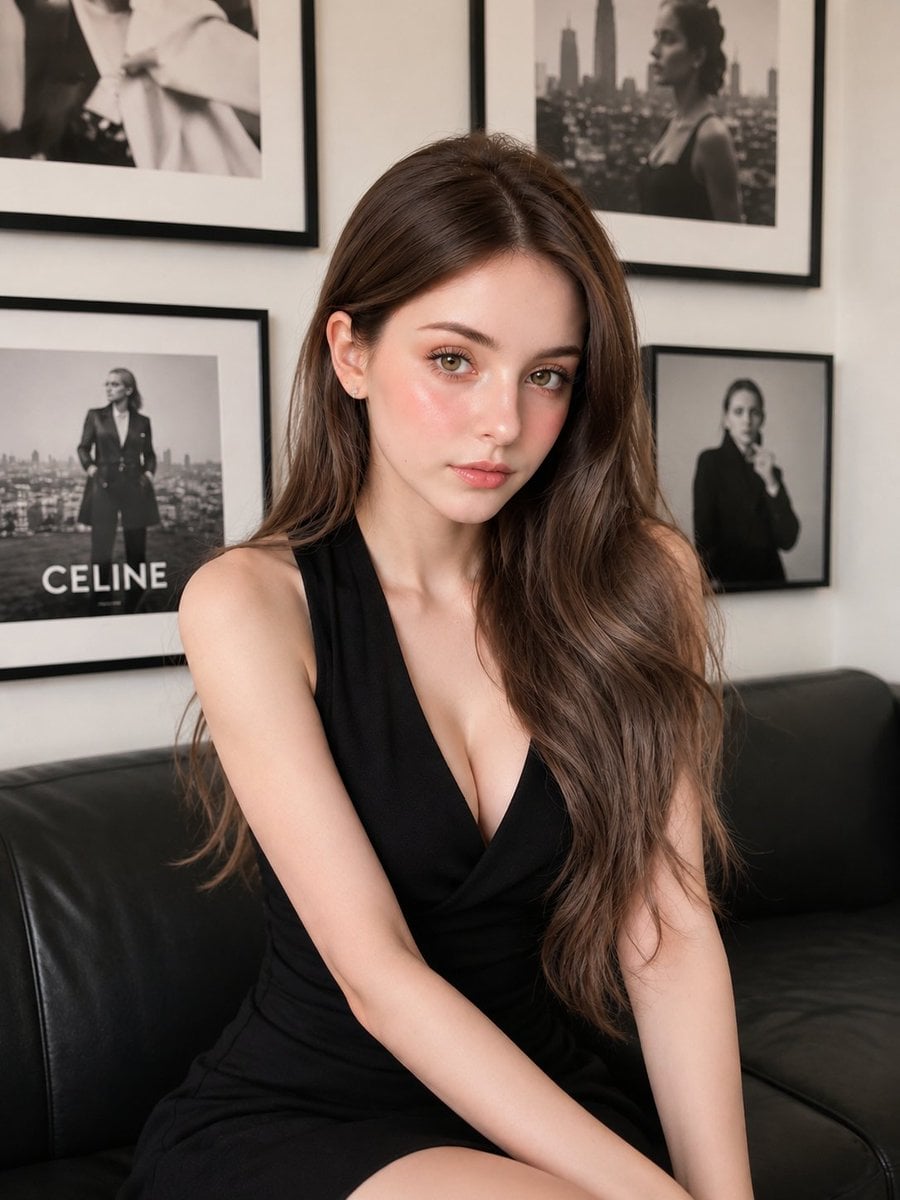

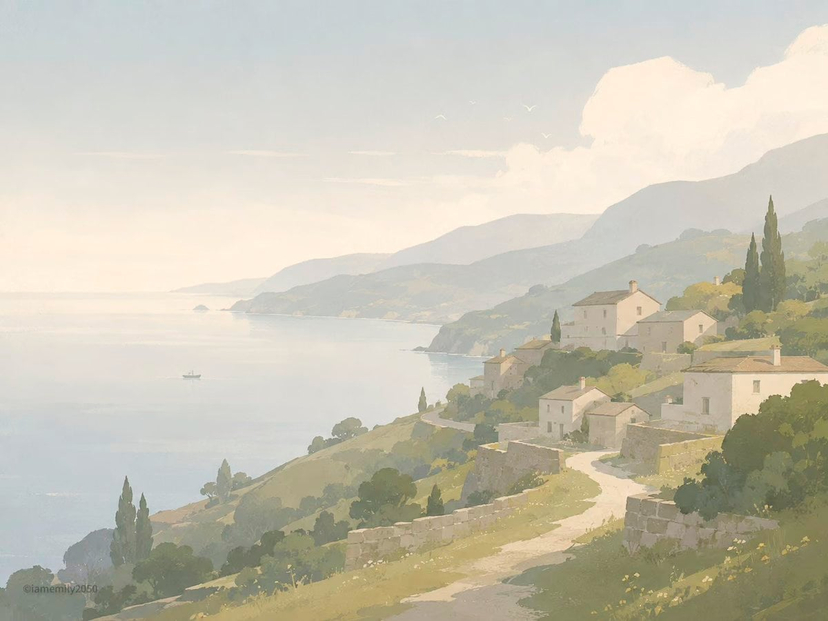
![Premium Vintage Travel Poster Landscape — Create a premium minimalist vintage travel poster of [Location], inspired by Japanese editorial illu…](/_next/image?url=https%3A%2F%2Fcdn.picxstudio.com%2Fuploads%2Fmeigen_8730118324ec_e61a3b48-264a-4c69-9094-980eecdf0e49.jpg&w=828&q=100)







![Minimalist Doodle Mixed-Media Product Campaign — [product setup], minimalist product photo, clean warm studio scene, textured beige wall background, soft direct](/_next/image?url=https%3A%2F%2Fcdn.picxstudio.com%2Fuploads%2Fmeigen_cf04788f201f_7748b3ec-da92-4e48-95ea-a9cb6dad1aba.jpg&w=828&q=100)
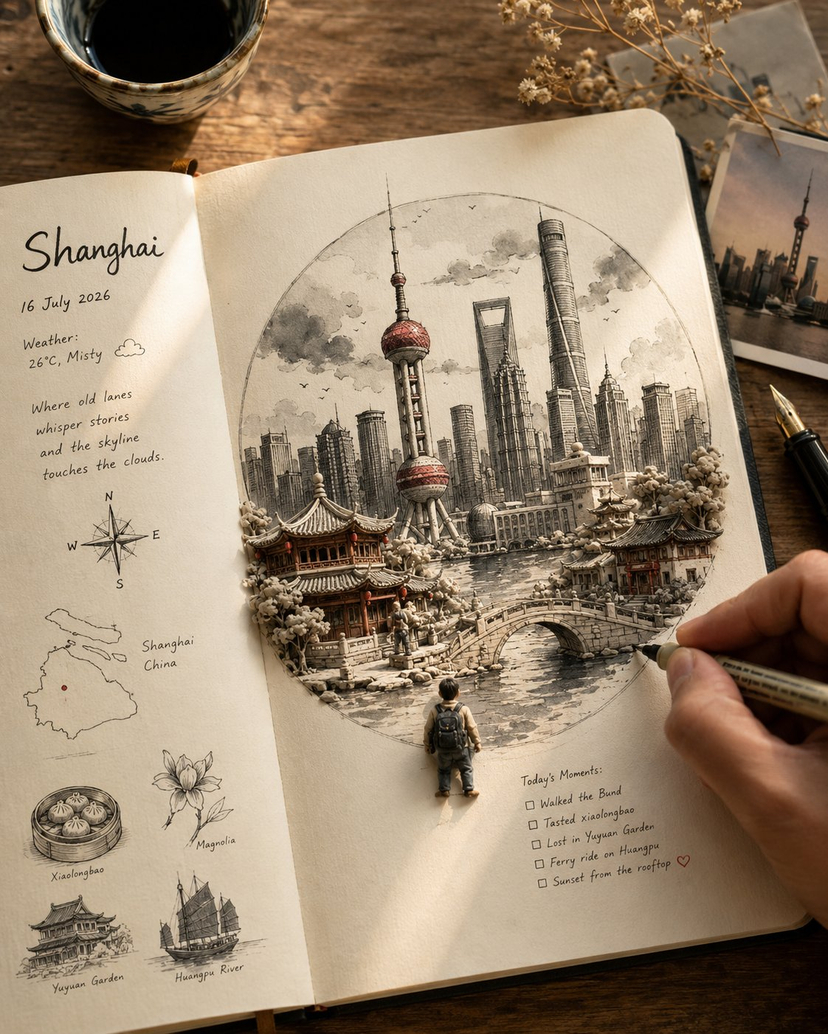
![Naive doodle-style subject illustration — A doodle-style {argument name="subject" default="[subject]"}, naive lines, humorous shape exaggeration](https://pbs.twimg.com/media/G6Wl2YxbsAARB2b.jpg)











![1970s Architecture Magazine Cover — Vintage {argument name="magazine name" default="[MAGAZINE NAME]"} cover, 1970s {argument name="country" default="[COUNTRY]"}](https://cms-assets.youmind.com/media/1778575492311_qd1xn2_HIAA5nqbwAA6xzn.jpg)