How do I use the Dynamic Pop Art Street Scene Video Prompt template?
Choose the primary action to open PicX Studio with the available template settings. Review the model and format, personalize the creative direction, and generate when ready.
This is a detailed, multi-shot prompt used for both image generation (Nano Banana Pro) and subsequent video generation (Kling 3.0 Omni).
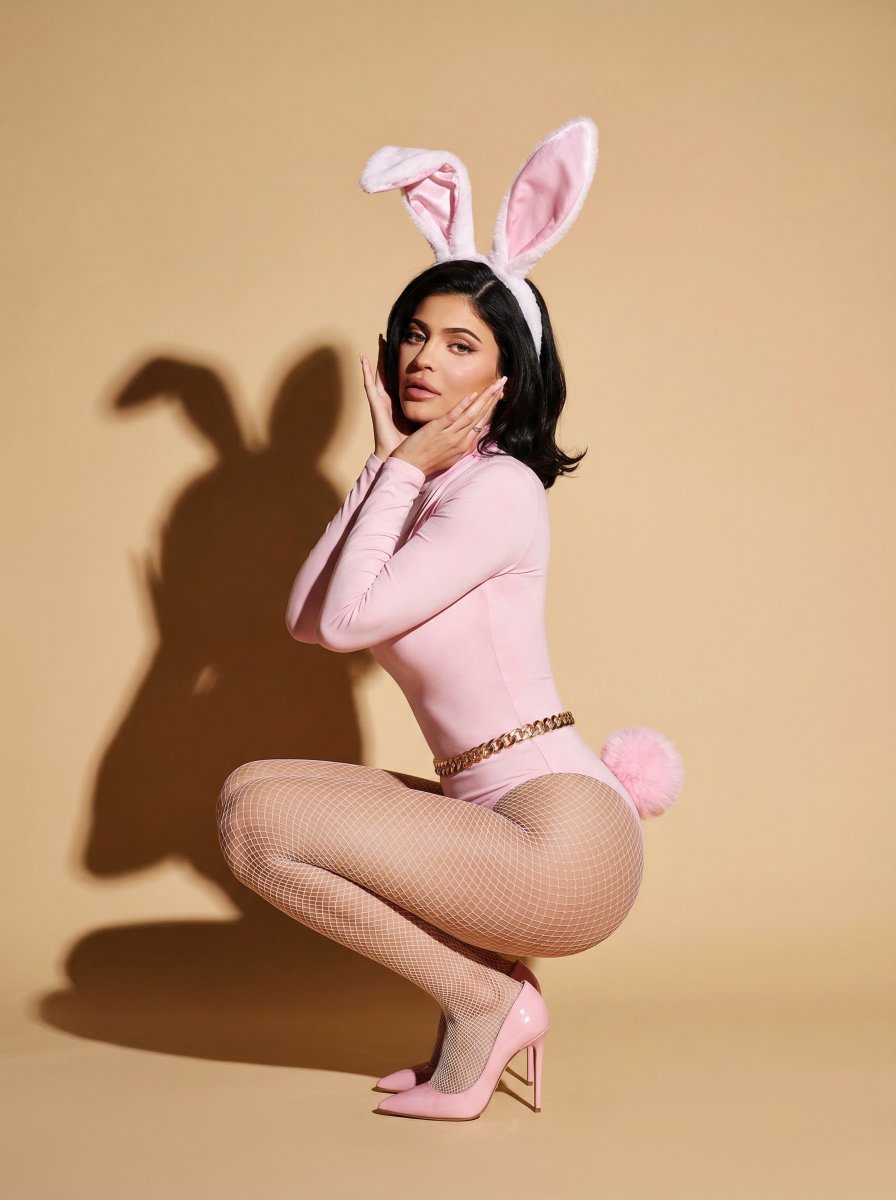
晴れたカラフルなストリートで躍動する、白いチューブトップとピンクのミニスカート、厚底スニーカーを身に着けた金髪ボブの女性モデル。足元からのティルトアップに始まり、ポップアート前でのキュートなウインク、笑顔でスキップするローアングルの並走ショット、シャボン玉を吹くハイアングルの旋回ショットを経て、最後はターンしてハートポーズを決める姿から青空へと一気にプルバックする。アップテンポなポップミュージックと魔法のような効果音がシンクロする、ダイナミックでエネルギッシュな映像。
Choose the primary action to open PicX Studio with the available template settings. Review the model and format, personalize the creative direction, and generate when ready.
Yes. You can change the subject, setting, lighting, mood, format, and available model controls before creating your image.
This template is free to open and customize. Generation usage is shown in PicX Studio before you create.
Start with Nano Banana 2, which is the model associated with this template. You can compare another compatible model for a different finish.
Follow a topic to a crawlable collection of related PicX Studio templates.