How do I use the Windblown Blue Gown Desert Editorial template?
Choose the primary action to open PicX Studio with the available template settings. Review the model and format, personalize the creative direction, and generate when ready.
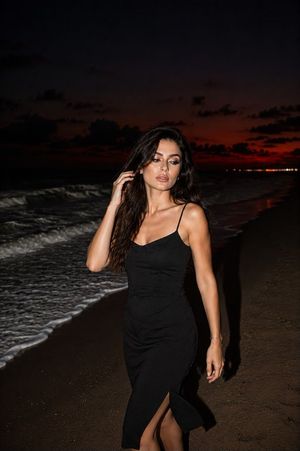
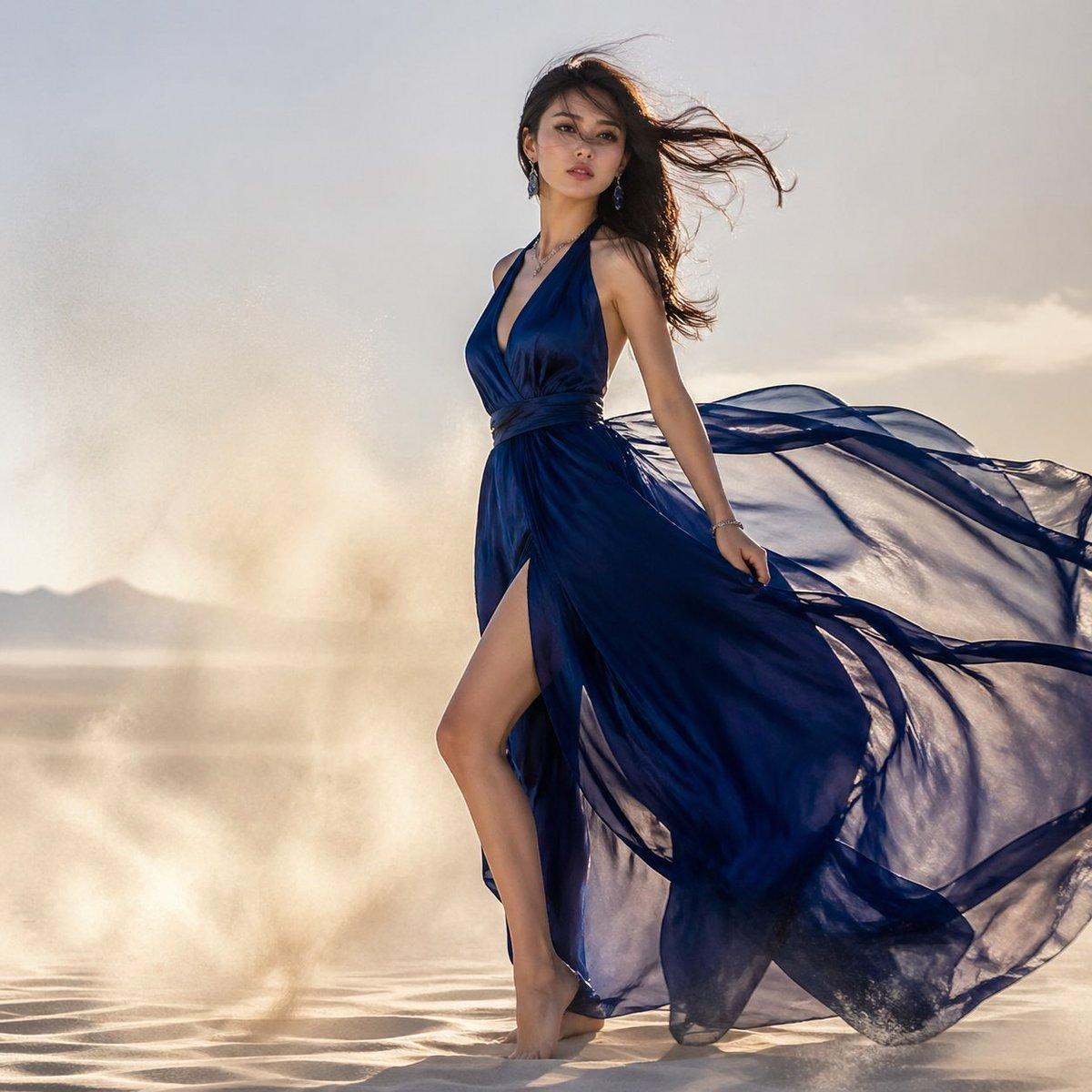
This prompt generates a cinematic luxury fashion photo of a woman in a flowing blue dress in a windy desert, ideal for editorial, beauty, and couture-style imagery. (free to use) — Free AI image template on PicX Studio.
A high-fashion full-body editorial photograph of a barefoot woman standing and stepping forward on rippled desert sand, wearing a dramatic flowing {argument name="dress color" default="deep sapphire blue"} chiffon gown with a plunging halter neckline, wrapped waist, very high thigh slit, and an extremely long sheer train billowing powerfully to the right in the wind. Her {argument name="hair color" default="dark brown"} hair is long and loose, blown sideways across the frame, and she wears delicate earrings, a bracelet, and a subtle necklace. Pose her in elegant side profile with her torso lifted, one leg extended through the slit, one hand lightly holding the fabric, creating a sense of motion and grace. Set the scene in a bright open desert or dry lakebed with pale sand, soft distant mountains low on the horizon, and swirling clouds of dust around her feet and behind her. Use warm late-afternoon backlighting with a hazy sunlit sky, soft golden-beige atmosphere, strong fabric translucency, cinematic movement, luxury fashion magazine styling, ultra-realistic texture, and a clean minimal background that emphasizes the dress and wind.
Use Windblown Blue Gown Desert Editorial to plan an AI image around gpt-image-2 generation, themes such as en and gpt-image-2. Match the preview's composition first, then personalize the subject, setting, and mood for your own project.
Use the primary action to load the template settings in PicX Studio.
Adjust the subject and creative details for your destination.
Create the image, compare the result with the preview, and refine one variable at a time.
A continuous mix — similar concepts first, woven with same-model prompts and fresh picks from the catalog.
Choose the primary action to open PicX Studio with the available template settings. Review the model and format, personalize the creative direction, and generate when ready.
Yes. You can change the subject, setting, lighting, mood, format, and available model controls before creating your image.
This template is free to open and customize. Generation usage is shown in PicX Studio before you create.
Start with gpt-image-2, which is the model associated with this template. You can compare another compatible model for a different finish.
A continuous mix — similar concepts first, woven with same-model prompts and fresh picks from the catalog.
Follow a topic to a crawlable collection of related PicX Studio templates.
36,410 public templates available. Verified via the PicX Studio public templates API; refreshed hourly.