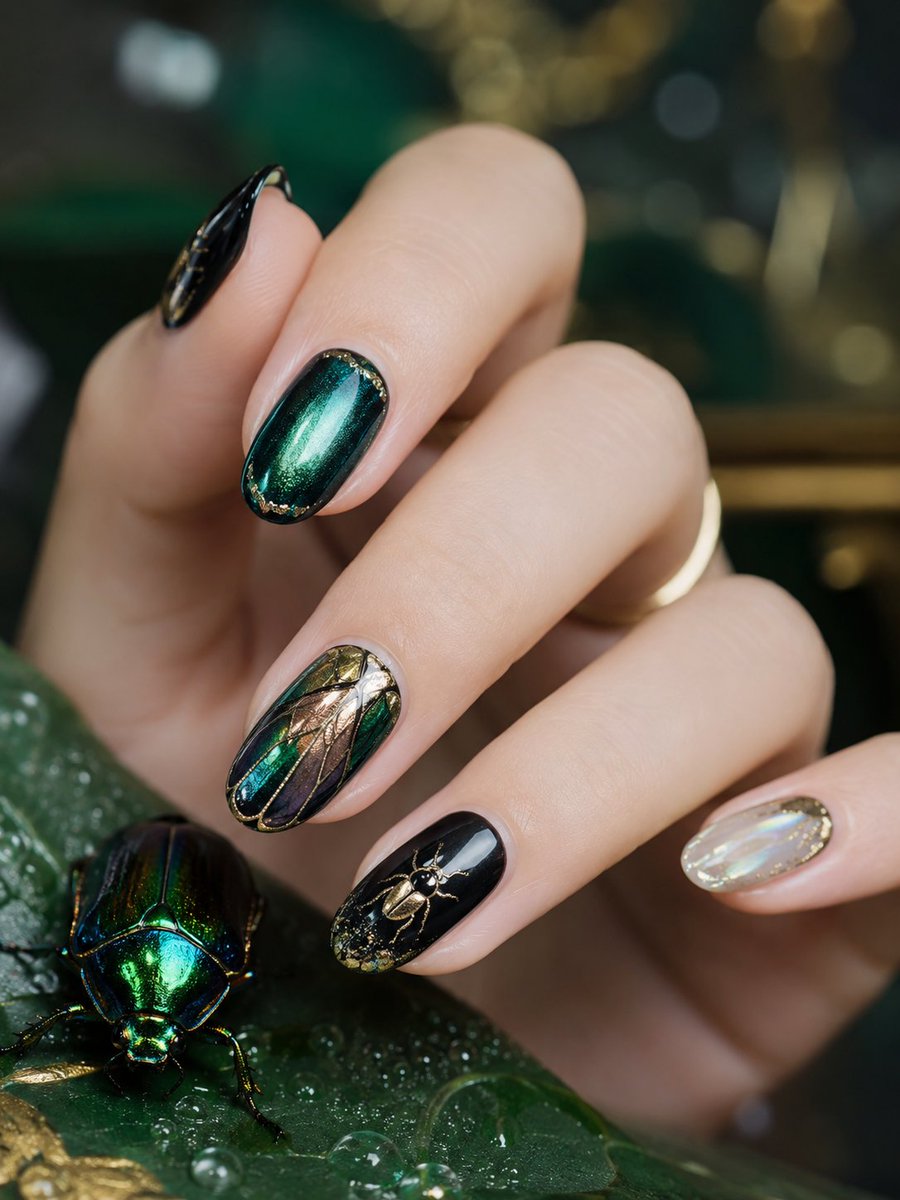
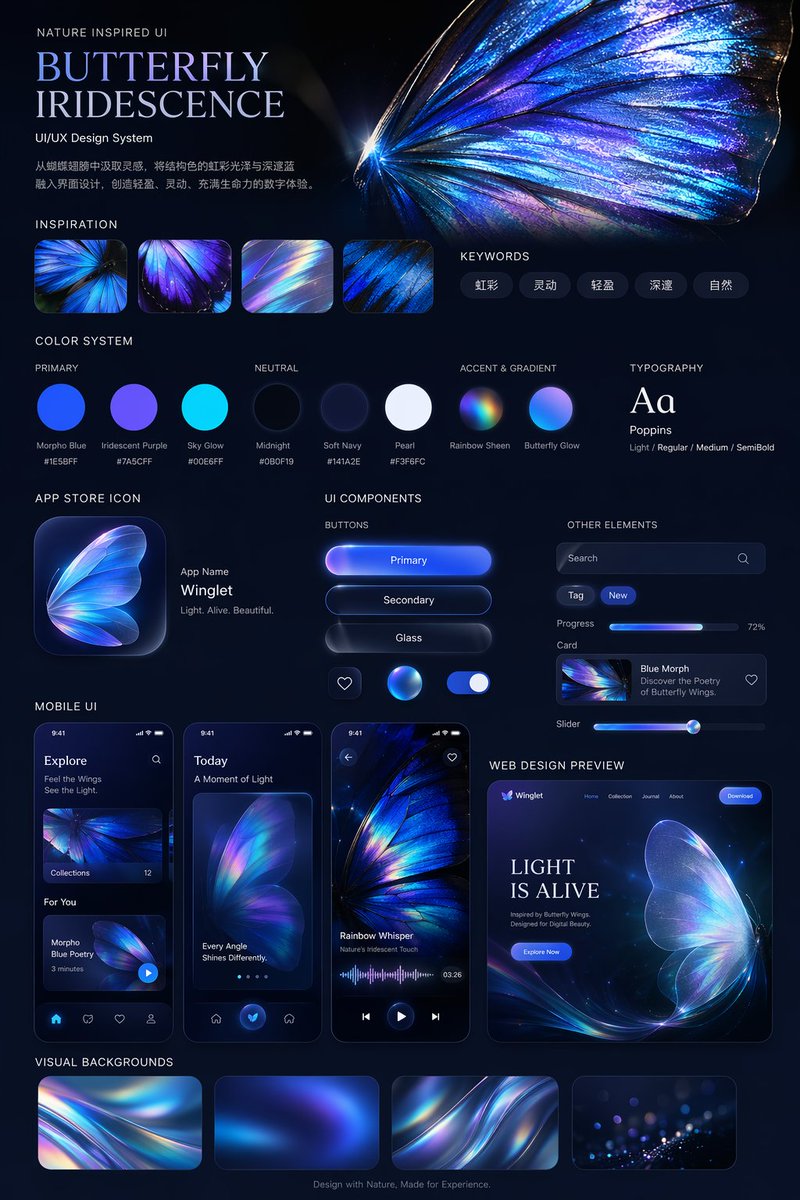
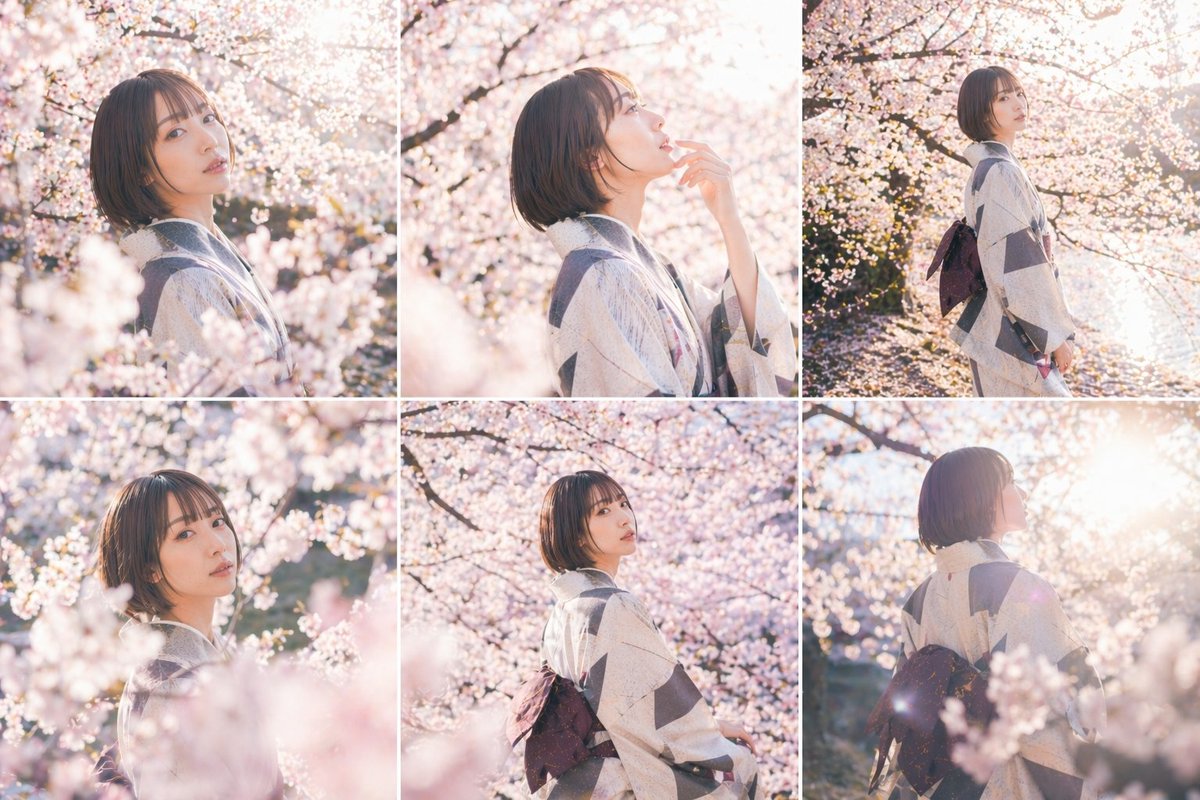
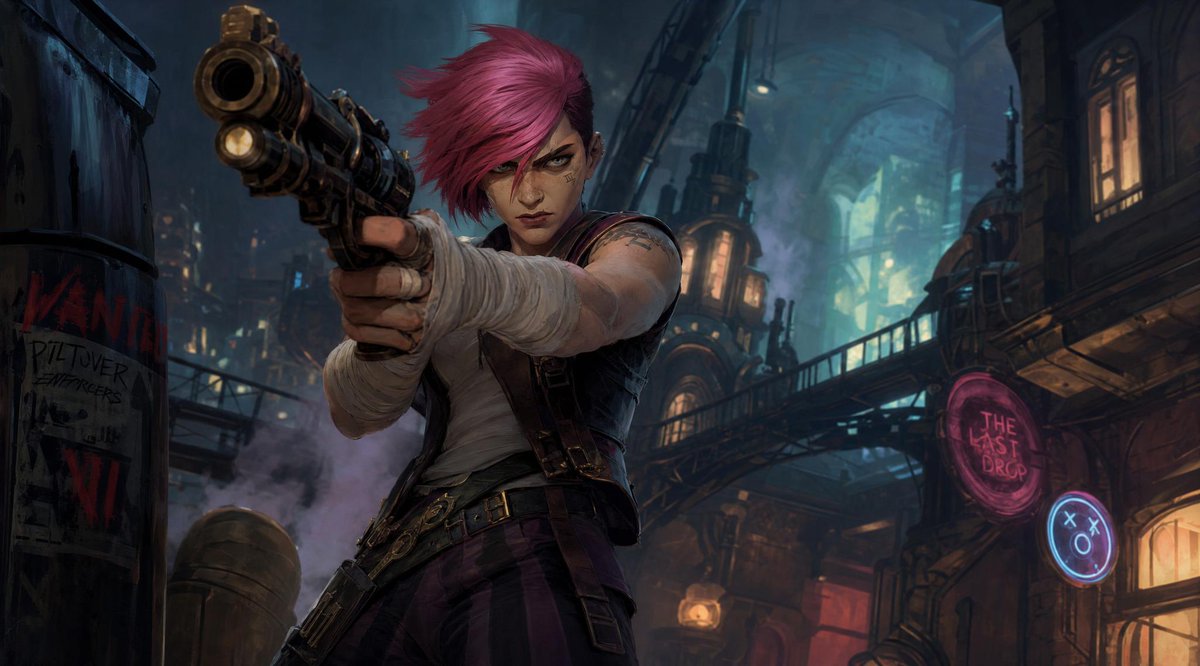
How do I use the Cinematic Character Identity Board template?
Choose the primary action to open PicX Studio with the available template settings. Review the model and format, personalize the creative direction, and generate when ready.
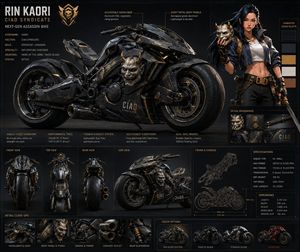
An artistic prompt for creating high-end character sheets that feel like studio animation identity boards rather than simple grids.
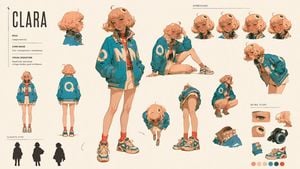
Create an artistic 16:9 CHARACTER IDENTITY BOARD. Use Image A as the subject and the visual medium. Name: {argument name="name" default="Clara"}. {argument name="correction" default="Fix headphones"}. (just change this line as your needs.) Soft off-white background. No environment, no logo, no watermark. DESIGN DIRECTION: Do not create a standard character reference sheet. Create a cinematic identity board that feels like a high-end animation studio character study mixed with an artbook layout. The layout should be asymmetrical, elegant and visually memorable. Use large empty space, varied image scale and intentional imbalance. Avoid grids, blueprint design, catalog layout and repetitive turnaround presentation. IMPORTANT LAYOUT RULE: Do not overlap any character images. Every view must have clear separation and breathing room. Keep all bodies, portraits, silhouettes and detail studies visually distinct. No cropped faces, no hidden limbs, no stacked figures, no merged poses. MAIN COMPOSITION: Place one large hero full-body view slightly off-center as the visual anchor. Around it, arrange smaller supporting studies with clean spacing: neutral full-body view, back view, profile view, seated pose, leaning pose, crouching pose, top-down body angle, low-angle body angle, expressive portrait studies. Each view should feel like a separate clean character study, not a frame from one scene. IDENTITY LOCK: Preserve strict identity consistency across all views: same face, same facial proportions, same hairstyle, same outfit, same body proportions, same posture language, same visual personality. USEFUL REFERENCE DETAILS: Make the character readable for future image and video generation: clear face shape, clear hair silhouette, clear outfit silhouette, clear body shape, clear hands, clear posture, clear expression range. ARTISTIC SECTIONS: Include a small silhouette study area with 2-3 simplified black character silhouettes. Include a small expression study area with subtle emotional variations. Include a small detail study area showing key visual features of the face, hair and outfit. TEXT DESIGN: Add one stylish CHARACTER ID block. Keep it minimal, bold and art-directed. Use only: NAME ROLE CORE MOOD VISUAL SIGNATURE Use small handwritten-style labels only where helpful. Subtle editorial arrows and annotation marks are allowed, but keep them minimal and elegant. STYLE: minimal, cinematic, premium, artbook-like, clean, expressive, useful for production. The final image should feel like an artistic character identity board designed
Cinematic Character Identity Board needs input media to work. Open it in the studio and these load alongside the prompt — pick whichever ones your chosen model can take.
Choose the primary action to open PicX Studio with the available template settings. Review the model and format, personalize the creative direction, and generate when ready.
Yes. You can change the subject, setting, lighting, mood, format, and available model controls before creating your image.
This template is free to open and customize. Generation usage is shown in PicX Studio before you create.
Start with GPT Image 2, which is the model associated with this template. You can compare another compatible model for a different finish.
Follow a topic to a crawlable collection of related PicX Studio templates.