How do I use the Candid Nightlife Party Snapshot Prompt template?
Choose the primary action to open PicX Studio with the available template settings. Review the model and format, personalize the creative direction, and generate when ready.
A detailed prompt for generating a candid, documentary-style nightlife photograph with an early 2000s party aesthetic. Change the subject, setting, or lighting one variable at a time.

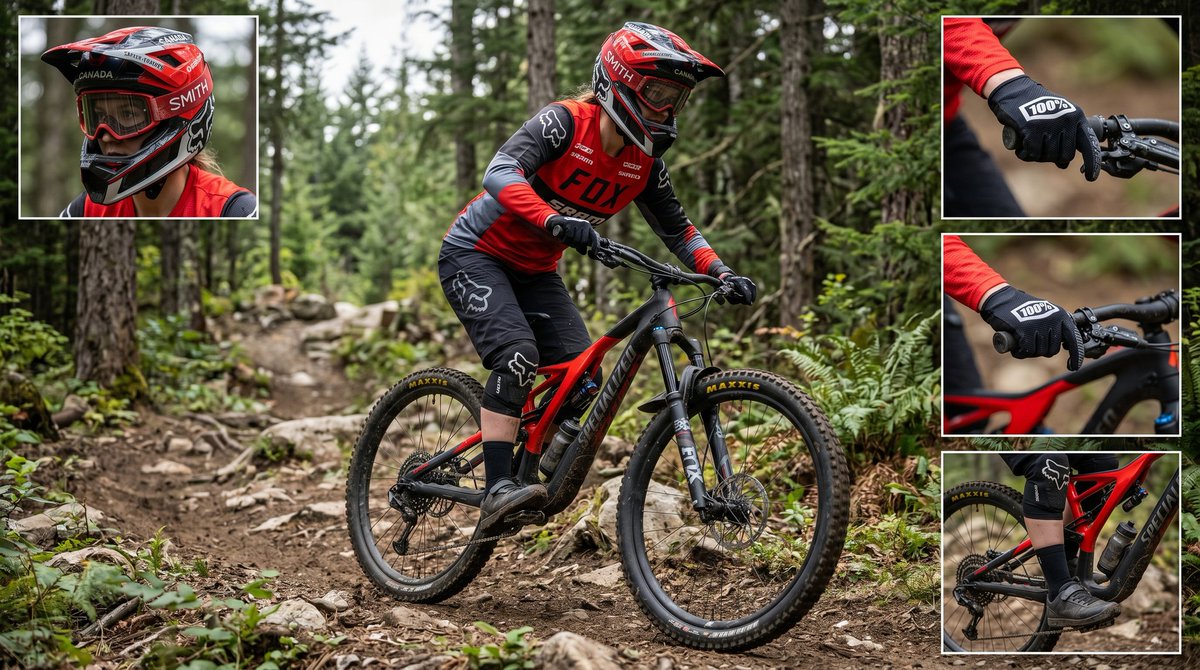
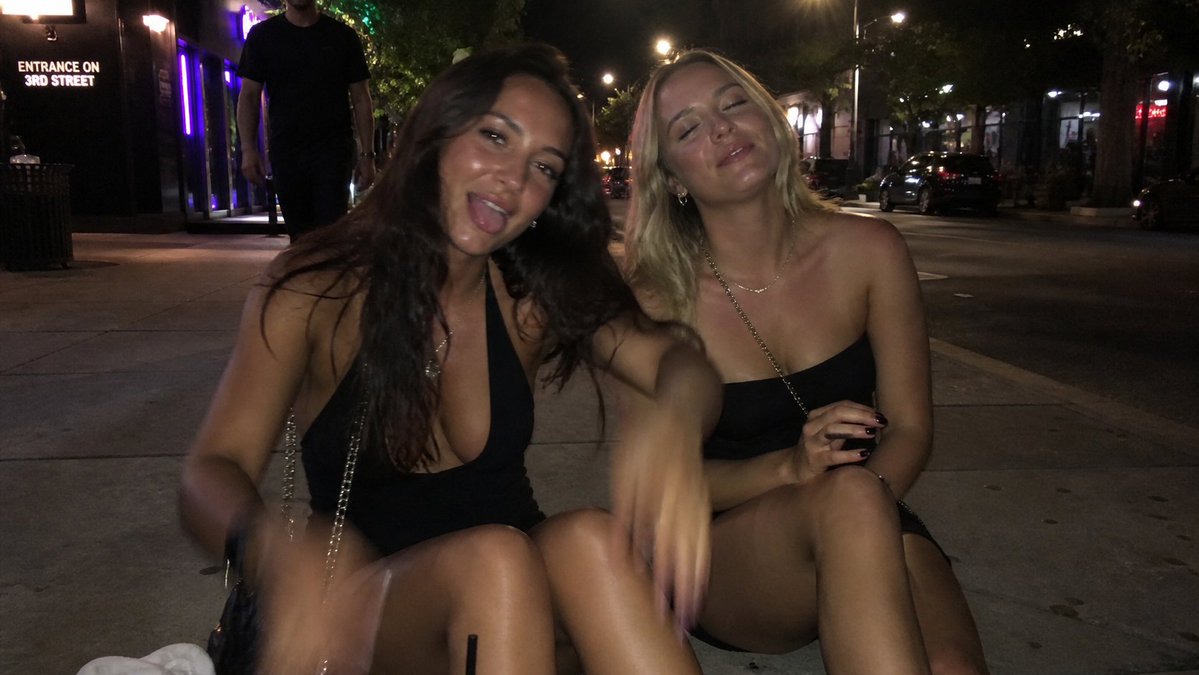
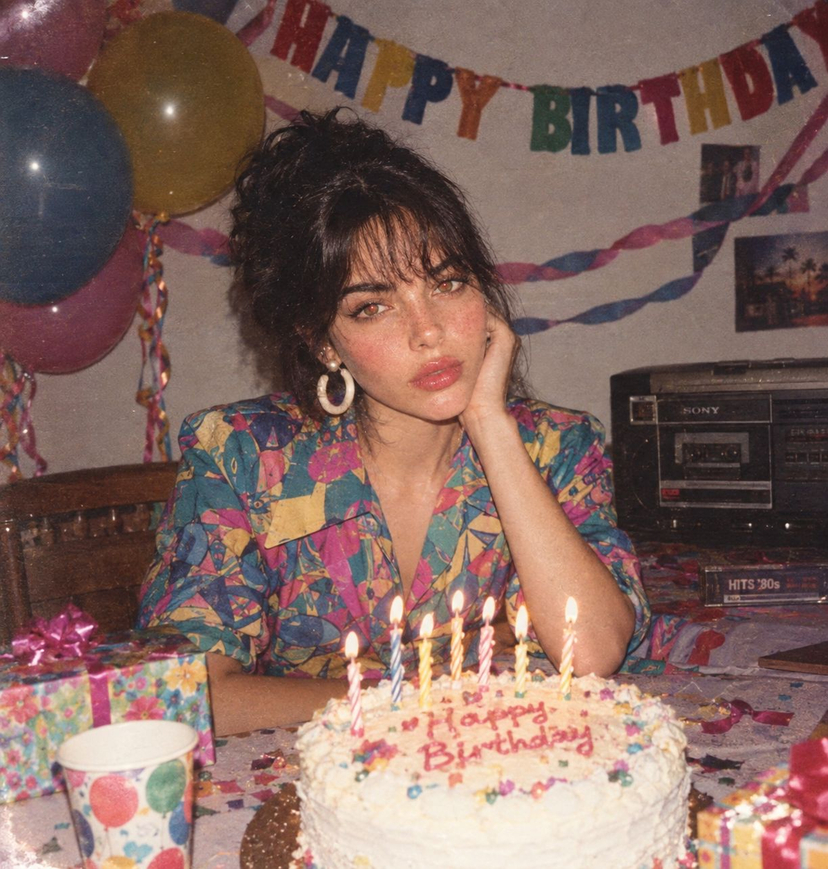
Candid party snapshot of a stylish young woman at a house party, wearing a black satin bomber jacket over a black crop top. Long straight dark hair, natural makeup, soft glow on skin. Shot with direct on-camera flash creating harsh shadows and a bright foreground subject against a dark, crowded background. Guests blurred in the background holding drinks, casual apartment setting with dim ambient lighting. In one shot she looks over her shoulder with a neutral expression; in another she smiles while holding a red plastic cup. 35mm lens, documentary nightlife photography, early 2000s party aesthetic, high contrast, grainy texture, realistic, raw, unfiltered vibe.
Choose the primary action to open PicX Studio with the available template settings. Review the model and format, personalize the creative direction, and generate when ready.
Yes. You can change the subject, setting, lighting, mood, format, and available model controls before creating your image.
This template is free to open and customize. Generation usage is shown in PicX Studio before you create.
Start with Nano Banana 2, which is the model associated with this template. You can compare another compatible model for a different finish.
© 2026 PicX Studio. All rights reserved.

Follow a topic to a crawlable collection of related PicX Studio templates.
43,474 public templates available. Verified via the PicX Studio public templates API; refreshed hourly.


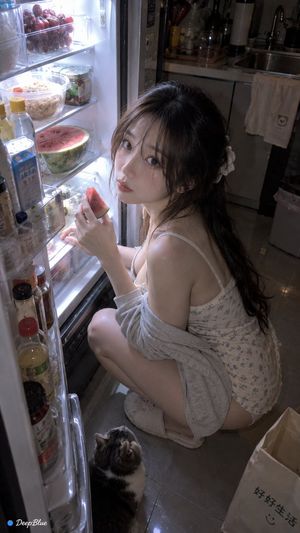









![Naive doodle-style subject illustration — A doodle-style {argument name="subject" default="[subject]"}, naive lines, humorous shape exaggeration](https://pbs.twimg.com/media/G6Wl2YxbsAARB2b.jpg)