How do I use the Manga Portal Summer Room Story template?
Choose the primary action to open PicX Studio with the available template settings. Review the model and format, personalize the creative direction, and generate when ready.
A comprehensive four-panel style prompt for generating a narrative sequence of a manga character stepping into reality in a sunlit Japanese room. Change the subject, setting, or lighting one variable at a time.
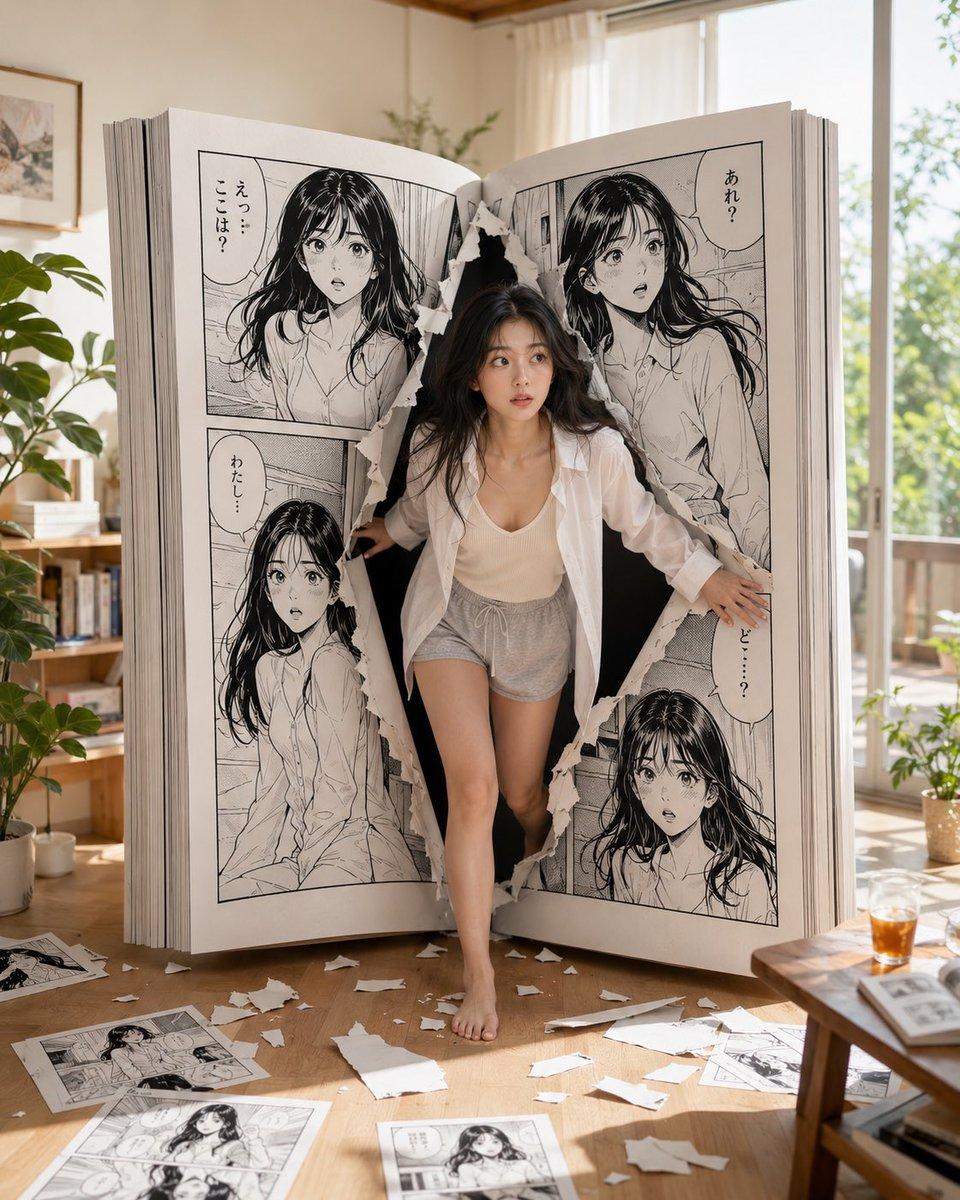
主題:{argument name="主題" default="マンガの世界から現実へ飛び出した彼女の、夏の午後の4コマ風ストーリー"} / manga portal summer home story 人物・表情:{argument name="人物設定" default="20代前半の日本人女性、ロングの黒髪ウェーブ"}、透明感のある白い肌、自然な日系メイク、柔らかい目元、親しみやすく可愛い雰囲気。4枚すべてで同一人物として統一し、顔立ち・髪型・体型・肌の質感を変えない。表情は「驚き → 確認 → 楽しむ → くつろぐ」という流れで変化させる 服装・ポーズ:4枚すべて同じ自然で涼しげな夏の居家服。薄手の白いオーバーシャツ、アイボリーのリブキャミソール、ライトグレーのゆったりしたショートパンツ、裸足。露出は控えめで、日常感のあるナチュラルなルームウェア。ポーズのみ各シーンに合わせて変えるが、服装は必ず同一に保つ 背景・光:明るい日本の部屋、木の床、大きな窓、白いカーテン、観葉植物、本棚、ローテーブル、やさしい午後の自然光。4枚すべて同じ部屋・同じ世界観で統一する。巨大な開いた白黒マンガ本が部屋の主役であり、衣装棚やクローゼットではなく、本として厚みのあるページと背表紙がはっきり見える。マンガのページには同じ黒髪女性キャラクターが描かれており、現実の女性と同一人物に見えるようにする。床には破れた紙片とマンガページが少し散らばっている 構図・カメラ:縦構図、4:5、リアルな写真表現、35mm lens、自然な遠近感、shallow depth of field、cinematic composition。4枚で視覚的一貫性を持たせる。白黒のマンガ本とカラーの現実世界の対比を印象的に見せる。各画像は独立して成立しつつ、4コマのように連続した短い物語に見えるようにする 質感・スタイル:高精細、4K品質、natural skin texture、realistic AI portrait、日系ポートレート、soft summer light、playful surreal photography、白黒マンガとカラーの現実空間のコントラスト、紙の破れ目や本の厚みの精密描写、清潔感のある室内、やわらかい色調、自然で可愛い統一感のある写真シリーズ ネガティブ:低画質、不自然な手、崩れた顔、余分な指、歪んだ体、人物の顔や髪型の変化、服装の変化、衣装棚やクローゼットのような構造、マンガ本の形状崩れ、ページの厚み不足、人物とマンガキャラの不一致、過度な露出、過度な加工、文字化け、ロゴ、透かし ⸻ 【シーン1追加文】 巨大な開いたマンガ本の破れたページから、彼女が初めて現実世界へ一歩踏み出す瞬間。少し驚いた表情、両手で破れた紙の縁を押さえながら前へ出る動きのあるポーズ。部屋の中央で、マンガ本が最も大きく見える構図 【シーン2追加文】 同じ部屋の鏡の前で、自分が本当に現実世界に来たことを確かめる彼女。背景には同じ巨大なマンガ本が見え、彼女は髪を軽く整えながら鏡の中の自分を見つめる。表情は驚きから少し安心へ変化 【シーン3追加文】 同じ巨大なマンガ本の近くのキッチンまたはローテーブル横で、彼女がメロンソーダフロートを楽しそうに作っているシーン。グラス、メロンソーダ、バニラアイス、さくらんぼを使い、氷や炭酸の動きが少し入った楽しい瞬間。表情は明るく夢中になっている 【シーン4追加文】 同じ巨大なマンガ本のそばで、彼女が床に座って完成したメロンソーダフロートを片手にくつろいでいるシーン。リラックスした笑顔、穏やかな午後の空気感。物語の締めとして、現実世界にすっかり馴染んだような自然で心地よい雰囲気
Choose the primary action to open PicX Studio with the available template settings. Review the model and format, personalize the creative direction, and generate when ready.
Yes. You can change the subject, setting, lighting, mood, format, and available model controls before creating your image.
This template is free to open and customize. Generation usage is shown in PicX Studio before you create.
Start with GPT Image 2, which is the model associated with this template. You can compare another compatible model for a different finish.
© 2026 PicX Studio. All rights reserved.

Follow a topic to a crawlable collection of related PicX Studio templates.
43,474 public templates available. Verified via the PicX Studio public templates API; refreshed hourly.










![Minimalist Flat Vector Travel Poster — Premium minimalist flat-vector travel poster for {argument name="city name" default="[CITY_NAME]"}, 3:4 vertical format.](https://cms-assets.youmind.com/media/1787917359711_3ug846_HQX205cbMAA6F6S-300x400.jpg)


























![3D Icon Collection Grid Generator — プロンプト:[テーマ]を表すアイコンのコレクションを作成してください。それらは単一のテーマとしてまとまっています。3x3のグリッドに配置してください。背景は白です。アイコンはカラフルで立体感のある3Dスタイルで作成してください。テキストは不要です。](https://pbs.twimg.com/media/G_J5Dw4aoAUPSby.jpg)

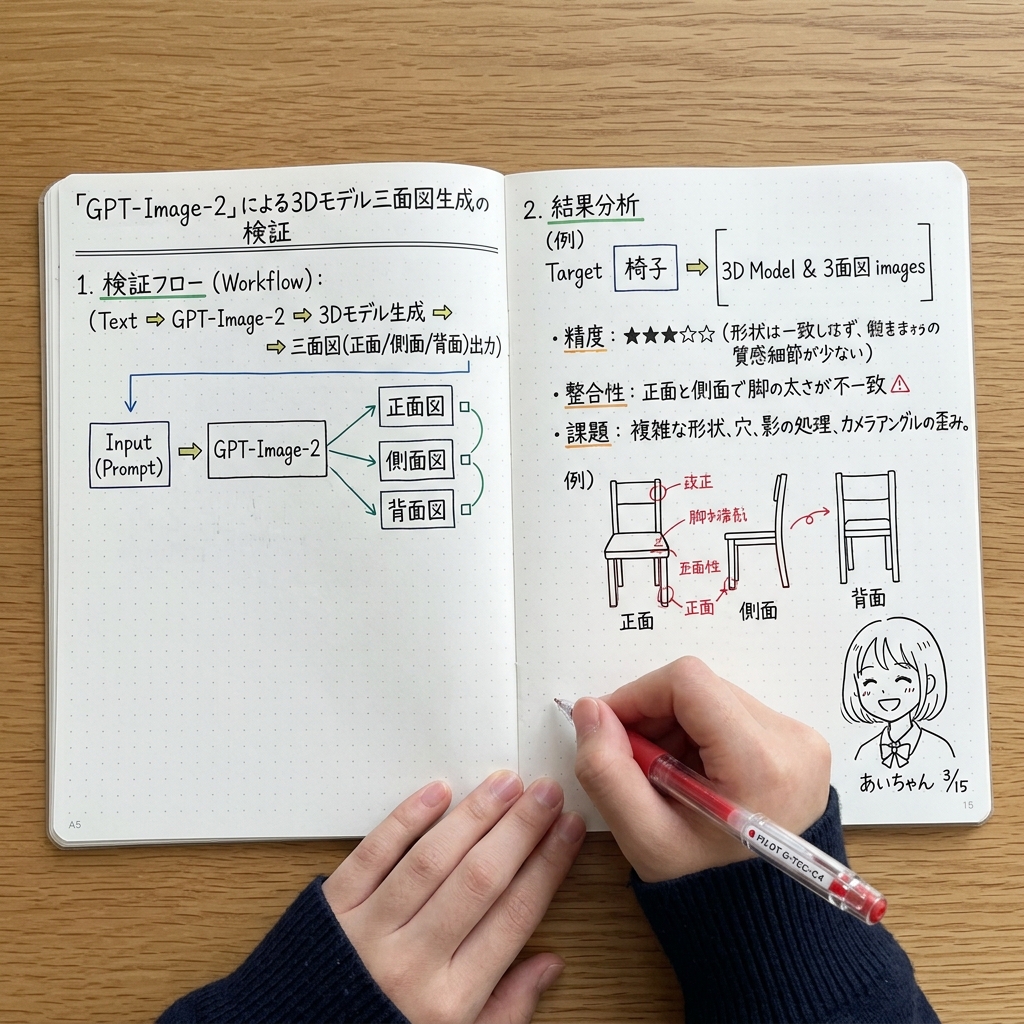
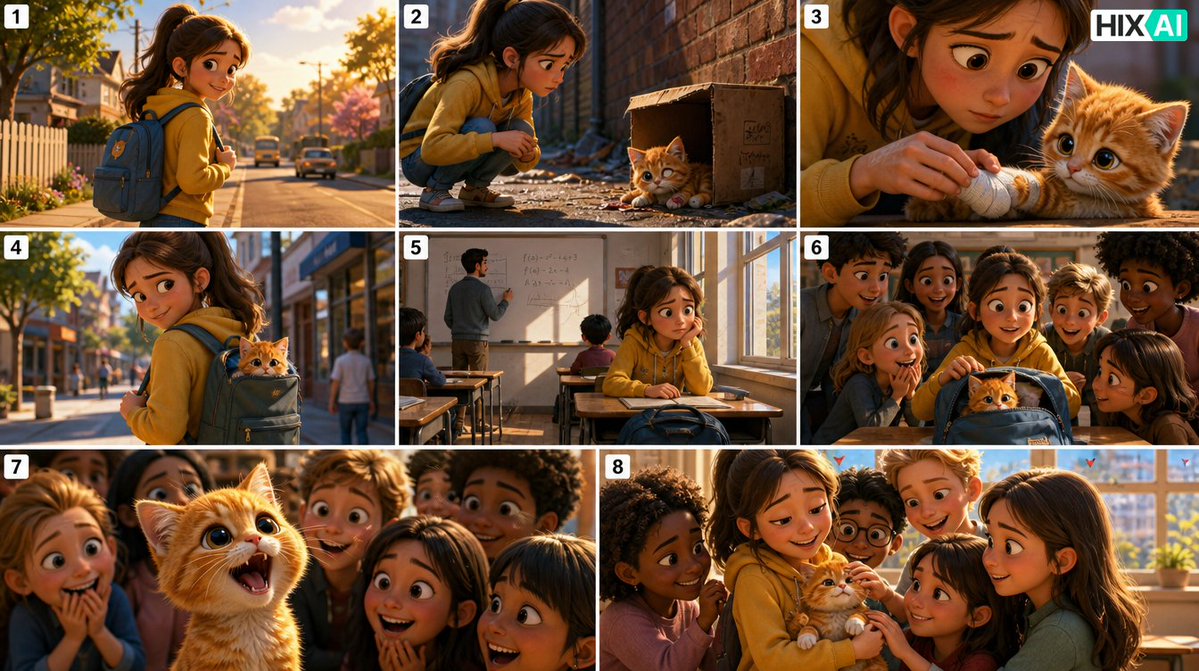


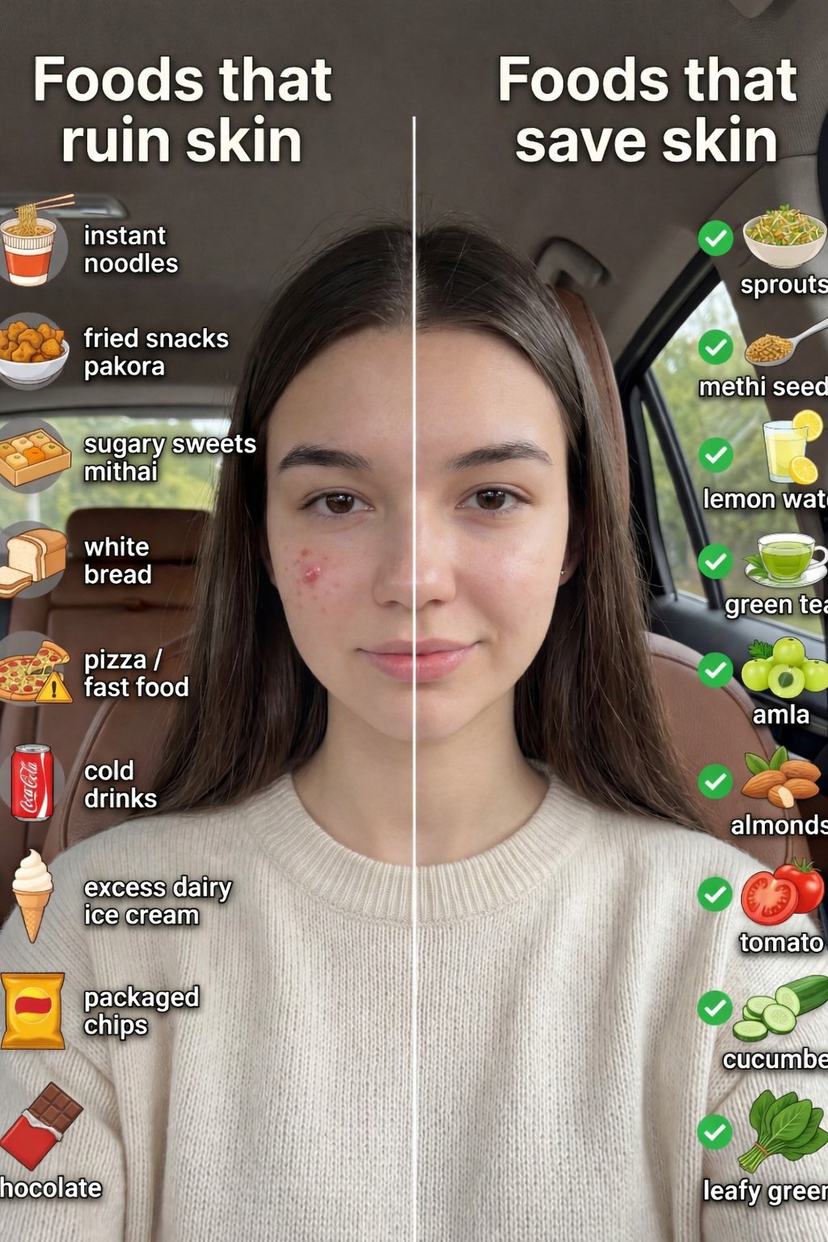
![Playful 3D Caricature of a Celebrity — A playful 3D caricature of {argument name="celebrity name" default="[celebrity]"} riding a small puffy cloud like a hover](https://pbs.twimg.com/media/G7yr7qXbcAEKn9U.jpg)
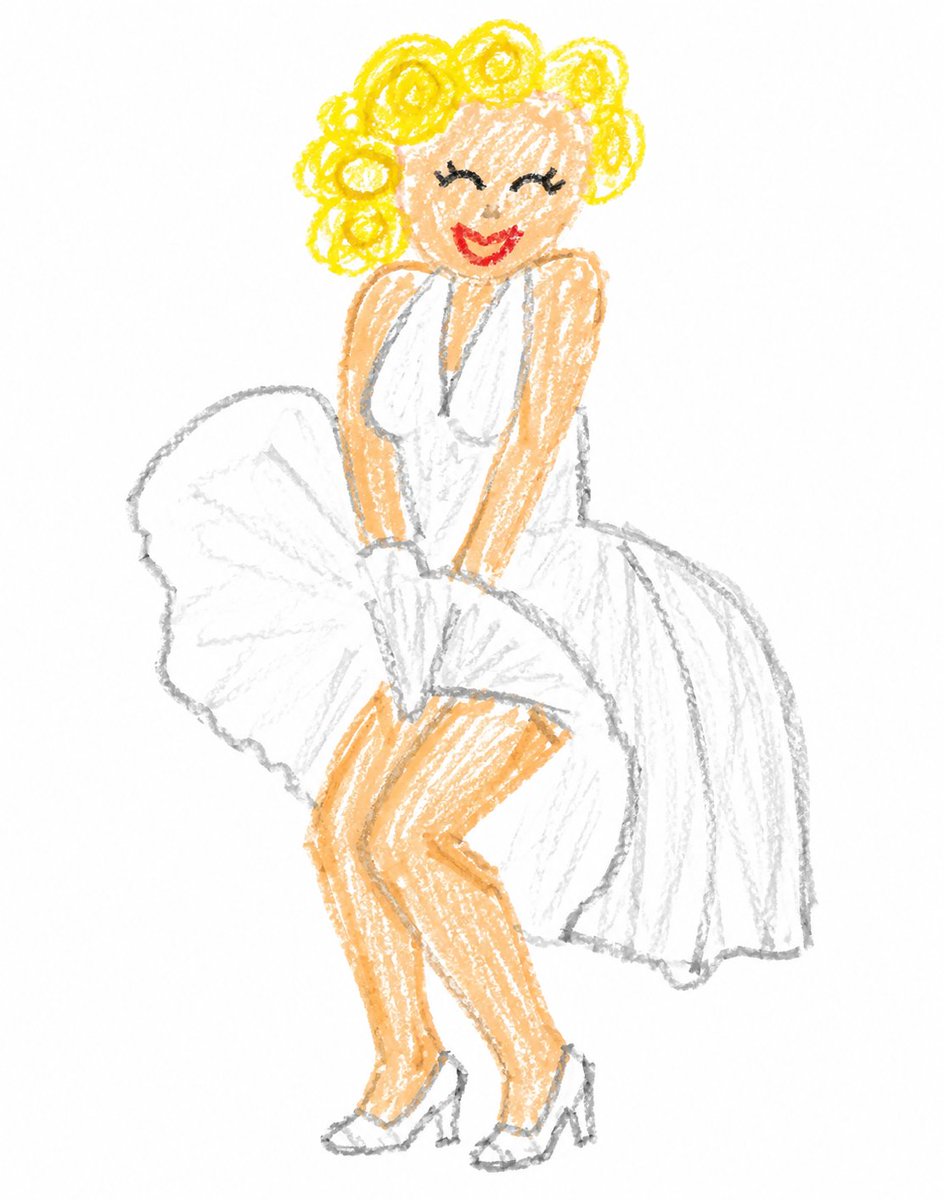


![Hyper-Realistic Product Photography with Liquid Splash — Professional studio product photography of a {argument name="product" default="[PRODUCT]"}, centered. T](https://pbs.twimg.com/media/G9wUTNzXwAAmBnX.jpg)