How do I use the Dark Fantasy Dream Kingdom Throne template?
Choose the primary action to open PicX Studio with the available template settings. Review the model and format, personalize the creative direction, and generate when ready.
Generates a cinematic dark fantasy throne room with an armored queen and kneeling barbarian warrior for epic concept art or story visuals. Change the subject, setting, or lighting one variable at a time.
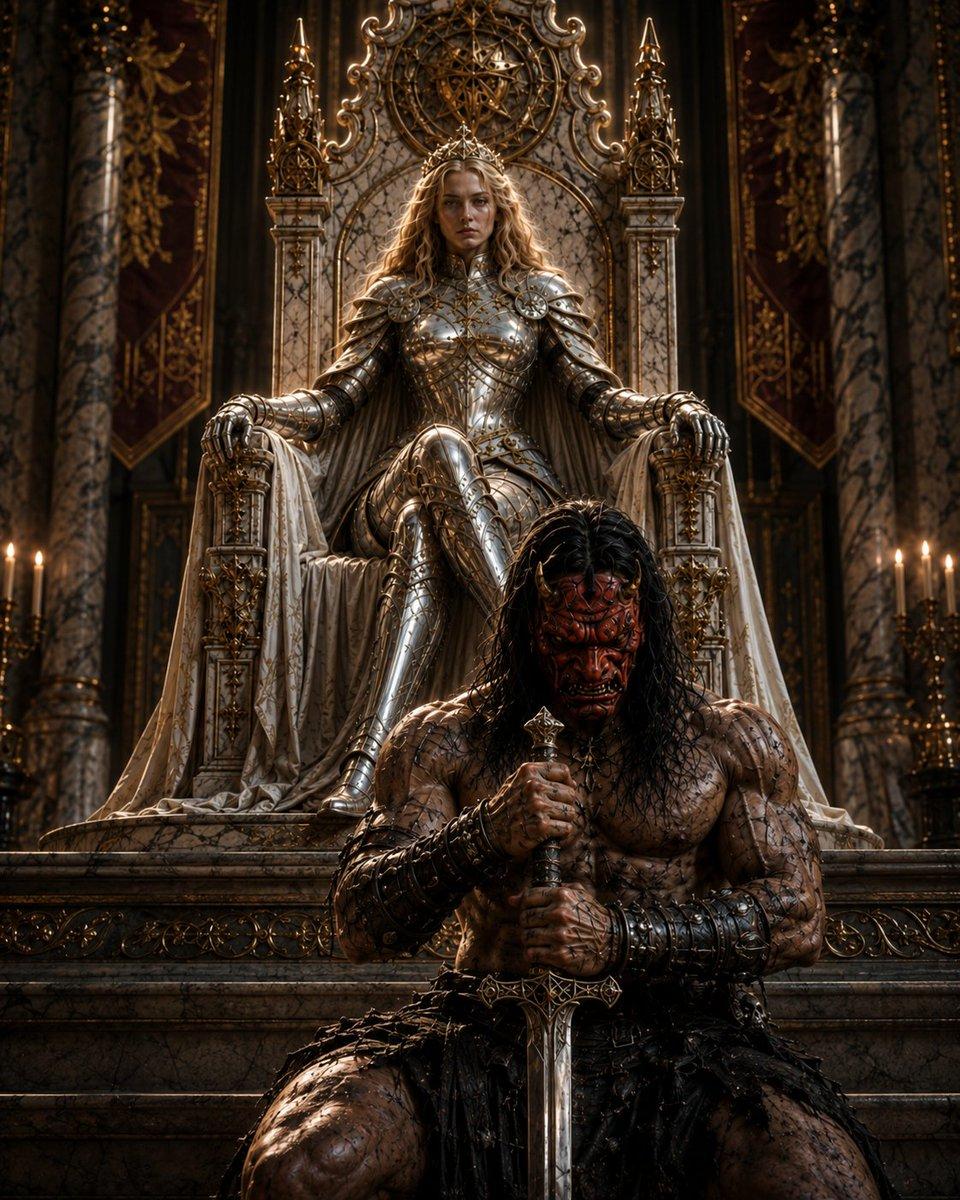
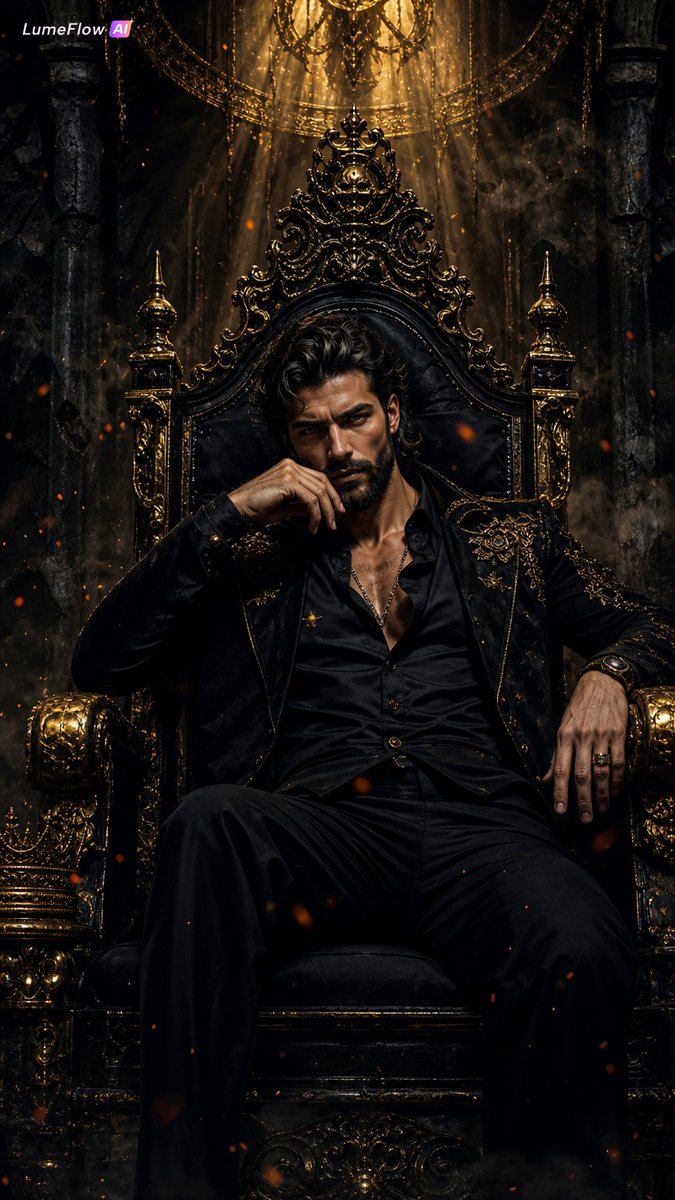
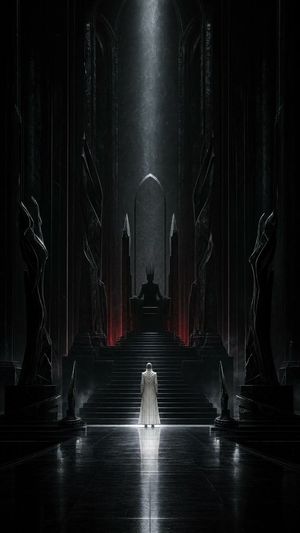
Create a dark epic fantasy royal throne room scene titled {argument name="theme" default="Dream Kingdom"}. A powerful armored queen sits high on an ornate marble-and-gold throne in the background, centered and elevated, wearing full polished silver plate armor with intricate gold filigree, a delicate crown, long wavy blonde hair, and a regal cloak draped over the throne arms. In the foreground, a muscular barbarian warrior kneels or sits low on the steps before her, centered, shirtless with scarred and dirt-smeared skin, long wet black hair, leather-and-metal bracers, dark ragged waist armor, and both hands gripping the pommel of a large vertical broadsword planted point-down between his knees. The queen’s face and the warrior’s face should be featureless obscured rectangular dark masks, as if censored or intentionally blank. The throne room is cathedral-like and opulent: towering marble columns, deep burgundy wall banners, gold carved ornament, candlelit candelabras on both sides, carved stone steps, symmetrical composition, and a large circular arcane celestial emblem or astrolabe halo mounted behind the throne. Use dramatic chiaroscuro lighting, warm candle glow, cinematic high contrast, ultra-detailed realistic fantasy concept art, reflective metal armor, weathered stone, rich textures, shallow atmospheric haze, solemn mythic mood, vertical portrait composition. Customize the queen armor with {argument name="queen armor style" default="polished silver plate armor with gold filigree"}, the warrior look with {argument name="warrior appearance" default="scarred shirtless barbarian with long wet black hair"}, the throne material with {argument name="throne material" default="white marble and antique gold"}, and the lighting with {argument name="lighting style" default="warm candlelit chiaroscuro"}.
Choose the primary action to open PicX Studio with the available template settings. Review the model and format, personalize the creative direction, and generate when ready.
Yes. You can change the subject, setting, lighting, mood, format, and available model controls before creating your image.
This template is free to open and customize. Generation usage is shown in PicX Studio before you create.
Start with GPT Image 2, which is the model associated with this template. You can compare another compatible model for a different finish.
© 2026 PicX Studio. All rights reserved.

Follow a topic to a crawlable collection of related PicX Studio templates.
43,474 public templates available. Verified via the PicX Studio public templates API; refreshed hourly.


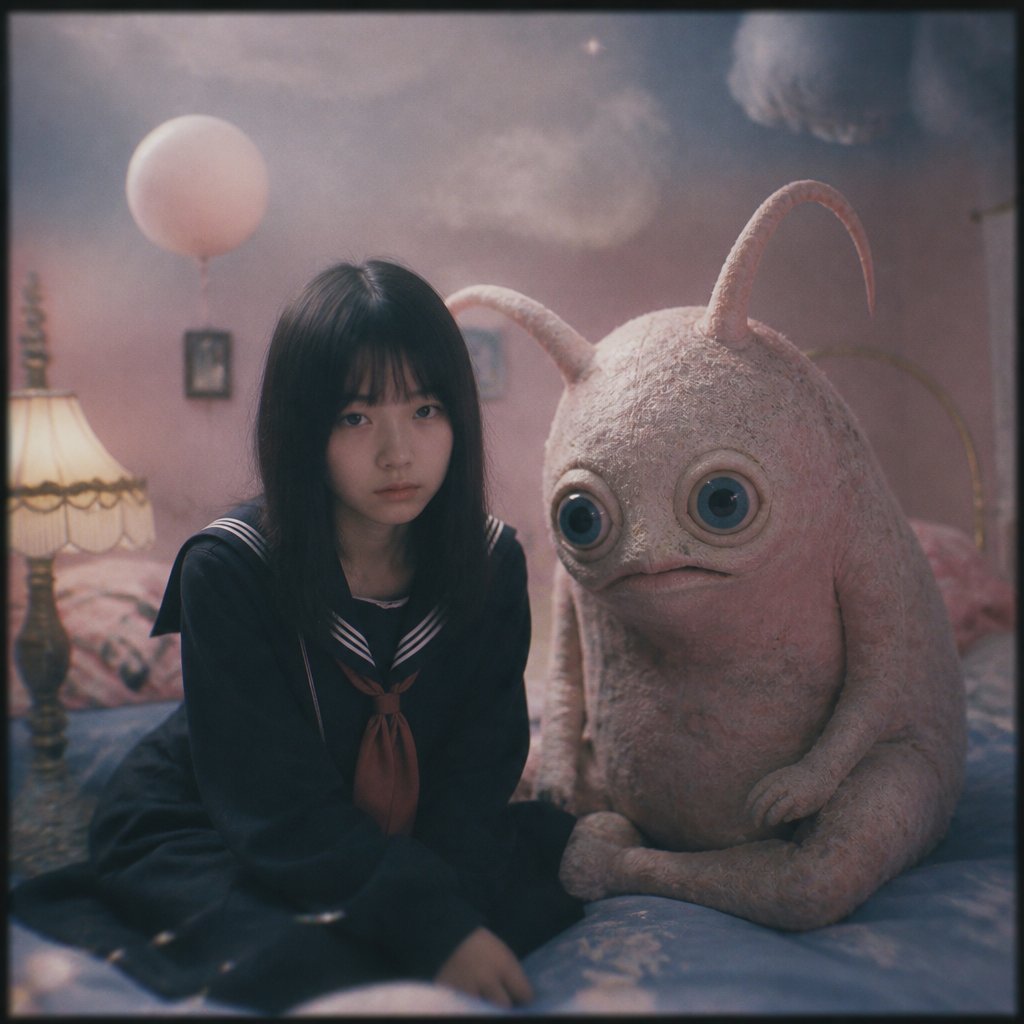
![Ethereal Dream Editorial Through Fabric Portrait — A soft-focus dream photograph of a [subject] in a [setting], seen through translucent fabric and [atmospheric](/_next/image?url=https%3A%2F%2Fcdn.picxstudio.com%2Fuploads%2Fmeigen_b345369a2388_2215f51a-3769-4a47-bb9e-22de4573dbf4.jpg&w=828&q=100)


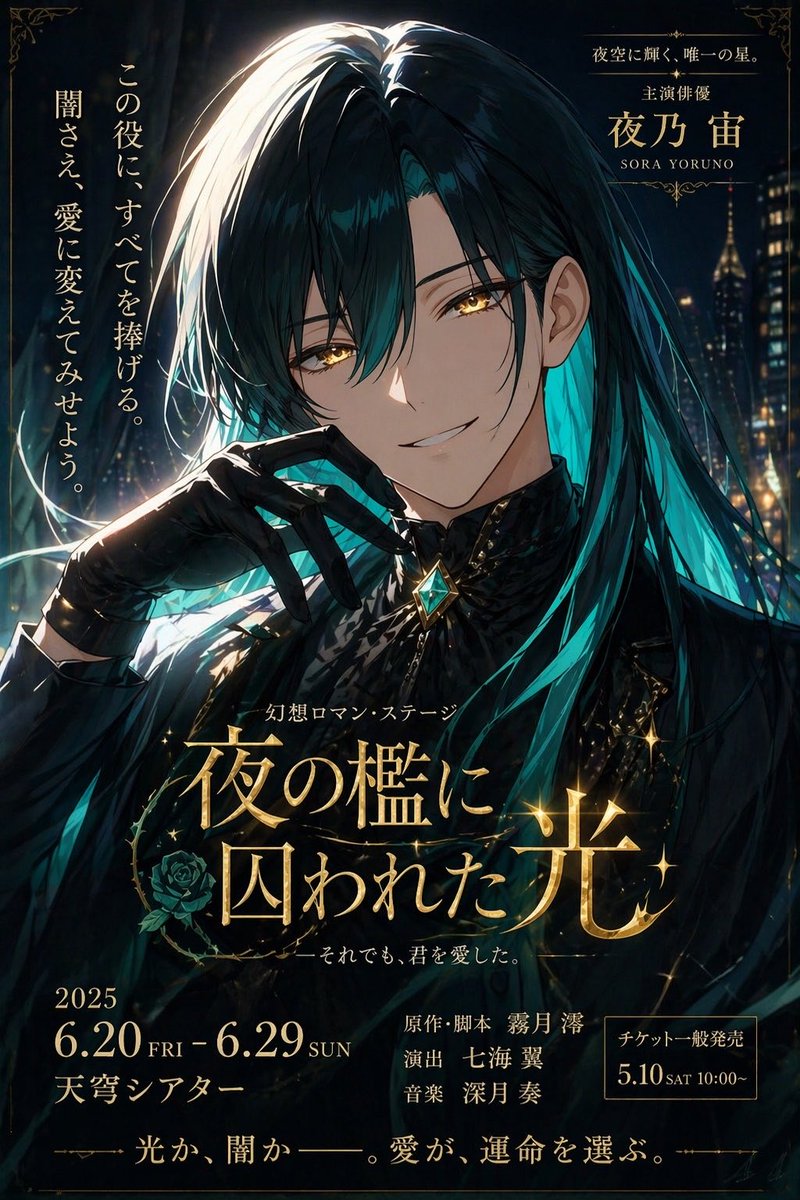


![Minimalist Flat Vector Travel Poster — Premium minimalist flat-vector travel poster for {argument name="city name" default="[CITY_NAME]"}, 3:4 vertical format.](https://cms-assets.youmind.com/media/1787917359711_3ug846_HQX205cbMAA6F6S-300x400.jpg)