How do I use the Dried Flower Sunflower Portrait template?
Choose the primary action to open PicX Studio with the available template settings. Review the model and format, personalize the creative direction, and generate when ready.
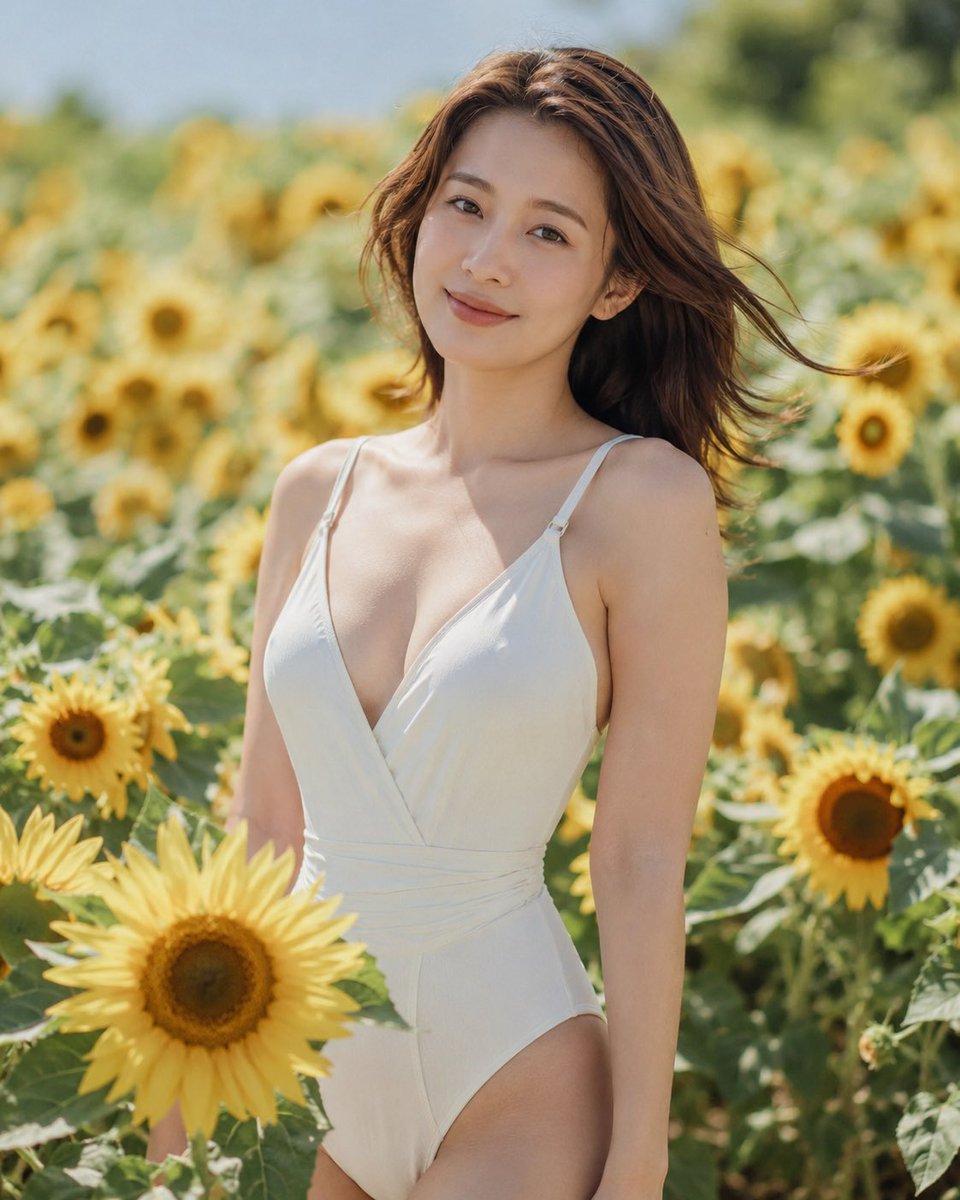
Generates a vertical botanical collage portrait of a summer woman in a sunflower field, ideal for dried-flower art and fashion editorial visuals. Change the subject, setting, or lighting one variable at a time.
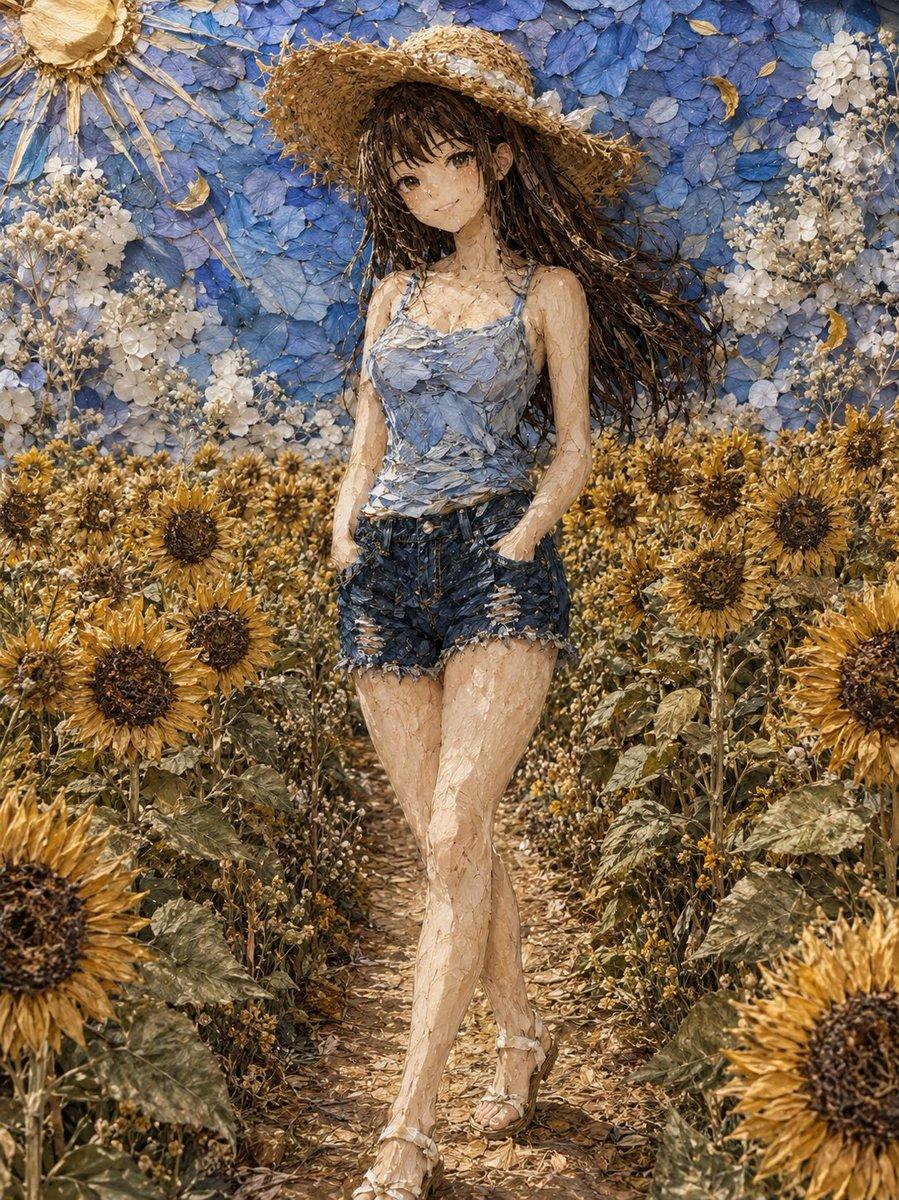
Create a vertical full-body portrait rendered as intricate dried-flower collage art: a {argument name="subject" default="young woman"} walking down a narrow path through a dense sunflower garden, centered in frame, one leg crossing in front of the other, one hand tucked in the pocket of frayed dark denim shorts. She wears a wide woven straw sun hat, a pale blue floral camisole made from layered blue hydrangea petals, distressed denim shorts, and delicate sandals. Her long dark brown hair streams to the right as if moved by a gentle summer breeze, and her face is covered by a soft neutral blurred square, keeping the identity anonymous. The entire image should look handmade from pressed and dried botanical materials: tan straw, brittle petals, seed heads, leaves, stems, and translucent dried flower fragments forming the skin, clothes, hair, and background. Surround her with abundant golden sunflowers on both sides of the path, with large dark seed centers and dry ochre petals; behind her, create a wall of layered blue hydrangea petals with clusters of small white dried flowers. Add a stylized dried-flower sun in the upper left corner made from a round pressed flower center and radiating straw stems. Use warm natural sunlight, earthy beige and gold tones contrasted with soft hydrangea blue, highly detailed tactile textures, shallow depth, fine botanical relief, elegant summer fashion editorial composition, realistic proportions, and a handcrafted pressed-flower artwork aesthetic.
Choose the primary action to open PicX Studio with the available template settings. Review the model and format, personalize the creative direction, and generate when ready.
Yes. You can change the subject, setting, lighting, mood, format, and available model controls before creating your image.
This template is free to open and customize. Generation usage is shown in PicX Studio before you create.
Start with GPT Image 2, which is the model associated with this template. You can compare another compatible model for a different finish.
© 2026 PicX Studio. All rights reserved.

Follow a topic to a crawlable collection of related PicX Studio templates.
43,474 public templates available. Verified via the PicX Studio public templates API; refreshed hourly.














![Minimalist Flat Vector Travel Poster — Premium minimalist flat-vector travel poster for {argument name="city name" default="[CITY_NAME]"}, 3:4 vertical format.](https://cms-assets.youmind.com/media/1787917359711_3ug846_HQX205cbMAA6F6S-300x400.jpg)
























![Cozy Children's Birthday Portrait — Realistic portrait photo of a {argument name="age" default="[Age]"} years old young girl [Use the uploaded image as referenc](https://pbs.twimg.com/media/HCv0bSVaUAAhsxF.jpg)