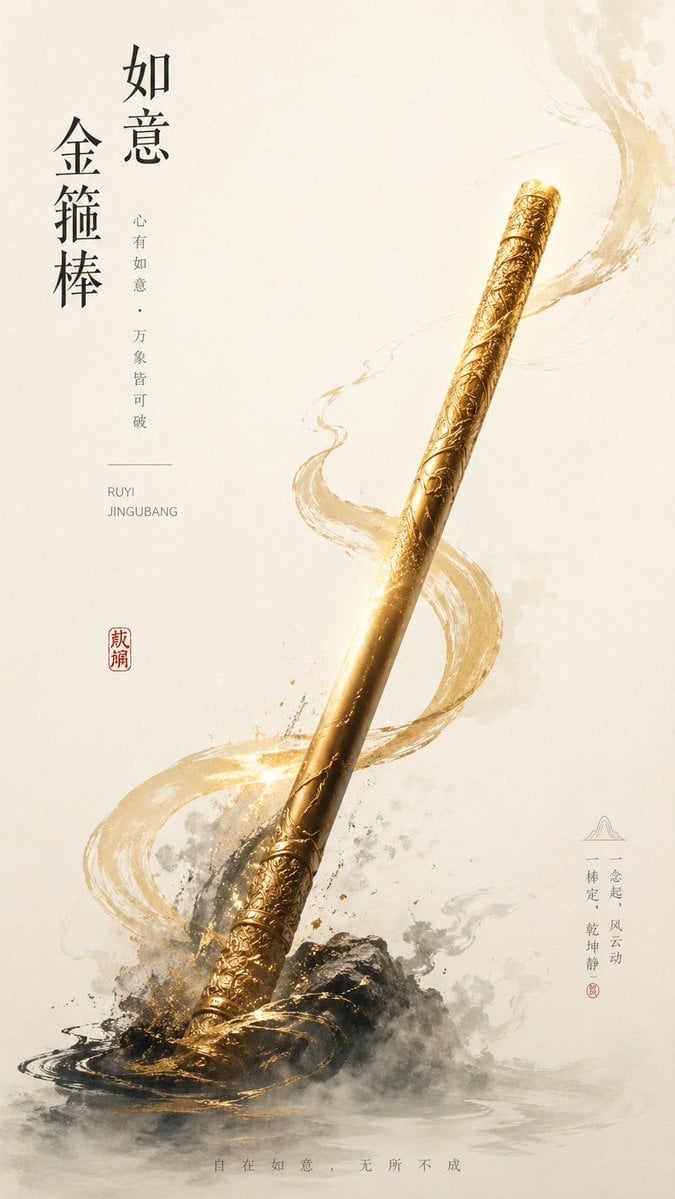
How do I use the 本次是生成图片任务 template?
Edit the prompt in the box under the preview — the template's model and format are already selected — and press Generate. Your version appears right on this page.
本次是生成图片任务: 苹果设计师思维,顶级海报大师思维,用高桥流思路 呈现海报设计 表现如下文本,让其抓人,直击人心 你可以智能理解文本,不一定照单全收文本,智能梳理文本, 把握人性,突出看点。尤其是我输入大段文本, 你核心呈现的,应该是你理解和处理后的核心文本 智能判定适合文本语义的配色逻辑,合理排版,有呼吸感的呈现文案 不要额外添加文字, 超大字展示这个文案 ``` [太阳就站在黑夜的门口] ```

本次是生成图片任务: 苹果设计师思维,顶级海报大师思维,用高桥流思路 呈现海报设计 表现如下文本,让其抓人,直击人心 你可以智能理解文本,不一定照单全收文本,智能梳理文本, 把握人性,突出看点。尤其是我输入大段文本, 你核心呈现的,应该是你理解和处理后的核心文本 智能判定适合文本语义的配色逻辑,合理排版,有呼吸感的呈现文案 不要额外添加文字, 超大字展示这个文案 ``` [太阳就站在黑夜的门口] ```
本次是生成图片任务: 苹果设计师思维,顶级海报大师思维,用高桥流思路 呈现海报设计 表现如下文本,让其抓人,直击人心 你可以智能理解文本,不一定照单全收文本,智能梳理文本, 把握人性,突出看点。尤其是我输入大段文本, 你核心呈现的,应该是你理解和处理后的核心文本 智能判定适合文本语义的配色逻辑,合理排版,有呼吸感的呈现文案 不要额外添加文字, 超大字展示这个文案 ``` [太阳就站在黑夜的门口] ```
Edit the prompt in the box under the preview — the template's model and format are already selected — and press Generate. Your version appears right on this page.
Yes. You can change the subject, setting, lighting, mood, format, and available model controls before creating your image.
Opening and editing this template is free. Generating uses credits, shown on the Generate button when you are signed in.
Start with GPT Image 2, which is the model associated with this template. You can compare another compatible model for a different finish.
Follow a topic to a crawlable collection of related PicX Studio templates.