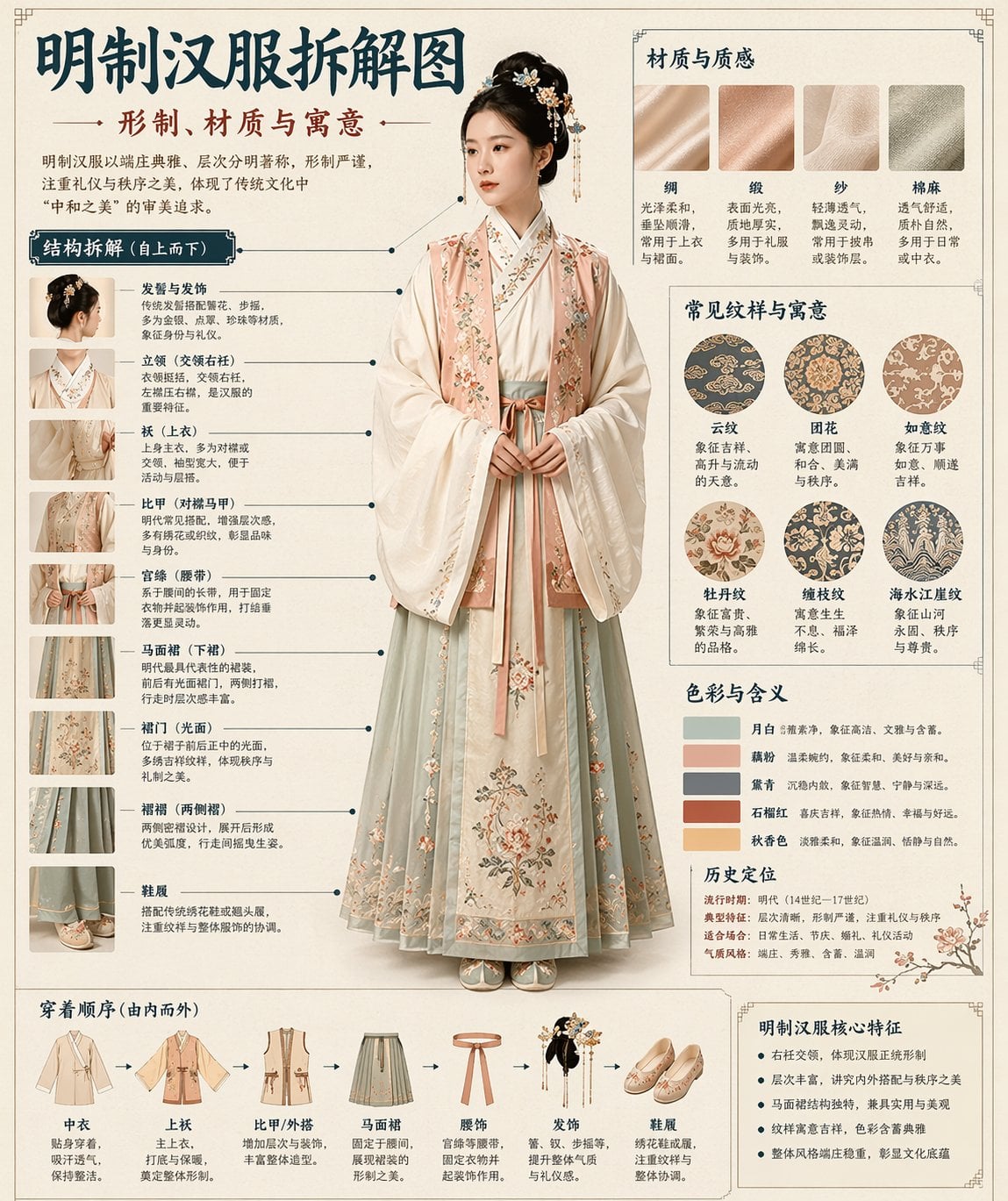
How do I use the Interior Design Layout Generator template?
Choose the primary action to open PicX Studio with the available template settings. Review the model and format, personalize the creative direction, and generate when ready.
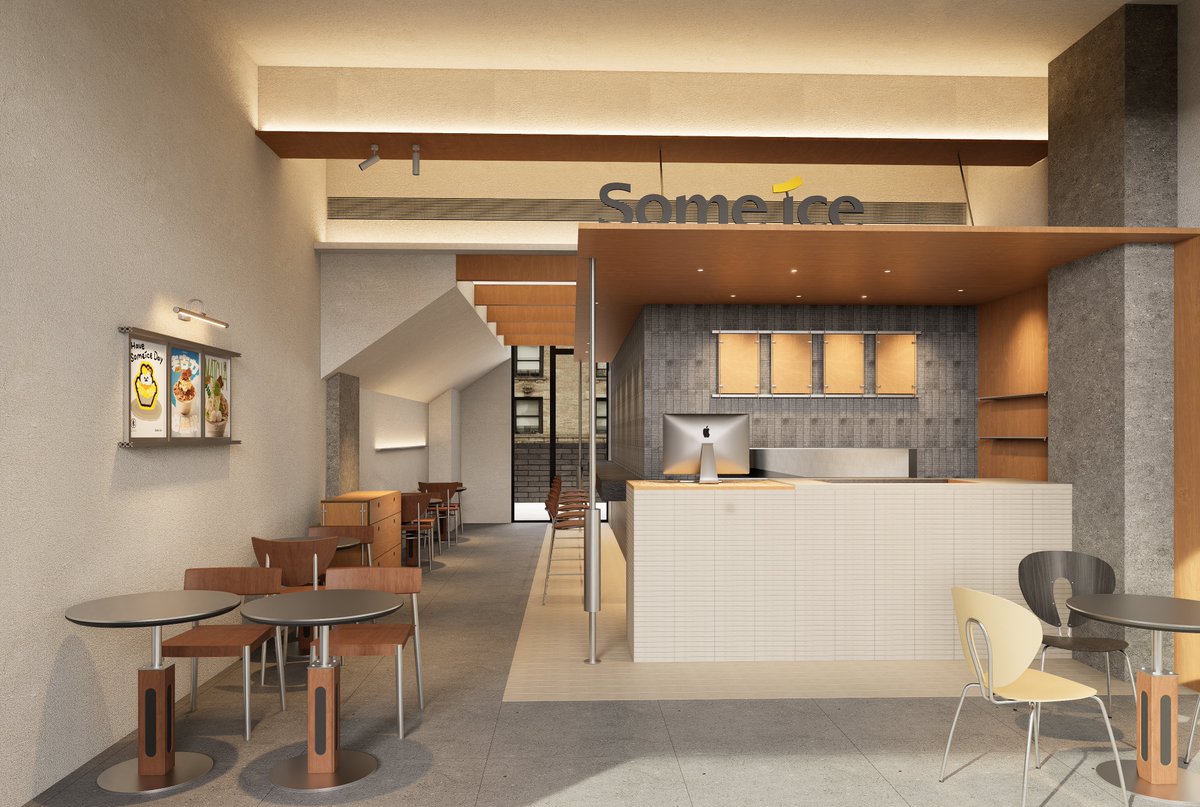
A functional prompt for GPT Image 2 to generate multiple varied interior design layout options for a specific room.
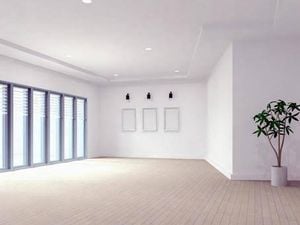
この{argument name="場所" default="リビング"}のレイアウトの案を{argument name="案の数" default="5つ"}出して。バリエーションを変えてそれぞれ1枚ずつの画像で出力して
Choose the primary action to open PicX Studio with the available template settings. Review the model and format, personalize the creative direction, and generate when ready.
Yes. You can change the subject, setting, lighting, mood, format, and available model controls before creating your image.
This template is free to open and customize. Generation usage is shown in PicX Studio before you create.
Start with GPT Image 2, which is the model associated with this template. You can compare another compatible model for a different finish.
Follow a topic to a crawlable collection of related PicX Studio templates.