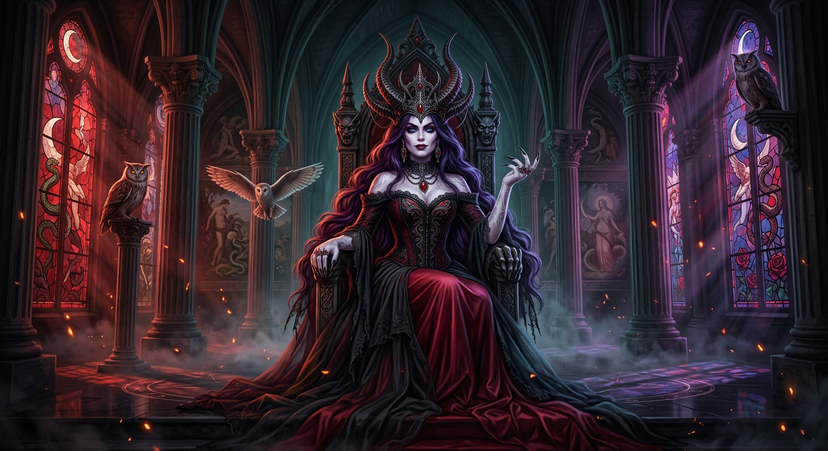
The queen Mother Lilith
{'subject': {'description': 'Lilith, the ancient Queen Mother of Darkness, enthroned in her supernatural palace. She is the ultimate matriarch — powerful, mystical, and demonic. Colossal top hourglass body shape with white ceremonial paint across all skin. She sits with one hand gripping the throne armrest, the other raised slightly with fingers splayed showing long black obsidian nails. Her posture radiates absolute sovereignty.', 'age': 'Timeless, eternal — visually mid-30s but radiating ancient power', 'expression': 'A deep, knowing matriarchal gaze — part divine wisdom, part demonic authority, lips slightly parted in a subtle commanding smile', 'hair': {'color': 'Deep black with rich purple-violet iridescence that catches the firelight', 'style': 'Curtain-parted bangs framing the oval face, flowing into massively voluminous long waves that drape over the throne and cascade like dark waterfalls — supernatural volume and lustre, dark fantasy style'}, 'face': {'shape': 'Oval, elegant bone structure', 'paint': 'Porcelain white ceremonial face paint with subtle grey-violet contouring at cheekbones, jawline, and eye sockets', 'eyes': 'Luminous dark blue eyes with faint supernatural glow, piercing and hypnotic, framed by dark smoky shadow', 'lips': 'Deep berry-wine stain, full and commanding'}, 'body_paint': 'White ceremonial body paint covering neck, chest, arms, and hands — ancient ritual markings faintly visible in slightly darker grey on the forearms', 'fingernails': 'Dramatically long black claws — obsidian-like, sharp, immersive and intimidating', 'clothing': {'dress': {'type': 'Gothic corset dress — matriarchal dark queen aesthetic, NOT a traditional wedding dress', 'material': 'Combination of tattered aged black tulle layered over deep crimson red silk', 'details': 'Structured boned black corset bodice with intricate dark lace and embroidery featuring serpentine and floral motifs, off-shoulder neckline, dramatic bell sleeves with shredded black tulle edges, massive layered skirt that pools and spreads across the throne platform in rivers of black tulle and crimson silk'}}}, 'accessories': {'crown': {'type': 'Massive demonic helmet-crown — the signature piece, towering and architectural', 'material': 'Darkened oxidized iron and blackened silver', 'details': 'Enormous horn-like spires rising from a base of intricate gothic filigree arches, embedded blood-red rubies and black onyx throughout, the structure echoes gothic cathedral spire architecture, it dominates her silhouette and frames her face like a dark halo'}, 'jewelry': {'necklace': 'Heavy layered dark metal choker with hanging gothic pendant containing a large blood-red cabochon ruby', 'earrings': 'Long articulated dark metal drop earrings with small ruby teardrops, swaying slightly', 'rings': 'Multiple ornate dark rings on white-painted fingers above the black nails'}}, 'creatures': {'screech_owls': "Three screech owls — Lilith's sacred symbols and eternal watchers. One perched on a Corinthian column capital to the left of the throne, feathers ruffled, amber eyes glowing. One perched on a gothic stone bracket high on the right wall, silhouetted against stained glass. One in graceful mid-flight between the columns, wings fully spread, talons visible. Their presence is sacred and ominous."}, 'photography': {'camera_style': 'Hyper-detailed dark fantasy digital painting with photorealistic skin and fabric rendering, inspired by Baroque masters Caravaggio and Rembrandt meets modern concept art', 'angle': 'Low angle from below throne steps looking up — Lilith towers above the viewer, emphasizing her divine authority and scale', 'shot_type': 'Grand full-body composition showing Lilith on throne with full architectural environment visible — cathedral ceiling, columns, stained glass flanking her', 'texture': "Painterly brushwork in background transitioning to photorealistic detail on Lilith's face and dress, strong chiaroscuro, cinematic grain"}, 'background': {'setting': "Lilith's Dark Palace Grand Throne Room — a colossal fusion of Gothic cathedral and Greco-Roman temple architecture in the depths of her supernatural realm", 'architecture': 'Impossibly tall ribbed vaulted ceilings disappearing into shadow above, rows of massive stone columns with ornate Greco-Roman Corinthian capitals supporting pointed gothic arches, ancient Greco-Roman style wall paintings between the arches depicting mythological scenes — the fall, serpents in gardens, lunar cycles, feminine divine imagery', 'stained_glass': 'Two massive towering stained glass windows flanking the throne — depicting divine-demonic duality imagery: crescent moons, coiling serpents, falling angels, blooming dark roses. Colored light streams through casting dramatic red, purple, and deep blue shadow projections across the polished stone floor and up the columns', 'throne': 'Ancient gothic throne of dark carved stone and blackened iron, tall pointed back with demonic face carvings in the headrest, armrests shaped like clawed hands — it looks centuries old and deeply powerful', 'floor': 'Dark polished obsidian-like stone floor with faint ancient ritual circle markings and symbols, reflecting the stained glass colors', 'atmospheric_effects': 'Dense supernatural mist rolling low across the floor around the throne base, scattered fire sparks and glowing embers floating throughout the vast space like wandering souls, volumetric light beams piercing through stained glass cutting dramatic shafts through the darkness and mist', 'lighting': "Intense chiaroscuro — primary warm light from unseen fire sources illuminating Lilith's face, crown, and the crimson silk of her dress from the front-left. Colored light from stained glass providing secondary fills of deep red and purple. Strong rim light on the edges of her crown spires and hair. Deep impenetrable shadows in the vaulted ceiling and between columns. Fire sparks creating scattered warm orange point lights. Soft ethereal bloom where light meets mist."}, 'post_processing': 'Deep cinematic color grading emphasizing crimson, black, deep teal, and purple. Heavy vignette drawing focus to Lilith. Subtle bloom effect on fire sparks, stained glass light beams, and crown edges. Painterly texture overlay for dark fantasy atmosphere. Enhanced contrast for maximum chiaroscuro drama. Slight film grain for cinematic quality.'}
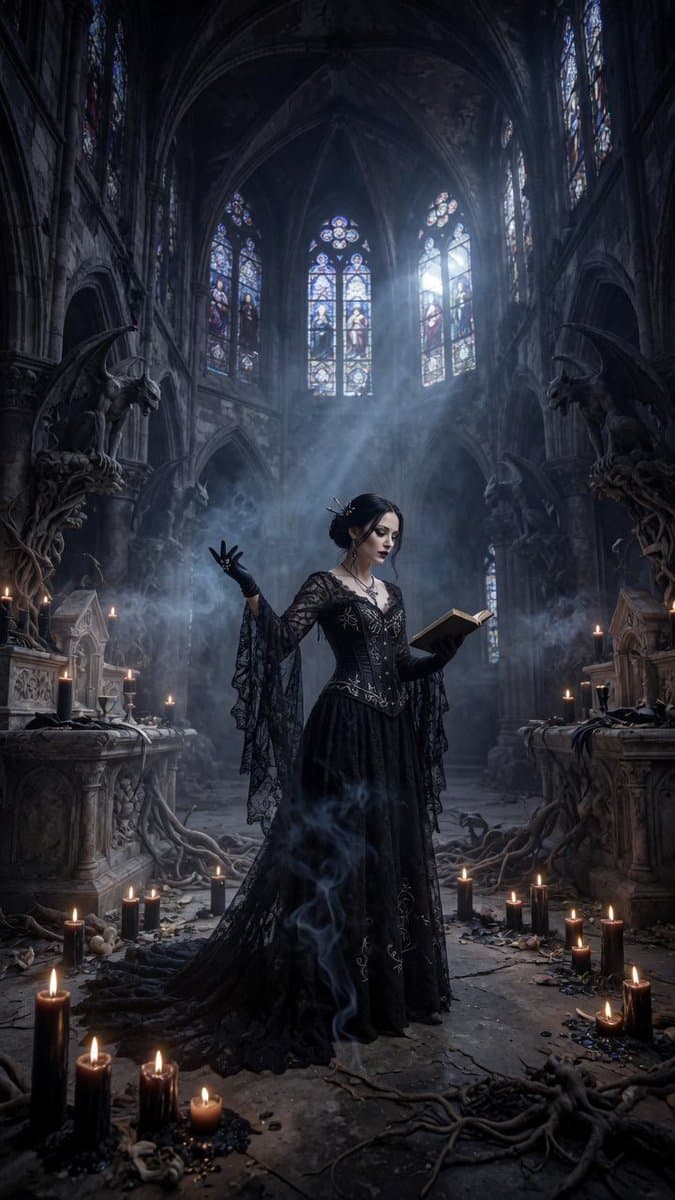

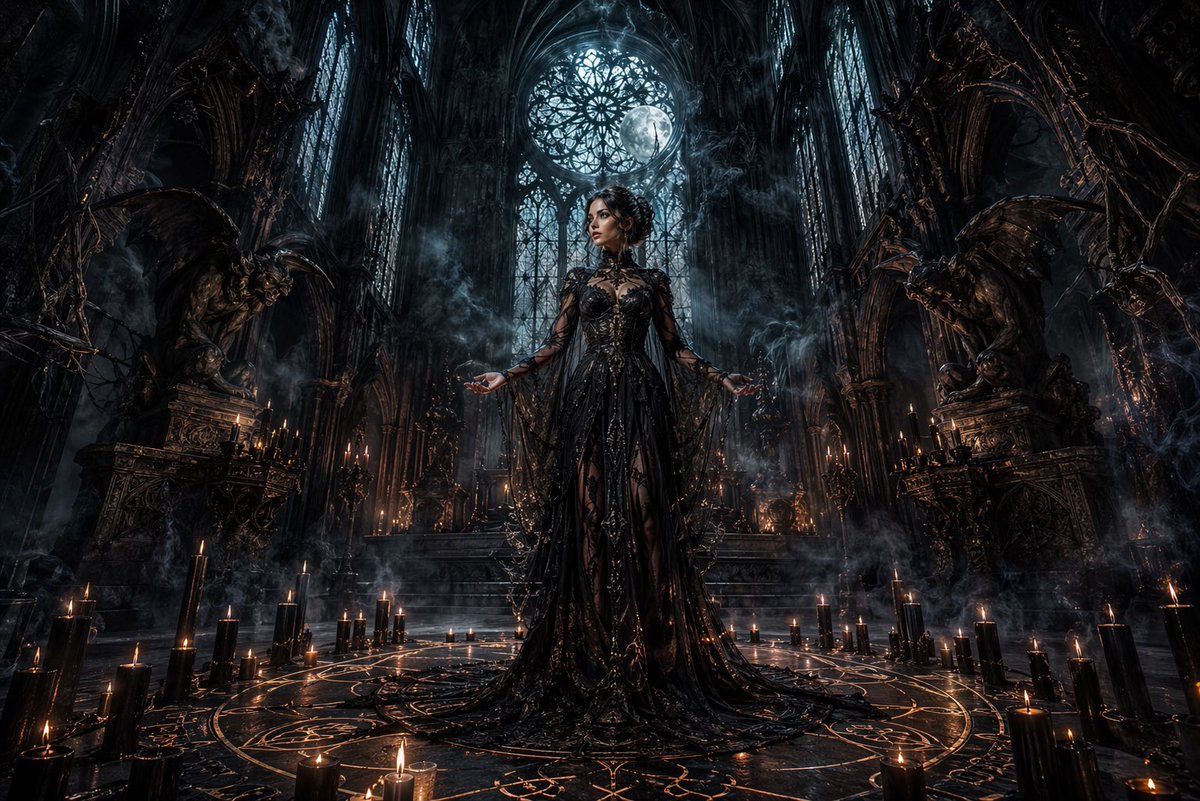
![Cinematic Portrait in Ruined Gothic Cathedral — Cinematic dramatic portrait of [{argument name="subject description" default="your description"}], low camera an](https://pbs.twimg.com/media/HDX5akwaMAAa-uL.jpg)


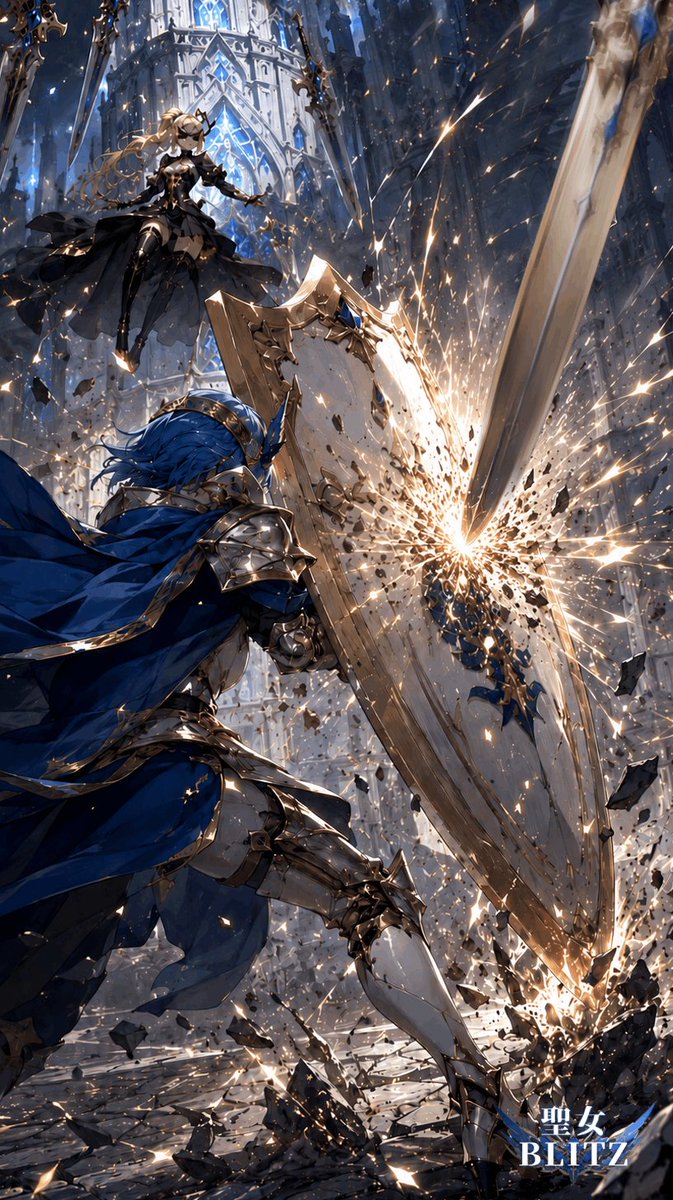
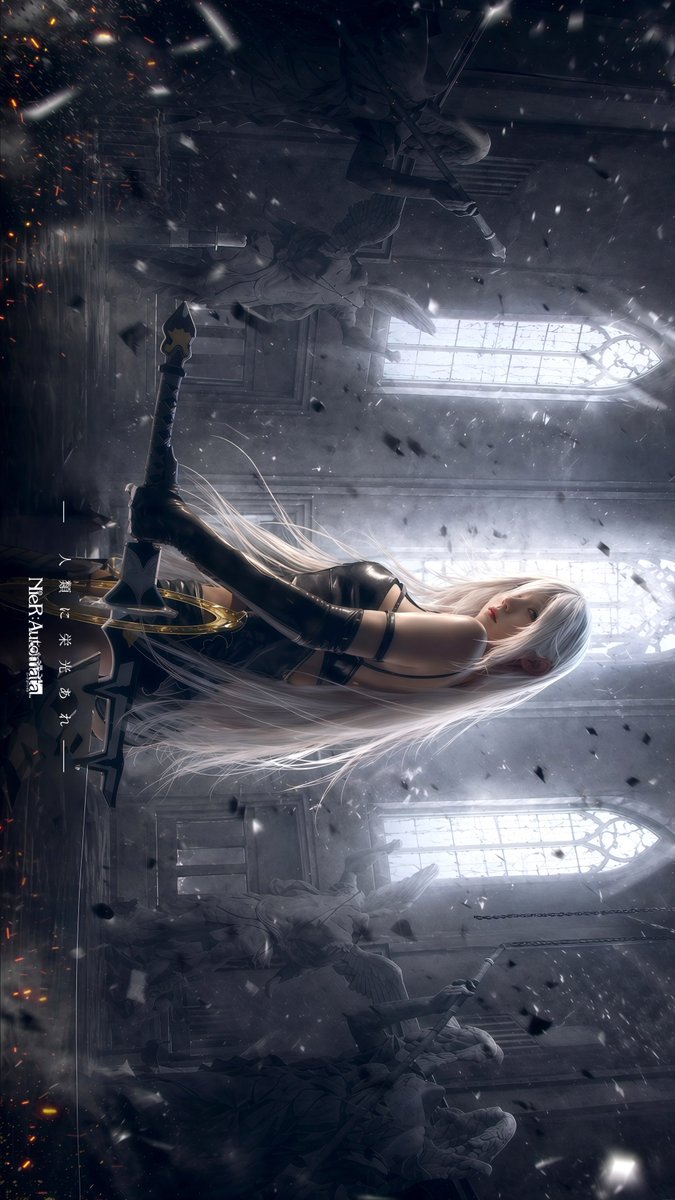
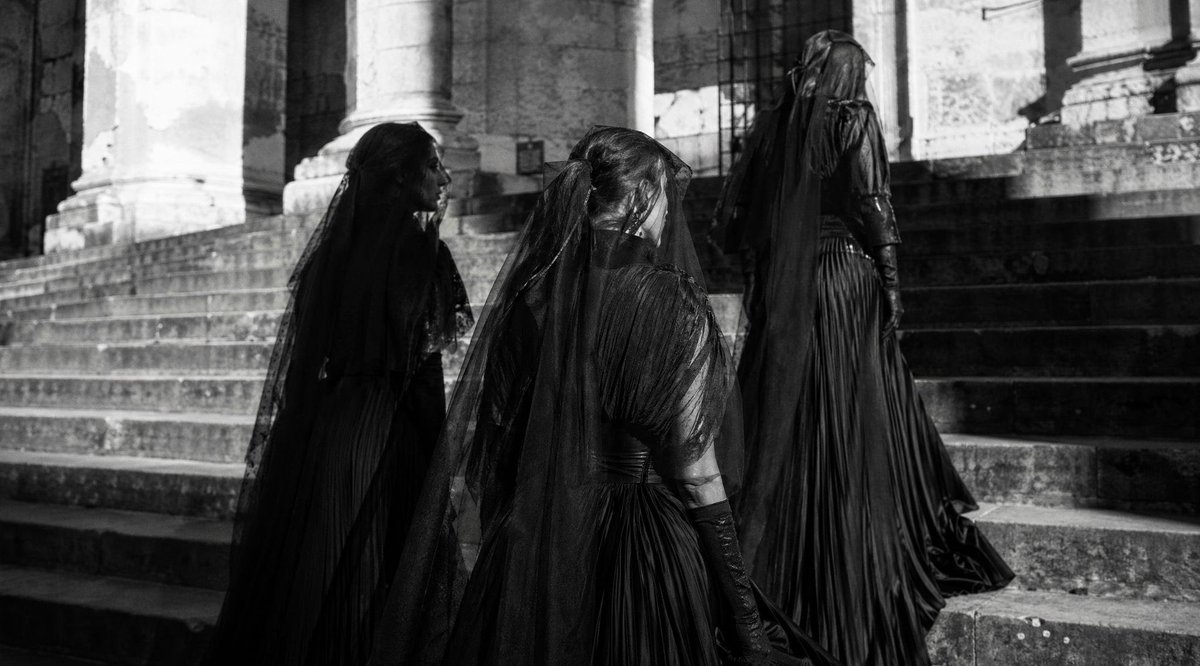










![Minimalist Flat Vector Travel Poster — Premium minimalist flat-vector travel poster for {argument name="city name" default="[CITY_NAME]"}, 3:4 vertical format.](https://cms-assets.youmind.com/media/1787917359711_3ug846_HQX205cbMAA6F6S-300x400.jpg)





























![118-google-nano-banana-pro-skincare-product- — A professional skincare shot of a [product container] with [cap/lid], labeled [brand, product, descriptor, volume](/_next/image?url=https%3A%2F%2Fcdn.picxstudio.com%2Fuploads%2Fpost118_img0_332898b8-29ea-42a9-87ab-9ed746a3f944.jpg&w=828&q=100)



![The Naturalist Dissection Prompt — [NATURAL OBJECT] dissected as if by a master naturalist who found it in the wild. Split and pinned o…](https://pbs.twimg.com/media/HEL6KzTXAAAfEbE.jpg)