How do I use the Ice Snow Magical Girl Design template?
Choose the primary action to open PicX Studio with the available template settings. Review the model and format, personalize the creative direction, and generate when ready.
Generates a full-body anime magical girl costume concept with an ornate icy snowflake transformation outfit for character design use. Change the subject, setting, or lighting one variable at a time.
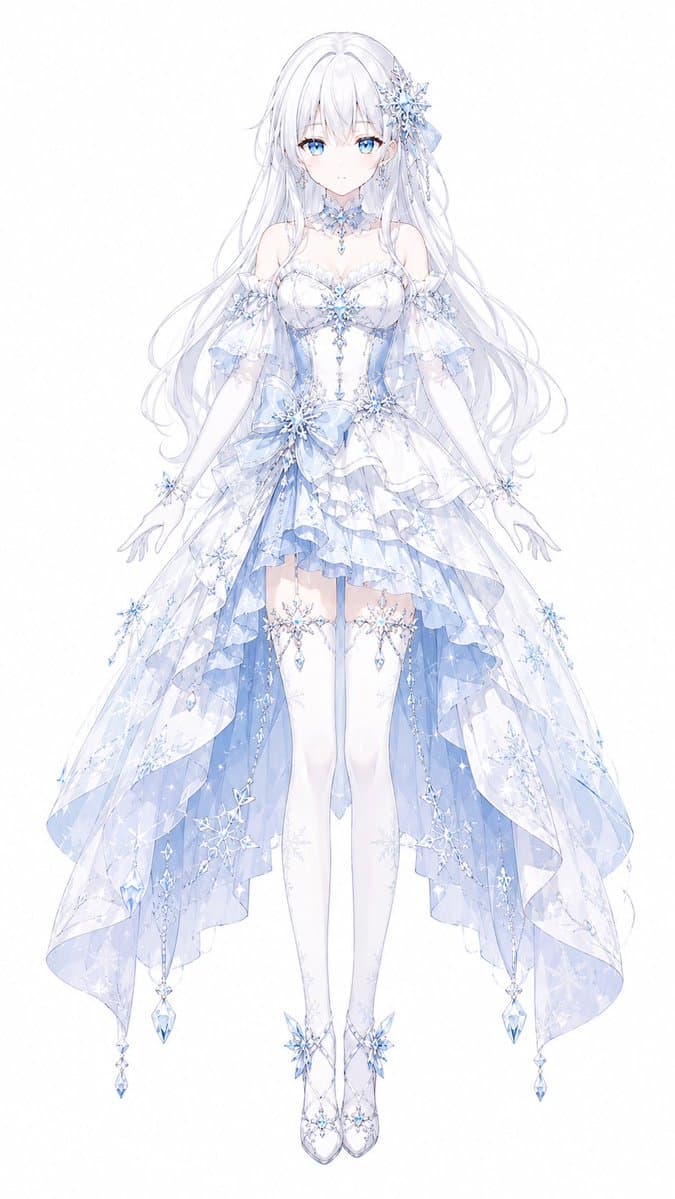
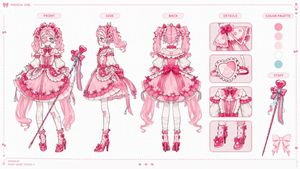
Create a full-body front-facing anime magical girl transformation costume design on a clean white background, centered like a character concept sheet. The character is {argument name="character name" default="Ryuna"}, a delicate ice-and-snow themed magical girl with very long flowing {argument name="hair color" default="silvery white"} hair, soft translucent strands, and a large crystalline snowflake hair ornament with pale blue ribbons on one side. Her face is covered by a plain pale square placeholder, while the rest of the figure is rendered in elegant, high-detail pastel anime illustration. She wears an ornate {argument name="costume theme" default="white and icy blue snow princess magical girl dress"}: an off-shoulder sweetheart bodice with lace trim, fitted corset panels, crystal snowflake brooches, dangling blue gems, sheer puff sleeves, long white gloves, a choker made of frost-like lace and jewels, and a layered asymmetrical skirt. The skirt has multiple translucent ruffled layers, a short front hem, long trailing side panels, pale blue inner fabric, sparkling snowflake patterns, crystal chains, star-like charms, and hanging teardrop gems at the edges. Add thigh-high white stockings with delicate snowflake garters and dangling crystals, plus elegant white heels decorated with icy blue snowflake ornaments. The pose is graceful and symmetrical with arms slightly lowered and hands open, legs together, as if floating during a transformation sequence. Use a color palette of {argument name="color palette" default="white, pearl, pale ice blue, lavender shadows, and clear crystal highlights"}, with fine line art, watercolor-like translucency, shimmering sparkles, intricate lace, faceted gems, snowflake motifs, and a luminous ethereal finish.
Choose the primary action to open PicX Studio with the available template settings. Review the model and format, personalize the creative direction, and generate when ready.
Yes. You can change the subject, setting, lighting, mood, format, and available model controls before creating your image.
This template is free to open and customize. Generation usage is shown in PicX Studio before you create.
Start with GPT Image 2, which is the model associated with this template. You can compare another compatible model for a different finish.
© 2026 PicX Studio. All rights reserved.

Follow a topic to a crawlable collection of related PicX Studio templates.
43,474 public templates available. Verified via the PicX Studio public templates API; refreshed hourly.
![Brand Ice Sculpture Product Photography — [BRAND NAME] luxury product still life. A large three-dimensional ice sculpture in the exact shape of the [BRAND NAME]](/_next/image?url=https%3A%2F%2Fcdn.picxstudio.com%2Fuploads%2Fmeigen_907cd03b2295_0e348d56-7cfb-4634-969d-dd59d09e75ca.jpg&w=828&q=100)










![Minimalist Flat Vector Travel Poster — Premium minimalist flat-vector travel poster for {argument name="city name" default="[CITY_NAME]"}, 3:4 vertical format.](https://cms-assets.youmind.com/media/1787917359711_3ug846_HQX205cbMAA6F6S-300x400.jpg)





















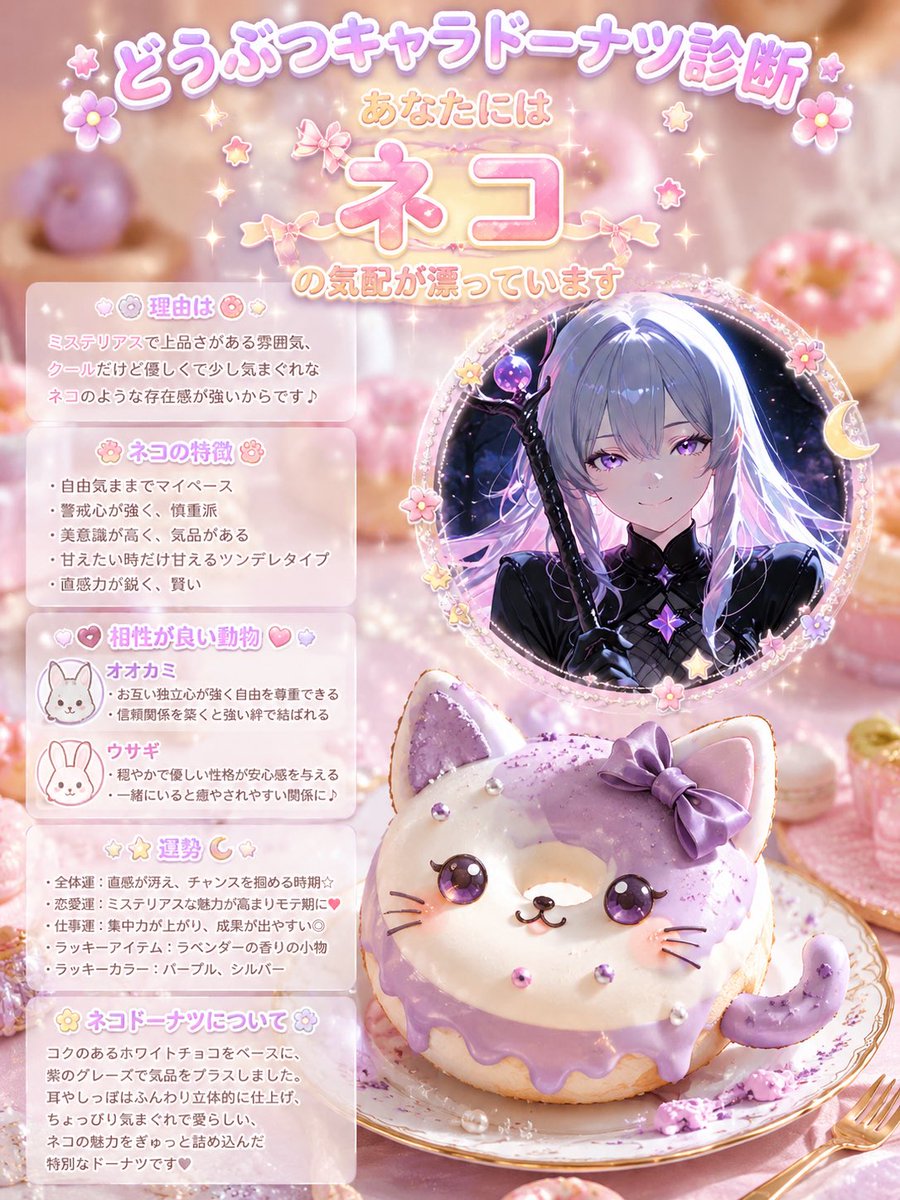

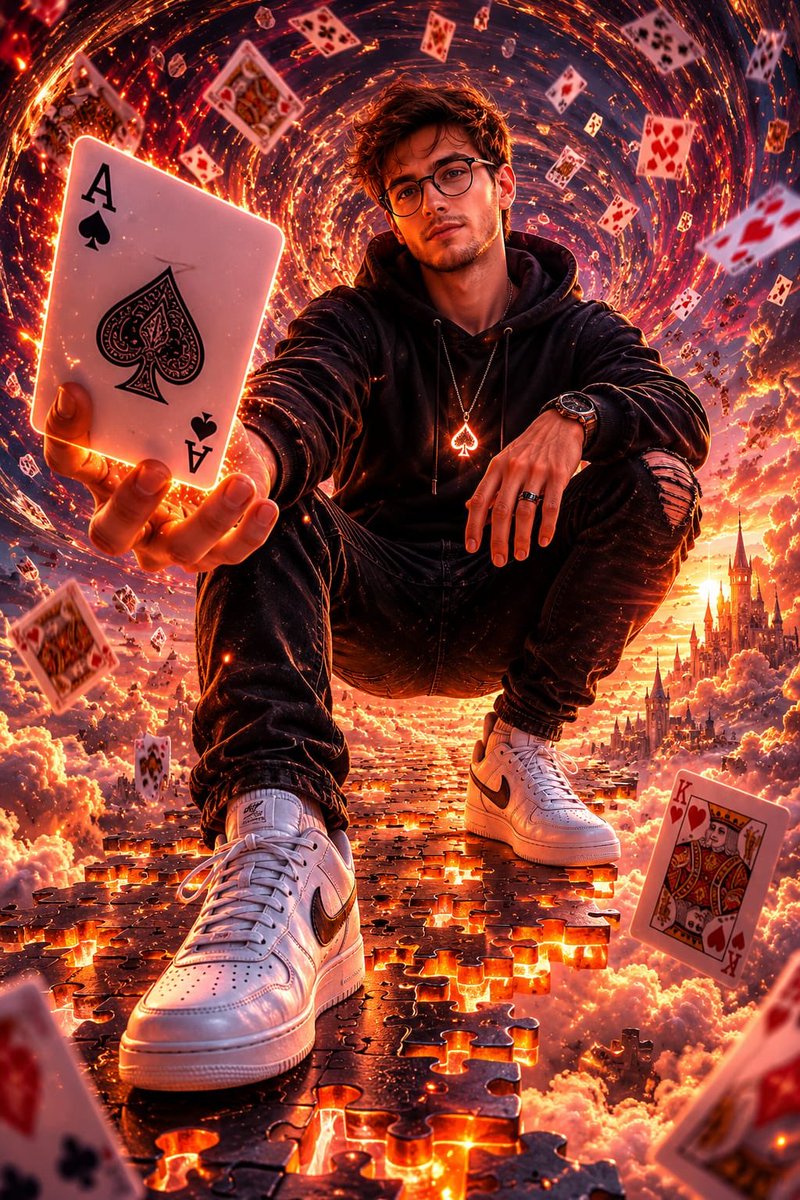


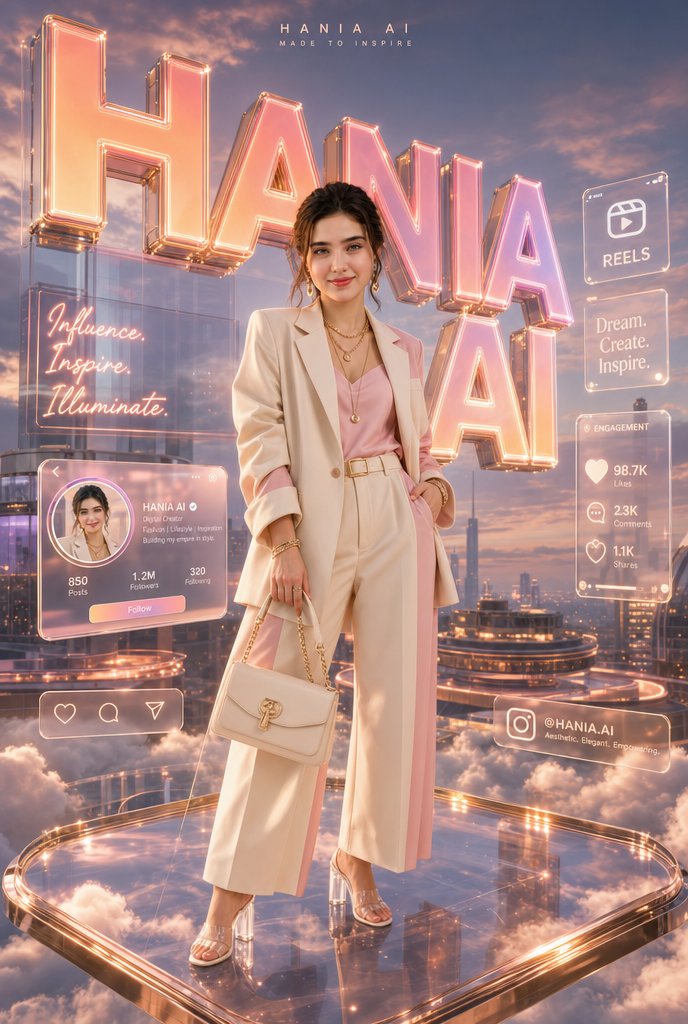




![Adding Food to Character Prompts — 好きなキャラプロンプト+『eating {argument name="食べ物" default="〇〇"}]』だけ(〇〇を食べる)
Nano bananaなら参照画像にプラスするだけ📷](https://pbs.twimg.com/media/HAmgUaPbQAA4Szo.png)