How do I use the 1990s Spanish Beach Family Snapshot template?
Choose the primary action to open PicX Studio with the available template settings. Review the model and format, personalize the creative direction, and generate when ready.
This prompt generates a nostalgic, realistic color-film beach photo of everyday summer life in 1990s Spain, ideal for retro lifestyle and memory-style visuals. Change the subject, setting, or lighting one variable at a time.
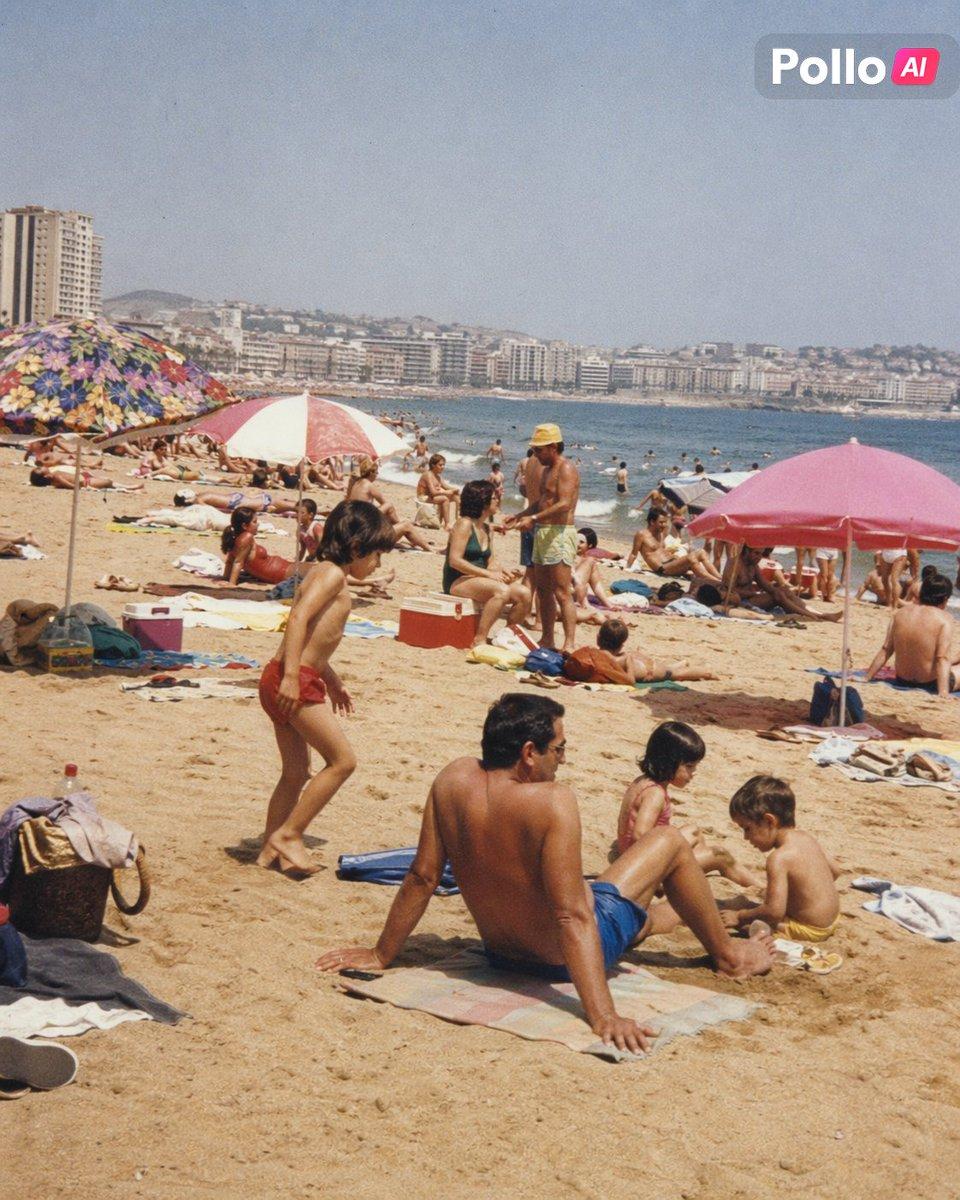
A candid {argument name="time period" default="1990s"} beach scene in {argument name="location" default="Spain"}, photographed like a real family snapshot on color film, vertical composition. A crowded urban beach under bright midday summer sun, with warm beige sand in the foreground, calm blue sea to the right, and a long curve of densely packed apartment buildings and low hills across the bay in the background. In the center foreground, a shirtless middle-aged man with dark hair sits on a towel with his back partly toward the camera, wearing bright blue swim trunks, relaxed and slightly slouched. Around him are {argument name="number of children" default="3"} small children playing in the sand, one standing in red swim briefs and two seated nearby in light-colored swimsuits. Scatter beach towels, coolers, bags, sandals, and personal belongings across the sand. Include exactly 3 prominent beach umbrellas: 1 multicolored floral umbrella on the left, 1 red-and-white striped umbrella near the center-left, and 1 solid pink umbrella on the right. Fill the midground with many sunbathers and swimmers in natural, unstaged poses, evoking everyday summer life rather than tourism advertising. The mood is nostalgic, ordinary, and authentic, with slight film grain, soft faded colors, mild haze, and the imperfect realism of a 1990s consumer camera. Documentary photography, zero stock-photo polish, believable skin tones, ambient beach clutter, spontaneous composition, subtle vintage print texture. Add a small modern app watermark in the top-right corner reading {argument name="watermark text" default="Pollo AI"}.
Choose the primary action to open PicX Studio with the available template settings. Review the model and format, personalize the creative direction, and generate when ready.
Yes. You can change the subject, setting, lighting, mood, format, and available model controls before creating your image.
This template is free to open and customize. Generation usage is shown in PicX Studio before you create.
Start with GPT Image 2, which is the model associated with this template. You can compare another compatible model for a different finish.
© 2026 PicX Studio. All rights reserved.

Follow a topic to a crawlable collection of related PicX Studio templates.
43,474 public templates available. Verified via the PicX Studio public templates API; refreshed hourly.
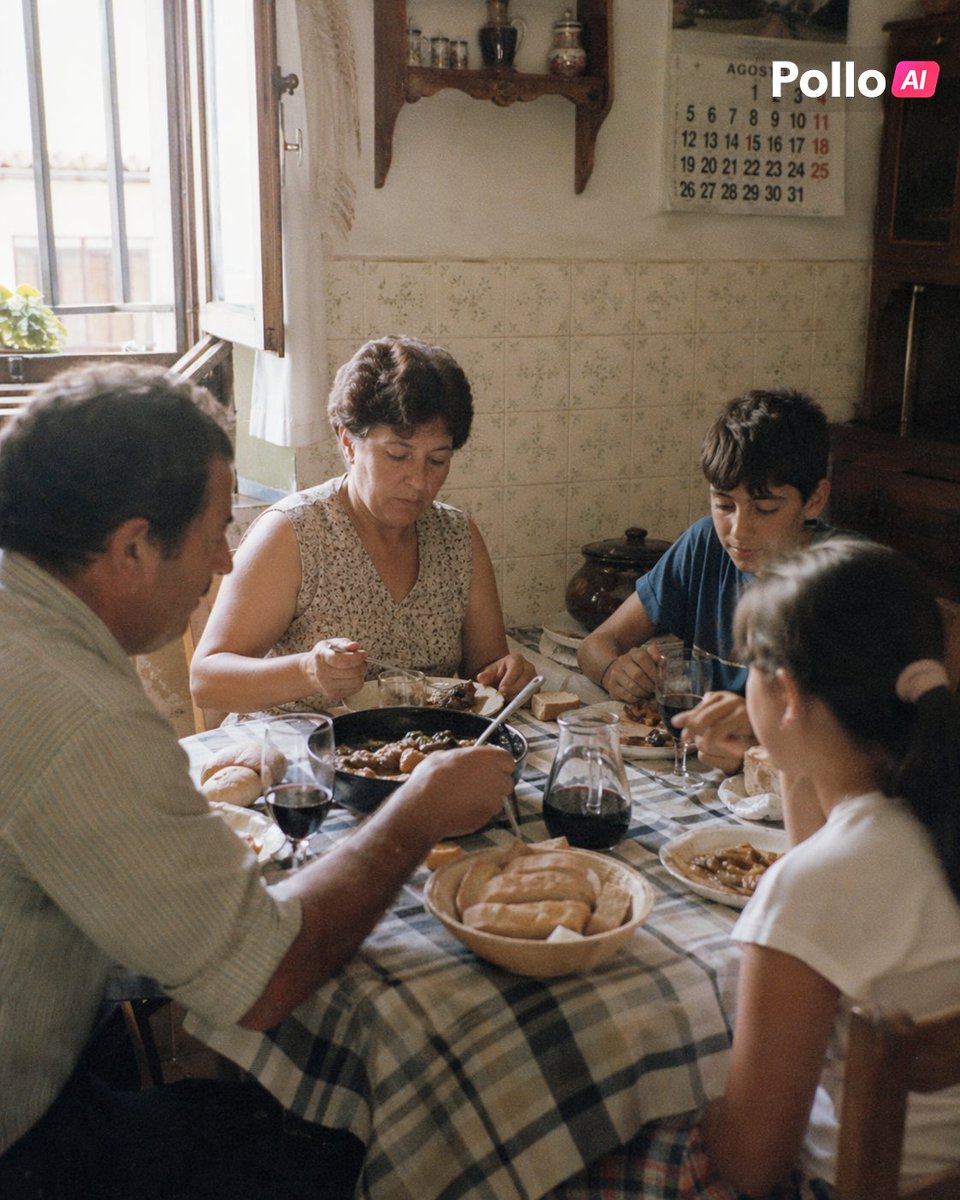











![Minimalist Flat Vector Travel Poster — Premium minimalist flat-vector travel poster for {argument name="city name" default="[CITY_NAME]"}, 3:4 vertical format.](https://cms-assets.youmind.com/media/1787917359711_3ug846_HQX205cbMAA6F6S-300x400.jpg)


























![Playful 3D Caricature of a Celebrity — A playful 3D caricature of {argument name="celebrity name" default="[celebrity]"} riding a small puffy cloud like a hover](https://pbs.twimg.com/media/G7yr7qXbcAEKn9U.jpg)