How do I use the Grayscale Manga Boy Enters Music Studio template?
Choose the primary action to open PicX Studio with the available template settings. Review the model and format, personalize the creative direction, and generate when ready.
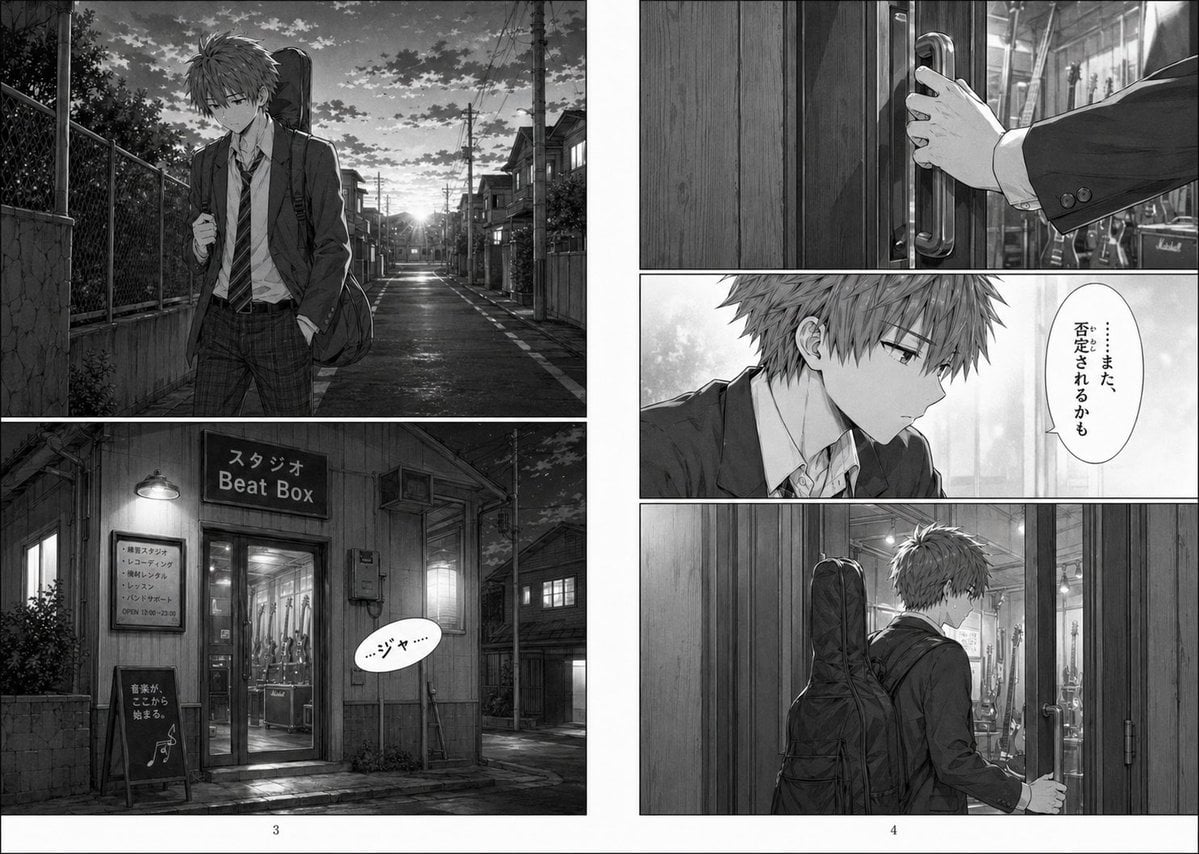
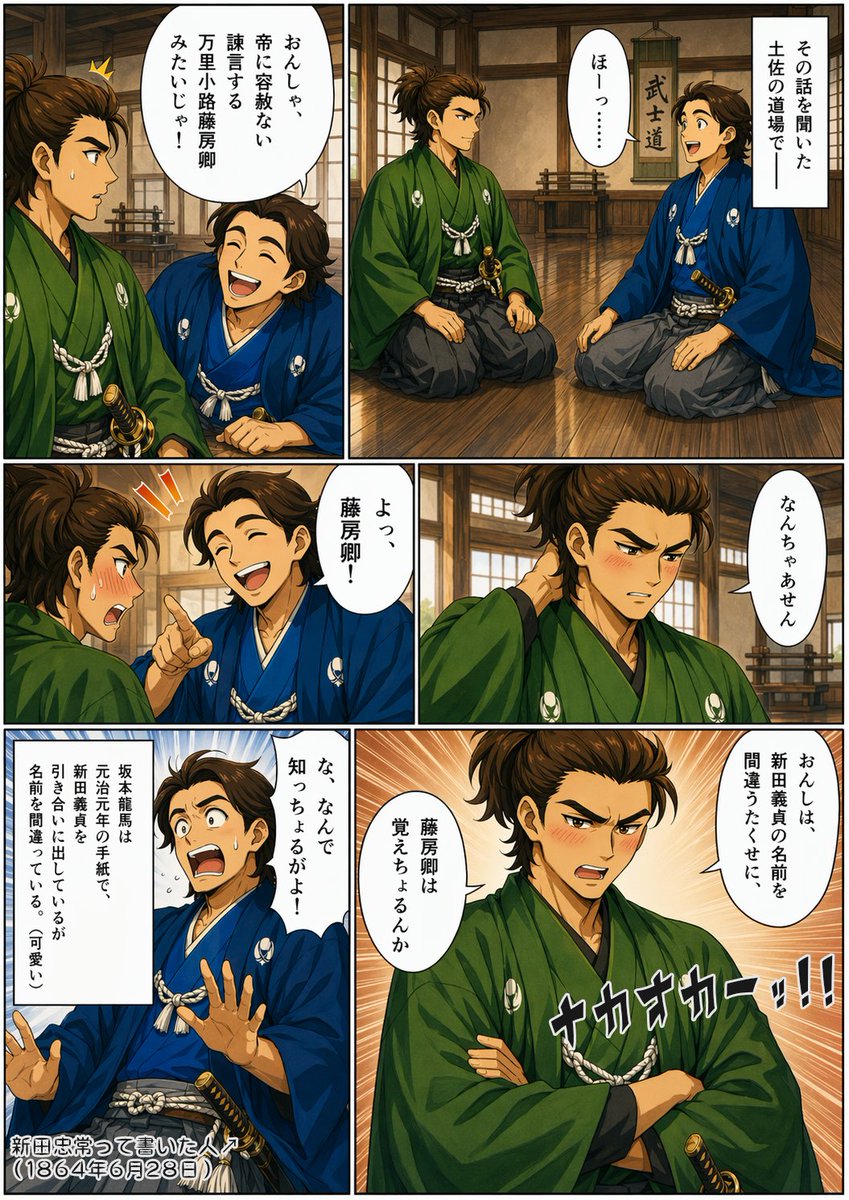
A detailed two-page monochrome manga scene showing an anxious schoolboy with a guitar case approaching and entering a rehearsal studio, ideal for dramatic AI manga storytelling. (free to use) — Free AI image template on PicX Studio.
{"type":"black-and-white manga page spread","style":{"genre":"dramatic slice-of-life youth music story","rendering":"high-detail grayscale screentone manga, cinematic lighting, realistic backgrounds, soft contrast, polished seinen manga finish","reading":"Japanese manga page design"},"layout":{"pages":2,"panels":5,"gutter":"clean white gutters and margins","pageNumbers":[3,4],"sections":[{"title":"left page top panel","position":"upper-left","count":1,"labels":["teenage boy walking alone at sunset on a narrow residential street"]},{"title":"left page bottom panel","position":"lower-left","count":1,"labels":["exterior of rehearsal studio with sign and speech bubble"]},{"title":"right page top panel","position":"upper-right","count":1,"labels":["close-up of hand pulling open a glass-and-metal door handle"]},{"title":"right page middle panel","position":"center-right","count":1,"labels":["close-up of boy's face in profile with one vertical blurred censor block and a thought balloon"]},{"title":"right page bottom panel","position":"lower-right","count":1,"labels":["rear three-quarter view of boy entering the studio with guitar case on his back"]}]},"character":{"subject":"one high-school-age boy","appearance":{"gender":"male","build":"slim","hair":"messy short spiky {argument name=\"hair color\" default=\"dark brown\" rendered in grayscale}","expression":"downcast, anxious, introspective","clothing":["school blazer","white dress shirt","loosened striped tie","dark plaid trousers"],"accessory":"soft guitar gig bag carried on his back"}},"environment":{"setting":"quiet Japanese neighborhood street at dusk leading to a small music studio","time":"sunset to early evening","weather":"dry after-rain feeling with reflective pavement","details":["utility poles and overhead wires","closely packed houses","chain-link fence along the street","low sun at vanishing point","warm studio light glowing through glass door","interior guitars and amplifiers visible through the entrance"]},"objects":{"count":6,"items":["studio sign reading 'スタジオ Beat Box'","wall notice board with small unreadable Japanese service list","A-frame chalkboard sign with Japanese writing and music-note doodle","glass entry door with vertical metal pull handle","multiple guitars visible inside the studio","amplifier stack visible inside, one resembling a Marshall amp"]},"text":{"count":3,"items":[{"type":"sign","value":"スタジオ Beat Box"},{"type":"speech bubble","value":"…ジャ"},{"type":"thought balloon","value":"……また、否定されるかも"}]},"composition":"Make the left page a large atmospheric establishing shot of the boy walking, with a second large panel below showing the studio exterior. Make the right page three stacked panels: a tight close-up of the hand on the handle, a medium close-up profile of the boy with a vertical blurred rectangle obscuring part of his face, and a wider panel of him opening the door and stepping inside. Emphasize loneliness, hesitation, and the emotional weight of approaching a music space after previous rejection.","mood":"melancholic, tense, quietly hopeful, the day when something sounded different"}
Use Grayscale Manga Boy Enters Music Studio to plan an AI image around gpt-image-2 generation, themes such as en and gpt-image-2. Match the preview's composition first, then personalize the subject, setting, and mood for your own project.
Use the primary action to load the template settings in PicX Studio.
Adjust the subject and creative details for your destination.
Create the image, compare the result with the preview, and refine one variable at a time.
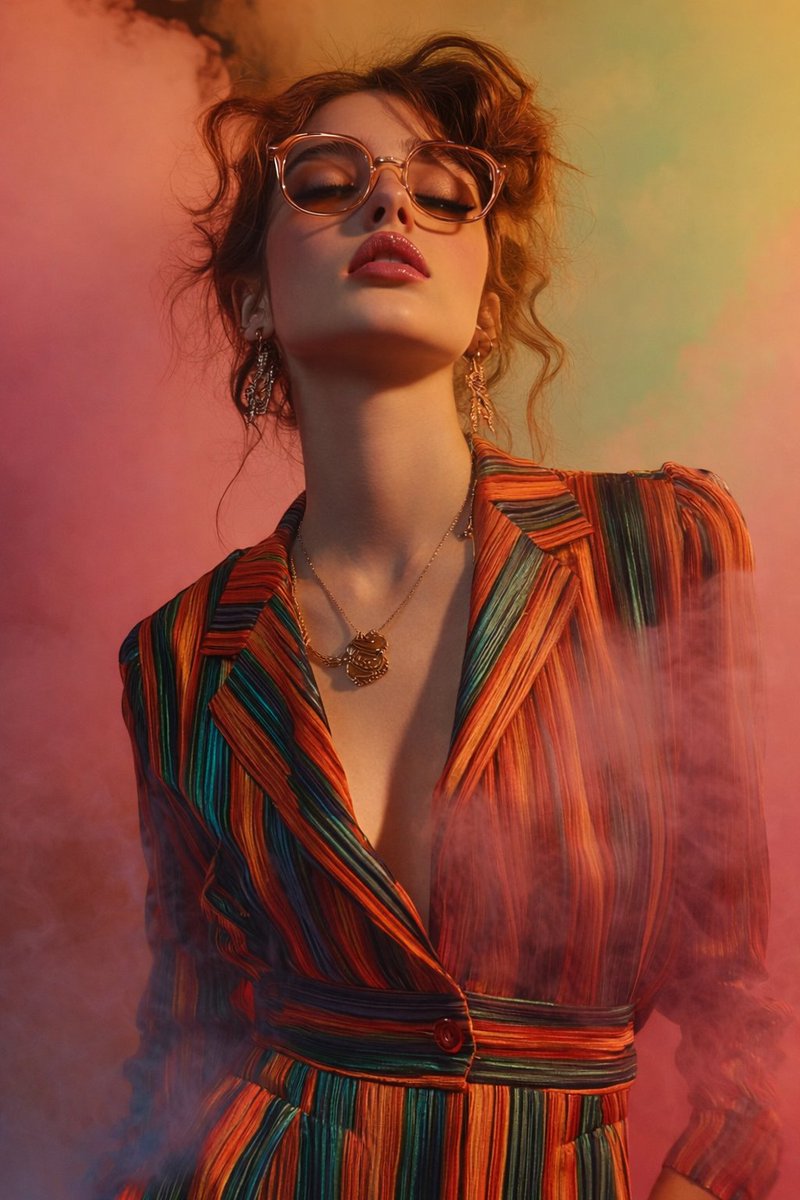
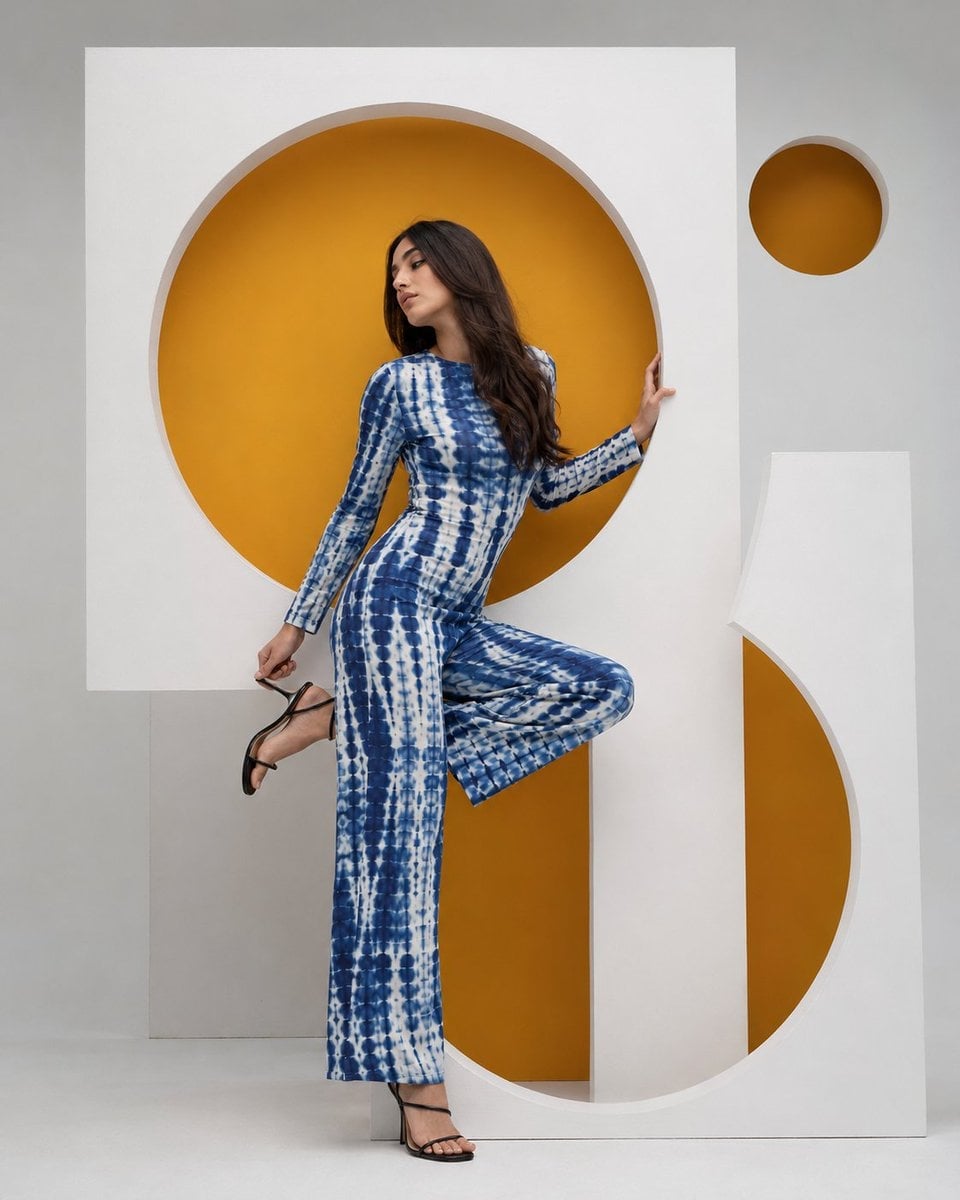
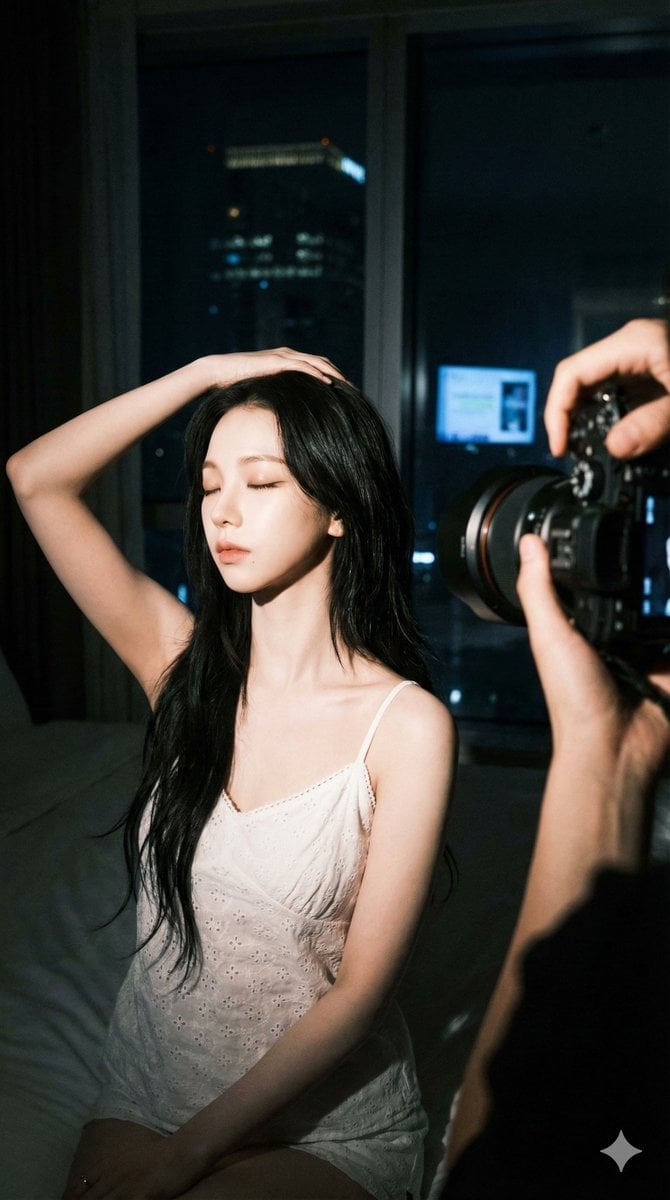
A continuous mix — similar concepts first, woven with same-model prompts and fresh picks from the catalog.
Choose the primary action to open PicX Studio with the available template settings. Review the model and format, personalize the creative direction, and generate when ready.
Yes. You can change the subject, setting, lighting, mood, format, and available model controls before creating your image.
This template is free to open and customize. Generation usage is shown in PicX Studio before you create.
Start with gpt-image-2, which is the model associated with this template. You can compare another compatible model for a different finish.
A continuous mix — similar concepts first, woven with same-model prompts and fresh picks from the catalog.
Follow a topic to a crawlable collection of related PicX Studio templates.
36,410 public templates available. Verified via the PicX Studio public templates API; refreshed hourly.