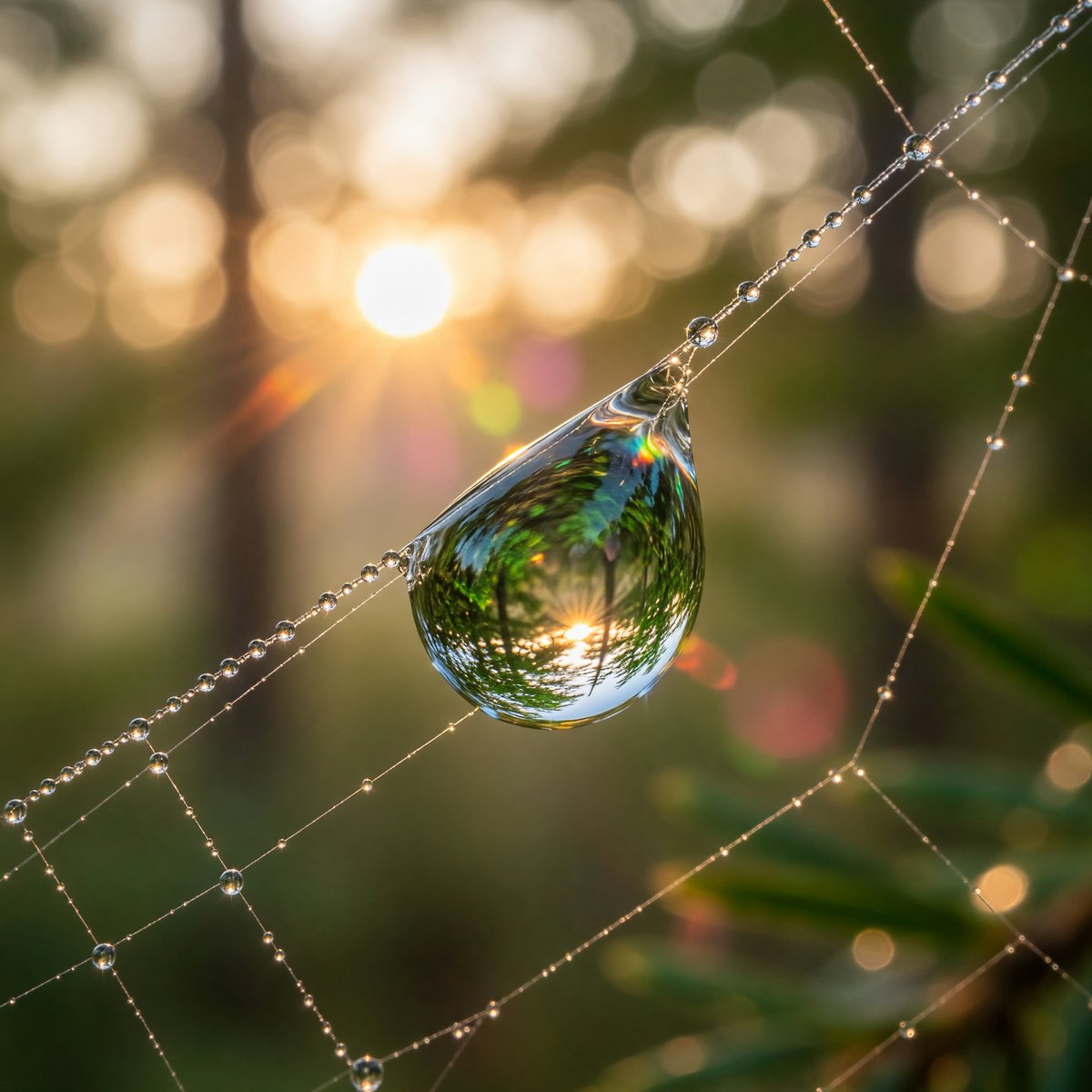
How do I use the Enhanced Spider Macro Photo template?
Choose the primary action to open PicX Studio with the available template settings. Review the model and format, personalize the creative direction, and generate when ready.
Creates a close-up realistic macro enhancement of a spider photo while preserving the original pose and mesh background.
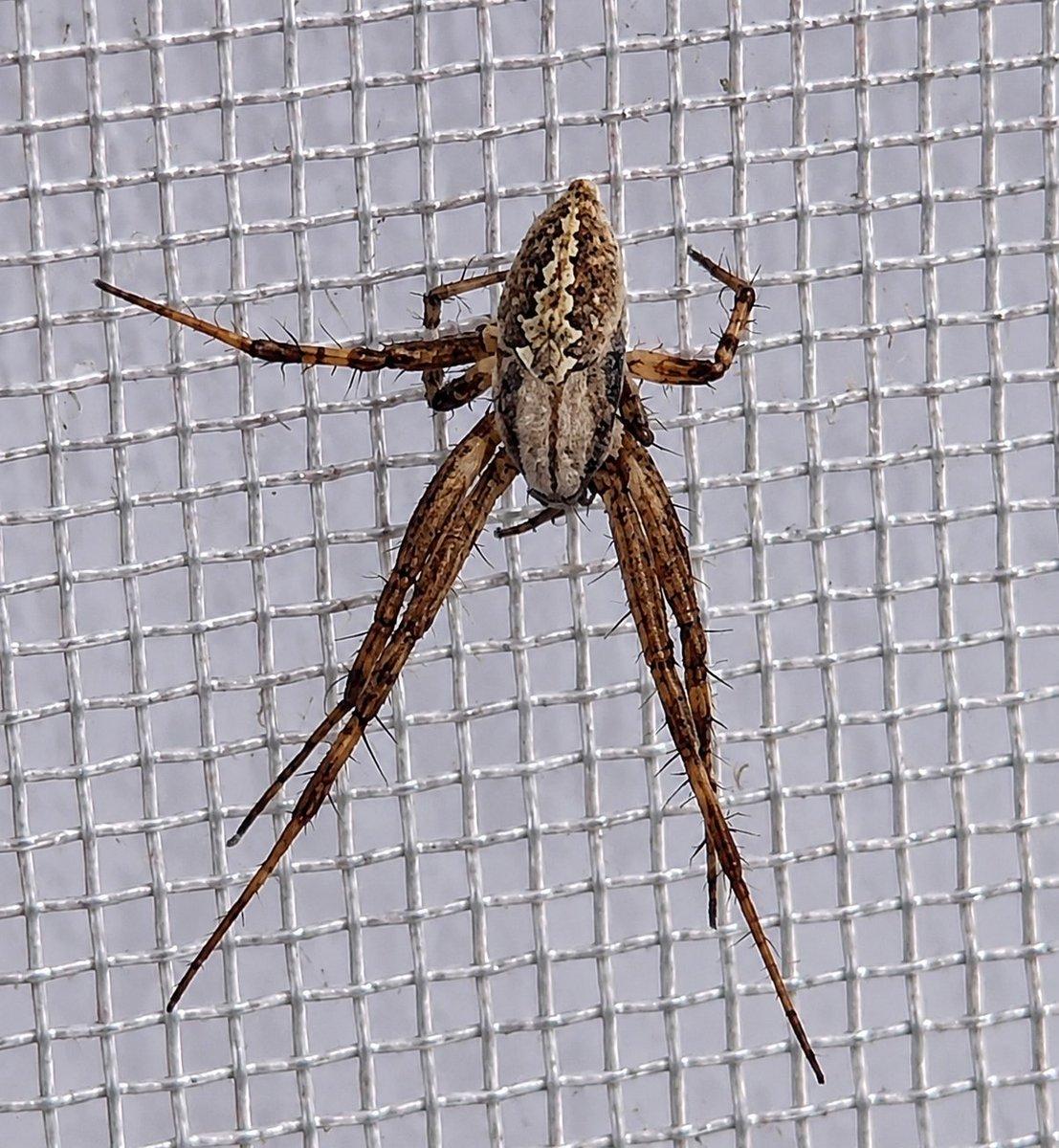
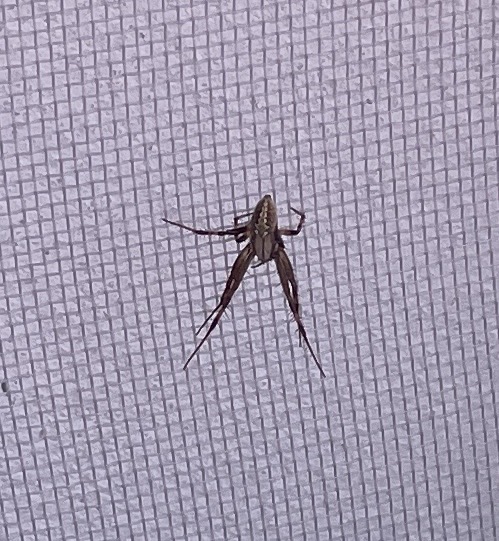
Using REFERENCE_0 as the source photo, create a dramatically enhanced macro-photography version of the same spider on the same mesh surface. Keep the spider's pose, orientation, and location on the woven grid consistent, but zoom in tightly so the spider fills most of the frame. Increase realism, sharpness, and detail: reveal the segmented legs, tiny hairs, joints, mottled brown-and-cream abdomen markings, and natural shadows. Make the mesh look like translucent white plastic or nylon strands with a clearly visible square weave, crisp highlights, and shallow macro depth. Preserve a realistic photographic look with natural lighting, no added objects, no text, no watermark, and no stylization beyond macro enhancement.
Enhanced Spider Macro Photo needs input media to work. Open it in the studio and these load alongside the prompt — pick whichever ones your chosen model can take.
Choose the primary action to open PicX Studio with the available template settings. Review the model and format, personalize the creative direction, and generate when ready.
Yes. You can change the subject, setting, lighting, mood, format, and available model controls before creating your image.
This template is free to open and customize. Generation usage is shown in PicX Studio before you create.
Start with GPT Image 2, which is the model associated with this template. You can compare another compatible model for a different finish.
© 2026 PicX Studio. All rights reserved.

Follow a topic to a crawlable collection of related PicX Studio templates.