How do I use the Xiaohongshu Moody Portrait Cover template?
Choose the primary action to open PicX Studio with the available template settings. Review the model and format, personalize the creative direction, and generate when ready.
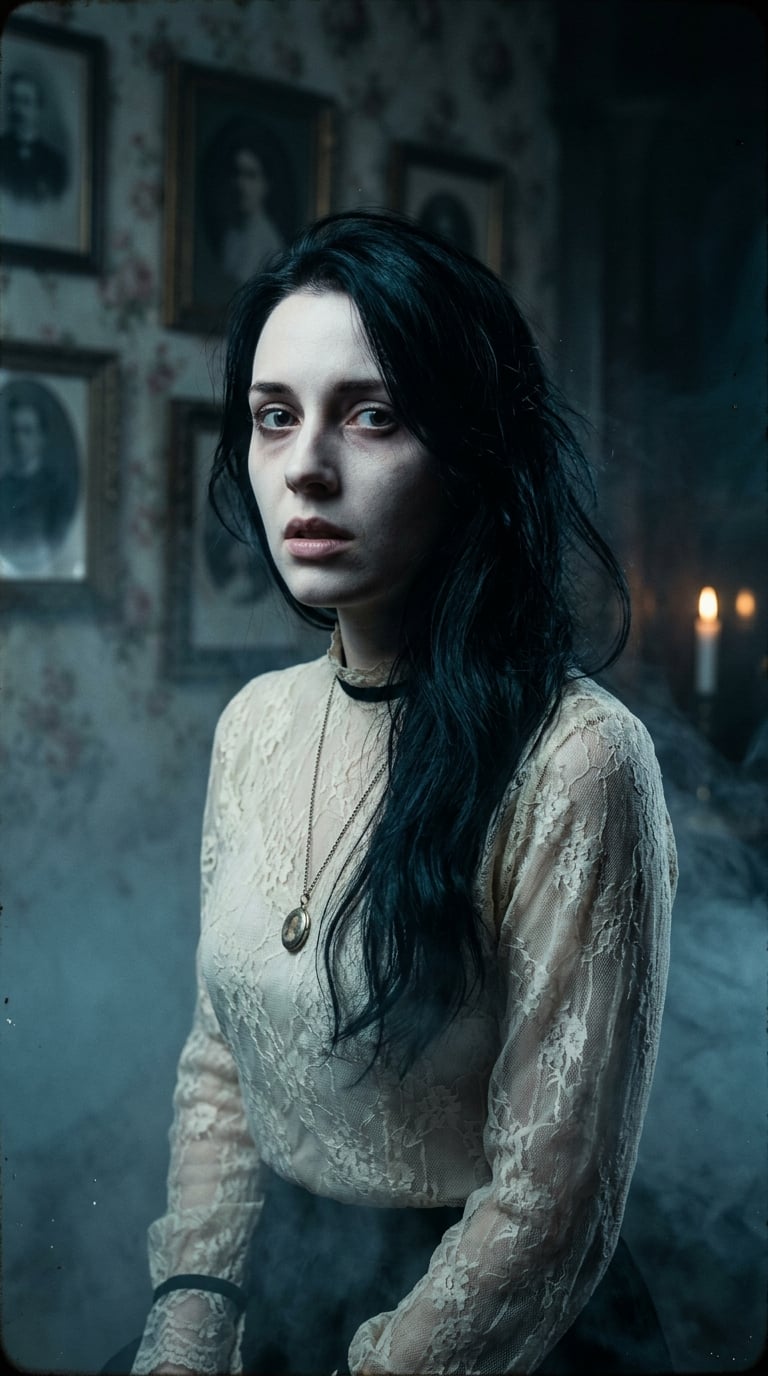
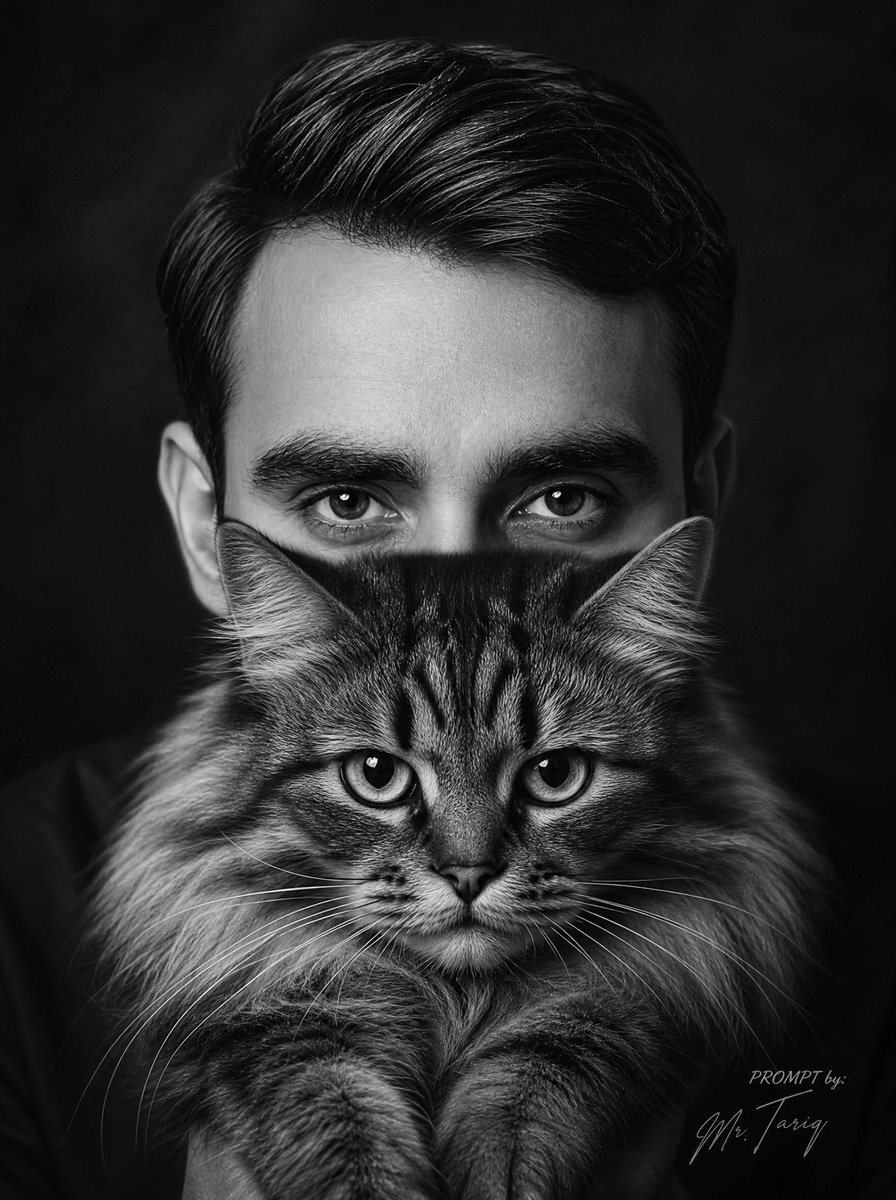
A cinematic prompt for gpt-image-2 to generate a moody, relatable portrait of a young person in a realistic home office setting, perfect for social media covers

生成一张适合小红书发布的3:4竖版封面图。画面主体是一位{argument name="年龄" default="20多岁"}的年轻人,晚上独自坐在{argument name="环境" default="出租屋书桌前"},盯着电脑屏幕发呆。电脑上隐约显示多个副业项目页面和待办事项,但不要出现清晰可读文字。人物表情要有“{argument name="情绪" default="想改变现状,但又不知道从哪里开始”的真实迷茫感"}。不是夸张崩溃,而是安静、压抑、让人有代入感。桌面上有笔记本、手机、咖啡杯、几张随手写过的便签,环境真实生活化,不要豪华办公室。构图要求:人物位于画面右侧,左侧和上方留出干净区域,方便后期放大标题。光线要求:房间整体偏暗,桌面有一盏暖黄色台灯,电脑屏幕发出微弱冷光,形成冷暖对比。整体风格是真实摄影感,高级但不过度修饰。自然皮肤纹理,真实阴影,略带电影感。
Choose the primary action to open PicX Studio with the available template settings. Review the model and format, personalize the creative direction, and generate when ready.
Yes. You can change the subject, setting, lighting, mood, format, and available model controls before creating your image.
This template is free to open and customize. Generation usage is shown in PicX Studio before you create.
Start with GPT Image 2, which is the model associated with this template. You can compare another compatible model for a different finish.
Follow a topic to a crawlable collection of related PicX Studio templates.