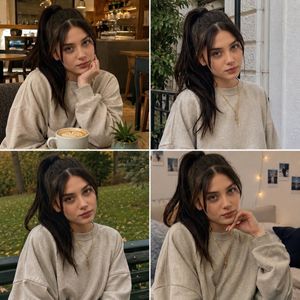
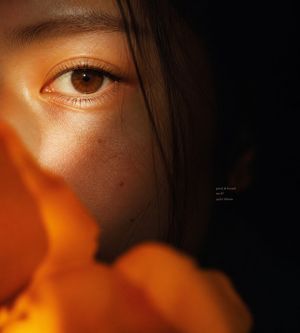
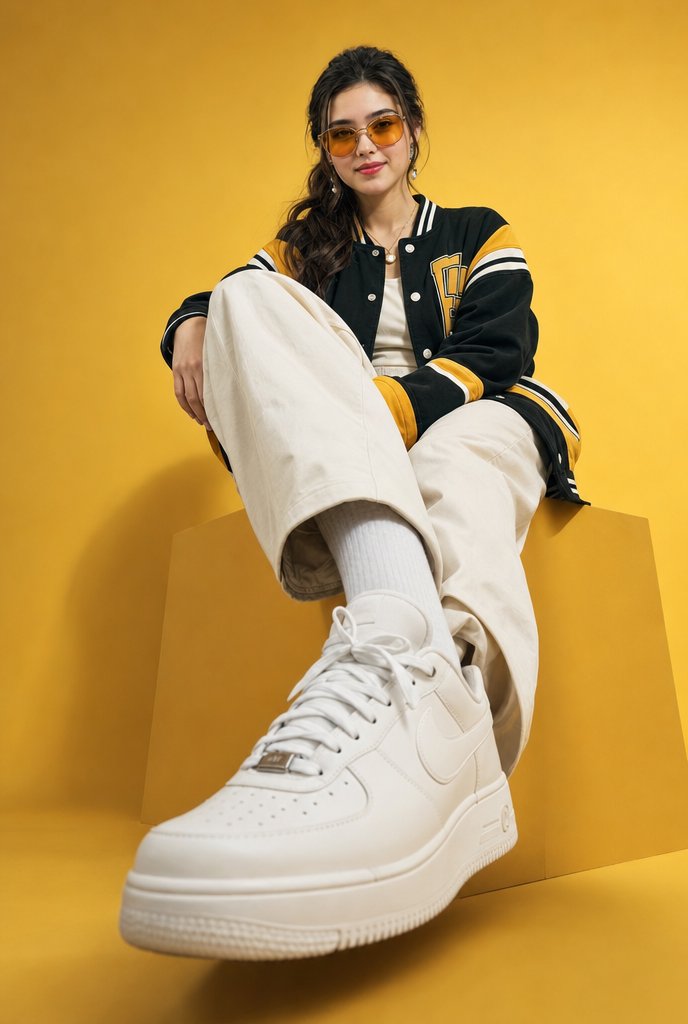
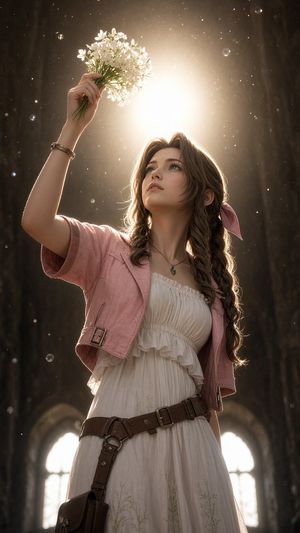
How do I use the Low-Angle Flower Field Portrait template?
Choose the primary action to open PicX Studio with the available template settings. Review the model and format, personalize the creative direction, and generate when ready.
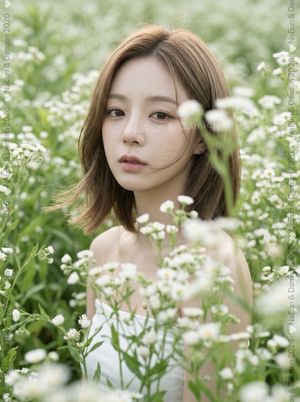
A photorealistic vertical portrait of a woman looking upward among tall cream flowers, ideal for fashion, beauty, or spring editorial imagery.
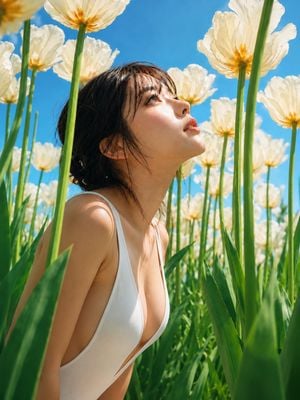
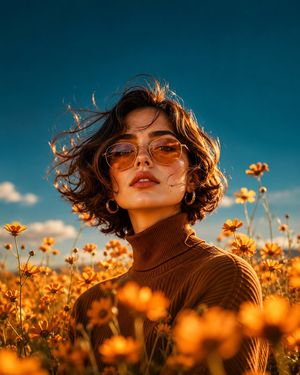
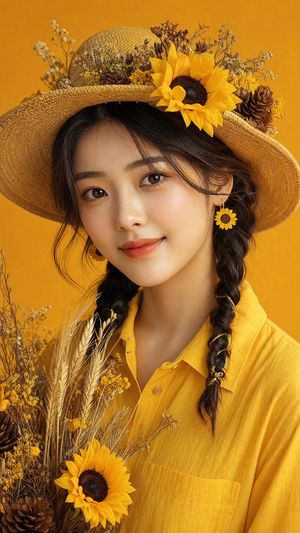
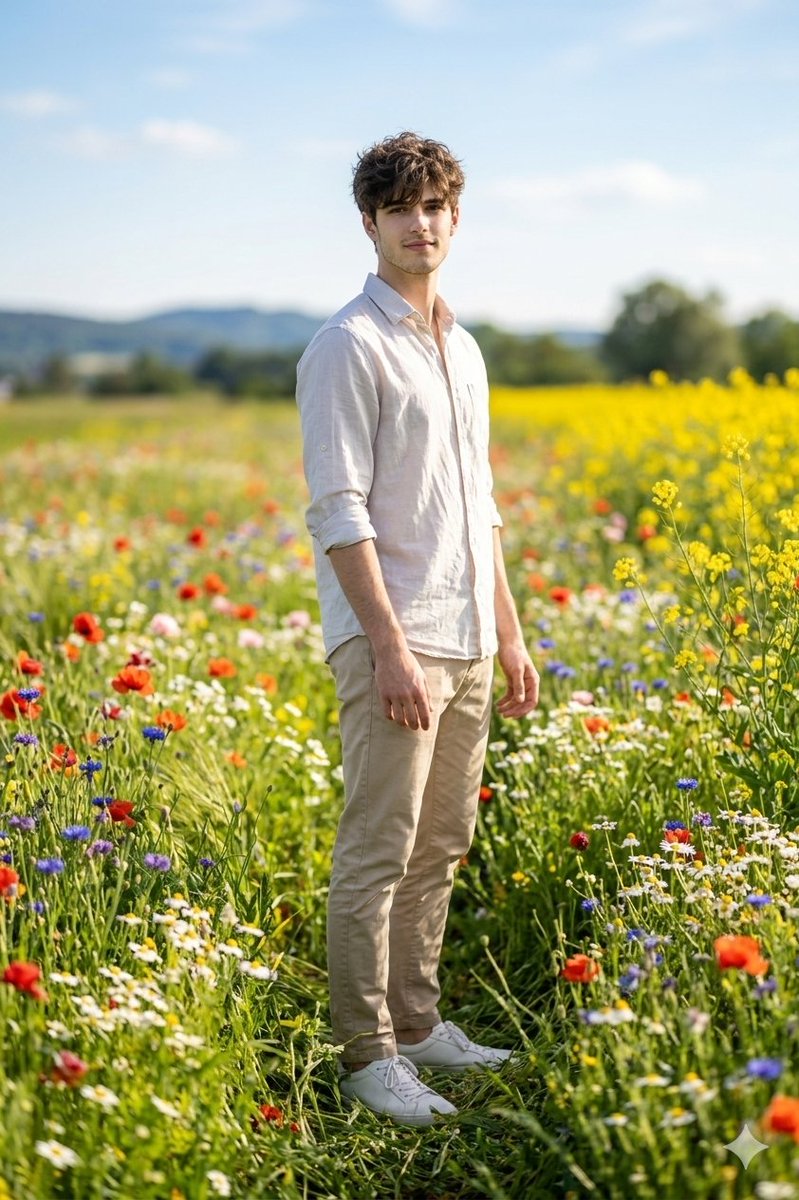
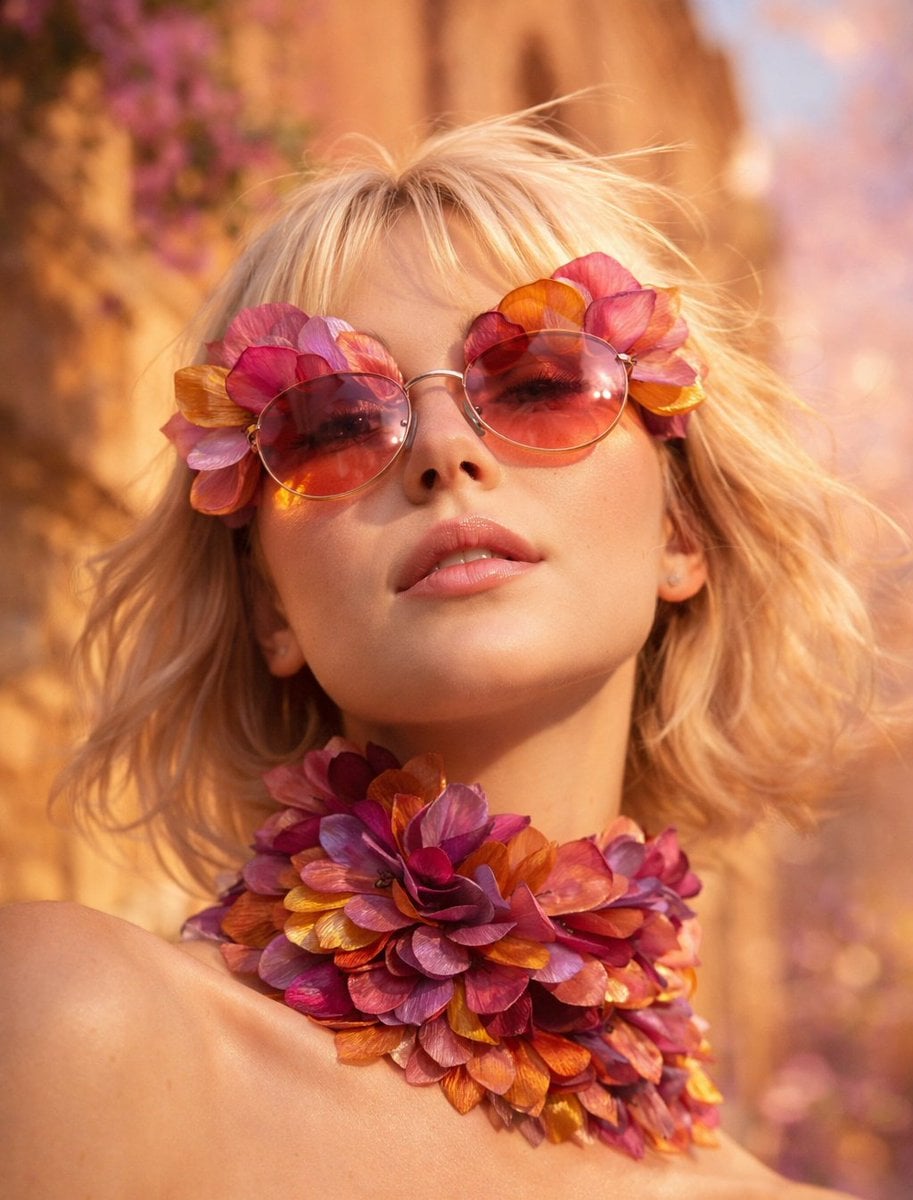
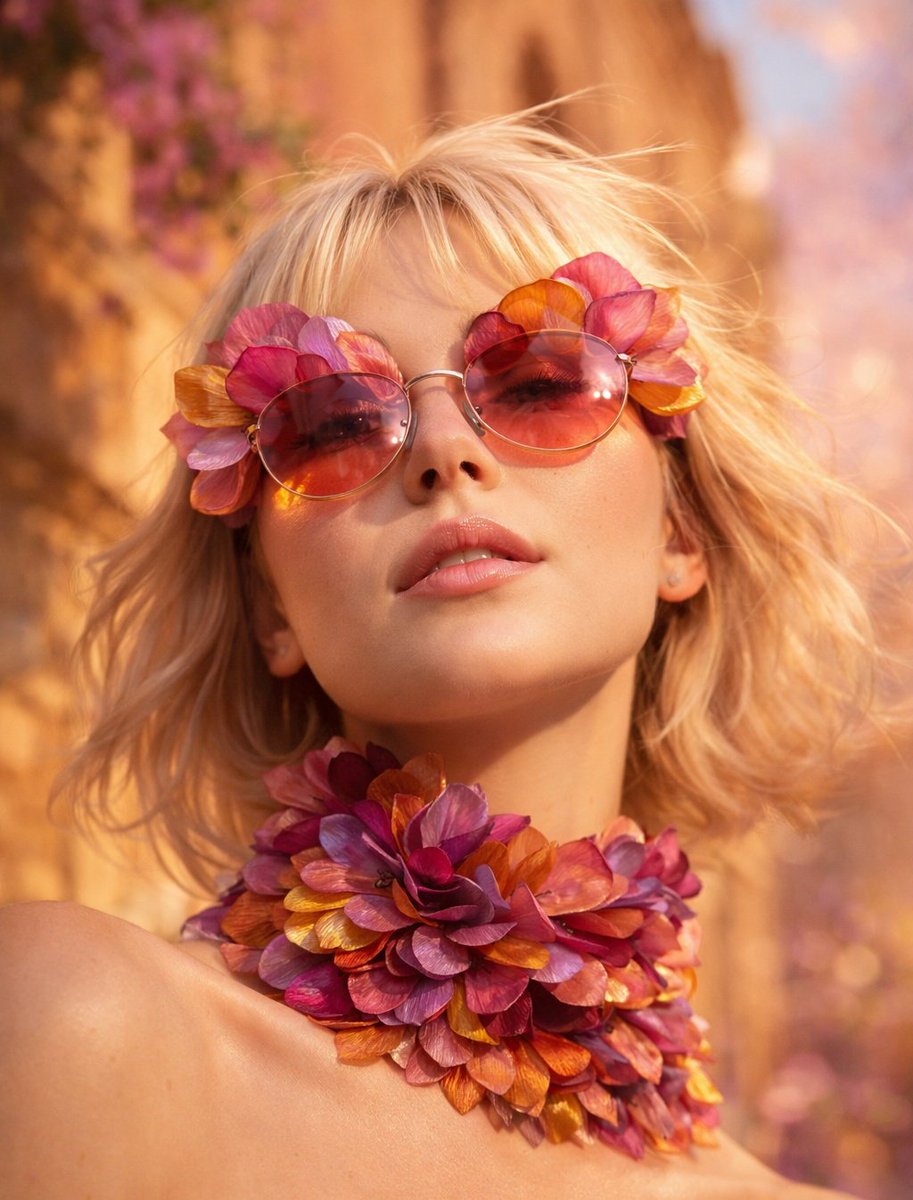
Create a photorealistic low-angle fashion portrait of {argument name="subject" default="a young East Asian woman"} crouching or kneeling among tall green flower stems and long blade-like leaves, wearing {argument name="outfit" default="a minimal white deep-side-cut one-piece swimsuit"}. She has {argument name="hair style" default="short dark wet tousled hair with wispy bangs"}, luminous natural skin, and a calm contemplative expression as she tilts her head upward to the right, eyes looking toward the sunlight. Surround her with exactly 12 prominent pale cream-white poppy-like flowers with golden orange centers on tall green stems: 1 large cropped blossom at the top center, 1 large blossom at the upper right, 1 partial warm yellow blossom in the extreme upper left corner, 2 blossoms on the left background, 1 blossom directly behind the top of her head, 2 blossoms in the mid-right background, 1 blossom near the far right edge, and 3 softer smaller blossoms scattered in the distant background. Use a vivid clear blue sky, bright midday sunlight, warm highlights, crisp shadows, shallow depth of field, slight wide-angle perspective from below the flower canopy, foreground leaves softly blurred at the bottom and sides, ultra-realistic skin texture, glossy hair strands, fresh spring atmosphere, high-resolution editorial photography, vertical 4:5 composition. Avoid text, logos, jewelry, hats, extra people, and artificial studio lighting.
Choose the primary action to open PicX Studio with the available template settings. Review the model and format, personalize the creative direction, and generate when ready.
Yes. You can change the subject, setting, lighting, mood, format, and available model controls before creating your image.
This template is free to open and customize. Generation usage is shown in PicX Studio before you create.
Start with GPT Image 2, which is the model associated with this template. You can compare another compatible model for a different finish.
Follow a topic to a crawlable collection of related PicX Studio templates.