How do I use the Custom Soccer Grail Trading Card template?
Choose the primary action to open PicX Studio with the available template settings. Review the model and format, personalize the creative direction, and generate when ready.
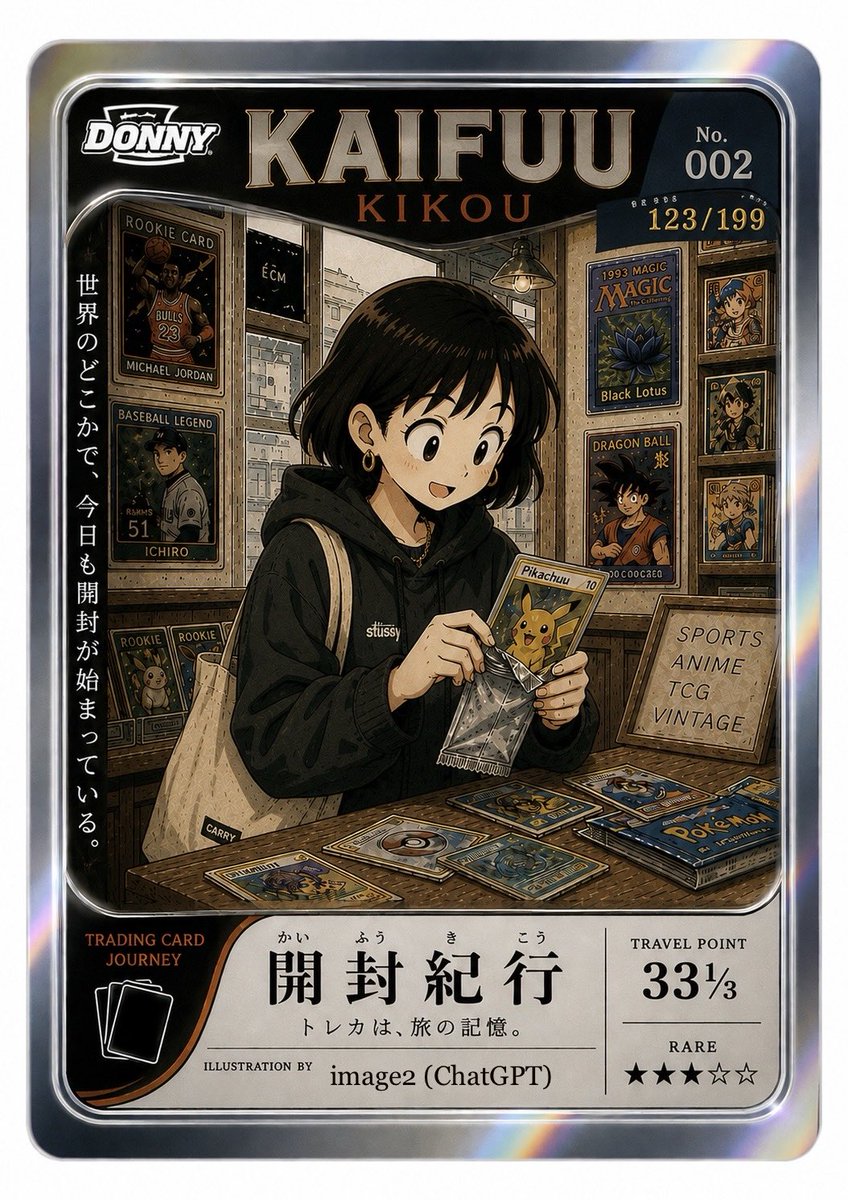
A detailed prompt for creating professional soccer trading cards based on a reference layout, allowing for custom club names, player names, and jersey numbers. Change the subject, setting, or lighting one variable at a time.
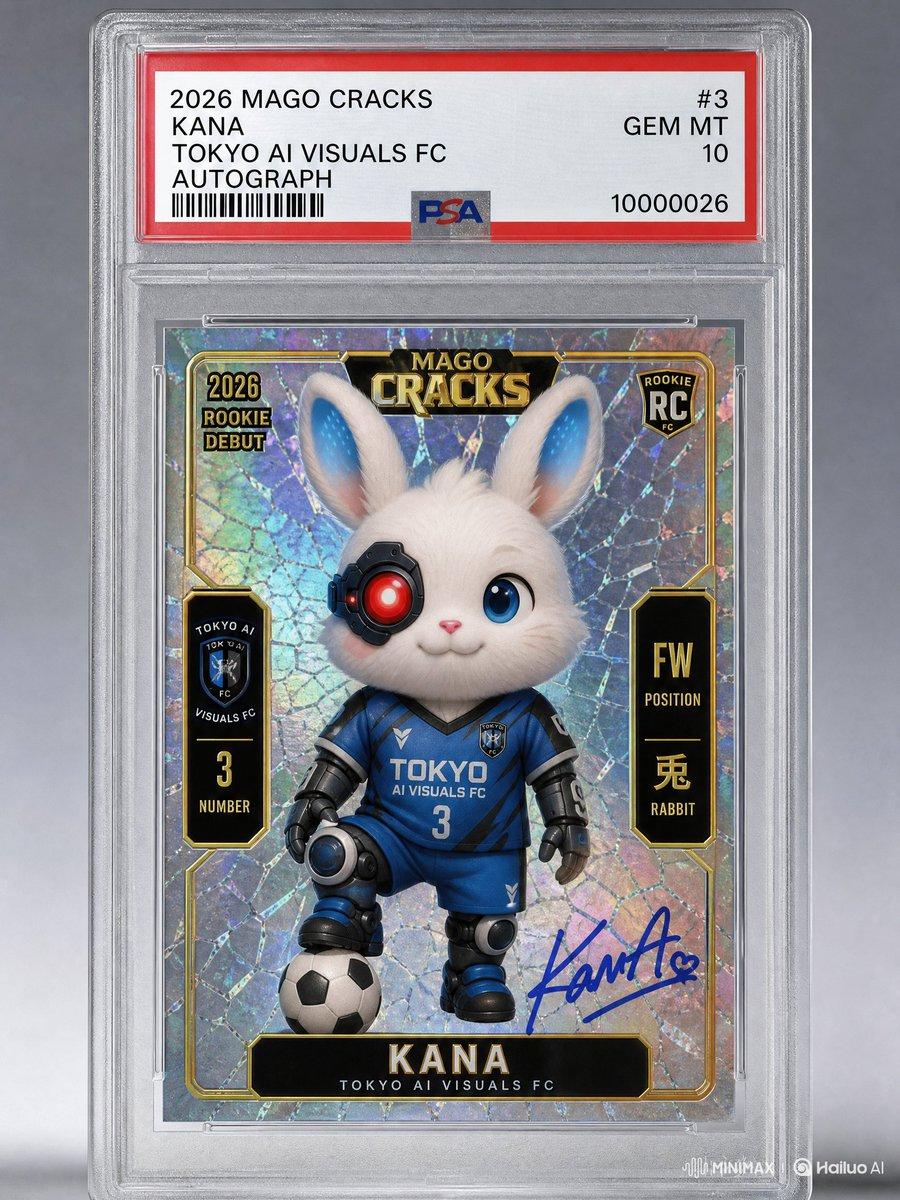
Use the reference image I provided to create a grail card modeled after the “2004 Mega Cracks Messi Rookie PSA 10” card. Club: {argument name="club name" default="Tokyo AI Visuals FC"} Jersey number: {argument name="jersey number" default="3"} Player name: {argument name="player name" default="KANA"} This is an autographed card. Year: 2026 Change “Mega Cracks” to “Mago Cracks.”
Choose the primary action to open PicX Studio with the available template settings. Review the model and format, personalize the creative direction, and generate when ready.
Yes. You can change the subject, setting, lighting, mood, format, and available model controls before creating your image.
This template is free to open and customize. Generation usage is shown in PicX Studio before you create.
Start with GPT Image 2, which is the model associated with this template. You can compare another compatible model for a different finish.
© 2026 PicX Studio. All rights reserved.

Follow a topic to a crawlable collection of related PicX Studio templates.
43,474 public templates available. Verified via the PicX Studio public templates API; refreshed hourly.













![Minimalist Flat Vector Travel Poster — Premium minimalist flat-vector travel poster for {argument name="city name" default="[CITY_NAME]"}, 3:4 vertical format.](https://cms-assets.youmind.com/media/1787917359711_3ug846_HQX205cbMAA6F6S-300x400.jpg)