How do I use the Japanese Kimono Character Sheet template?
Choose the primary action to open PicX Studio with the available template settings. Review the model and format, personalize the creative direction, and generate when ready.
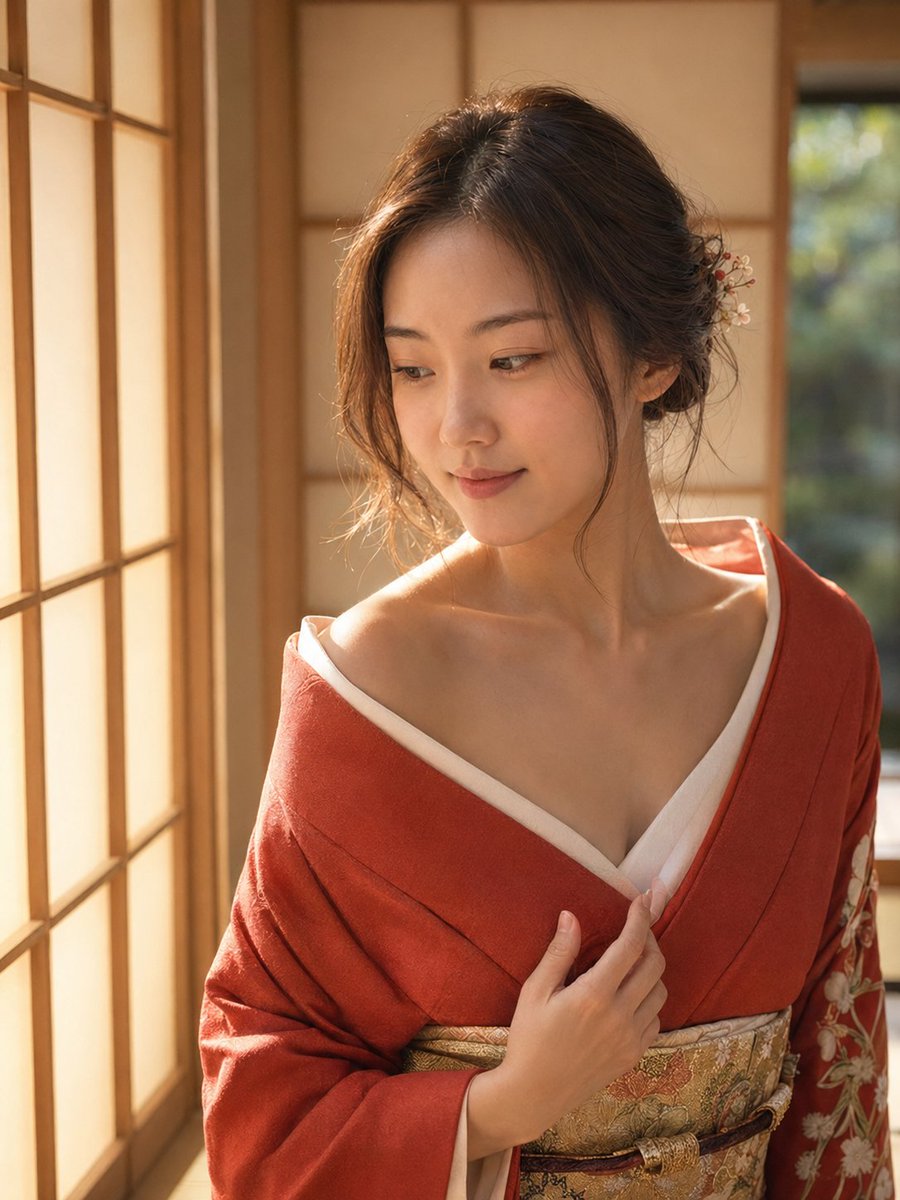
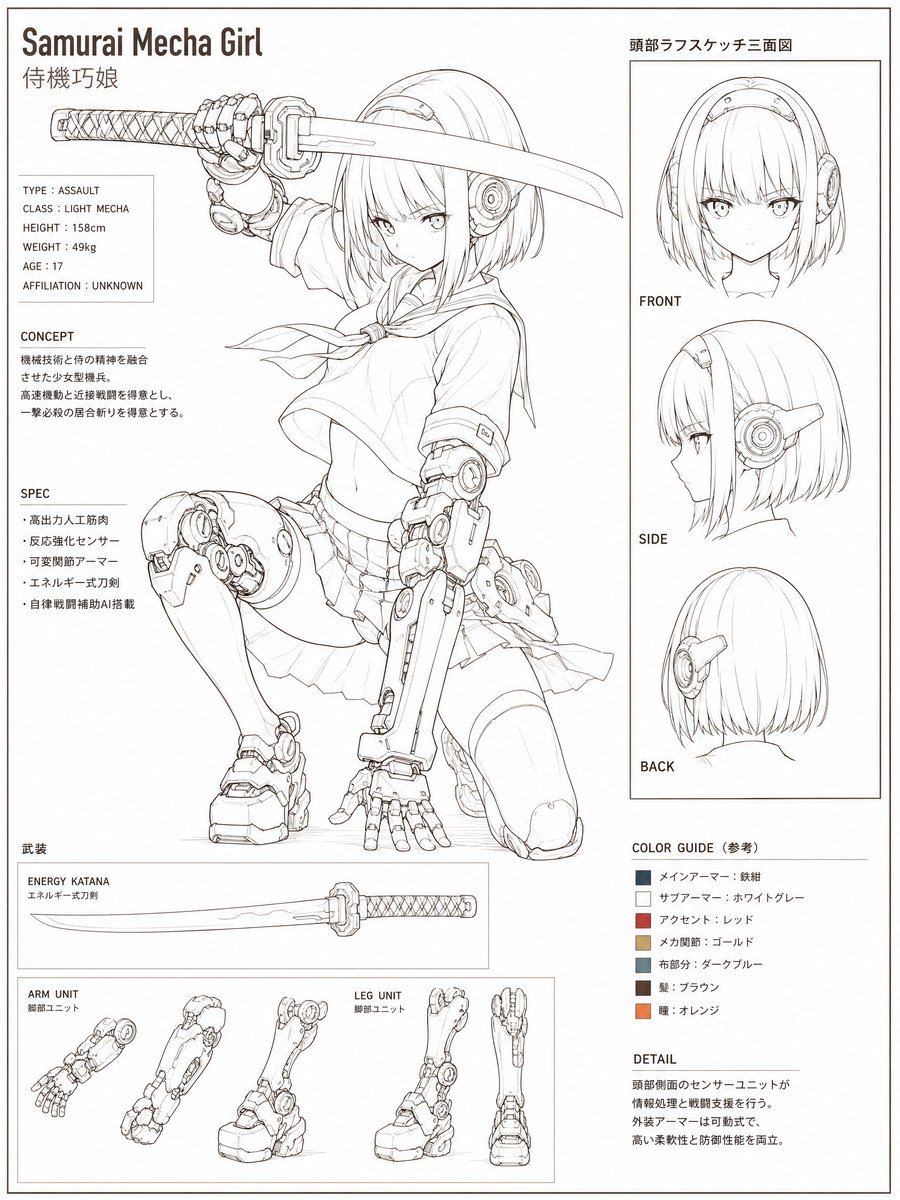
Creates a professional character reference sheet from a single kimono portrait, including turnaround views, pose panels, callouts, and palette notes.
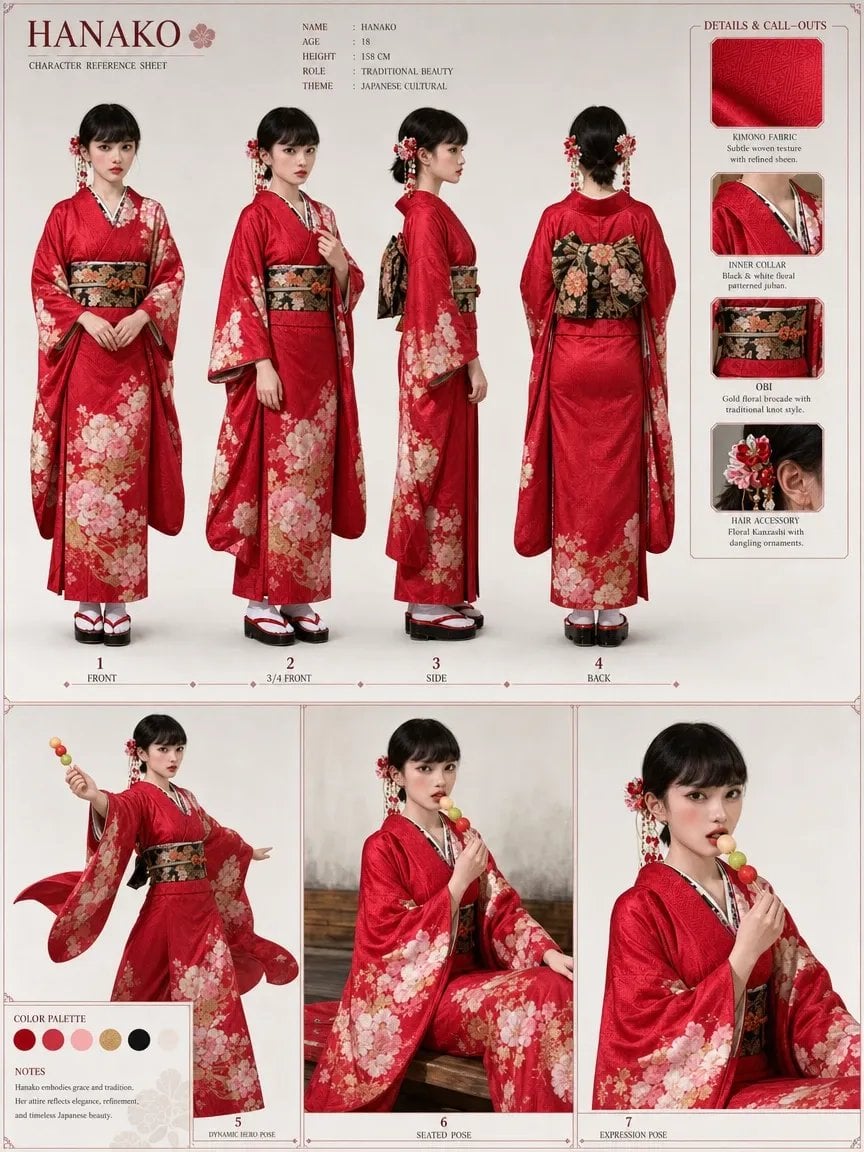
Using REFERENCE_0 as the character and outfit base, create a polished character reference sheet for {argument name="character name" default="HANAKO"}. Keep the face anonymized/blurred as in the reference, but expand the single photo into a full-body studio character sheet. Goal: Generate a clean, elegant character turnaround sheet with a traditional Japanese cultural theme, preserving the red kimono styling, floral hair ornaments, dangling accessories, and candy skewer prop from the reference. Canvas and style: Vertical poster layout on a warm off-white paper background with thin muted red divider lines, small ornamental corner marks, serif typography, and a refined fashion/character-design presentation. Top section: Show exactly 4 full-body turnaround views of the character wearing the same red floral kimono ensemble: 1. Front 2. 3/4 Front 3. Side 4. Back Add small numbered captions under each view. Header text: Large title {argument name="character name" default="HANAKO"} with a small cherry blossom icon and the subtitle “CHARACTER REFERENCE SHEET”. Include a compact info block listing: Name: {argument name="character name" default="HANAKO"}, Age: {argument name="age" default="18"}, Height: {argument name="height" default="158 cm"}, Role: “Traditional Beauty”, Theme: “Japanese Cultural”. Right sidebar: Add a “DETAILS & CALL-OUTS” panel with exactly 4 labeled close-up cards: 1. Kimono Fabric — subtle woven texture with refined sheen 2. Inner Collar — black & white floral patterned juban 3. Obi — gold floral brocade with traditional knot style 4. Hair Accessory — floral kanzashi with dangling ornaments Bottom section: Create exactly 3 larger pose panels: 5. Dynamic Bento Pose — standing, lively gesture, holding the colorful candy skewer outward 6. Seated Pose — seated calmly on a wooden bench or platform, holding the candy skewer 7. Expression Pose — closer bust/half-body crop holding the candy near the face Add a small “COLOR PALETTE” box with exactly 5 circular swatches: deep red, pale pink, blush pink, warm gold, and black. Add a short “NOTES” block describing grace, tradition, refined elegance, and timeless Japanese beauty. Constraints: Preserve the recognizable clothing, hair accessory placement, and candy prop from the reference while making the sheet look like a professional generated model/character sheet. Do not add extra views or extra callout cards. Keep the face obscured/anonymized in every character view.
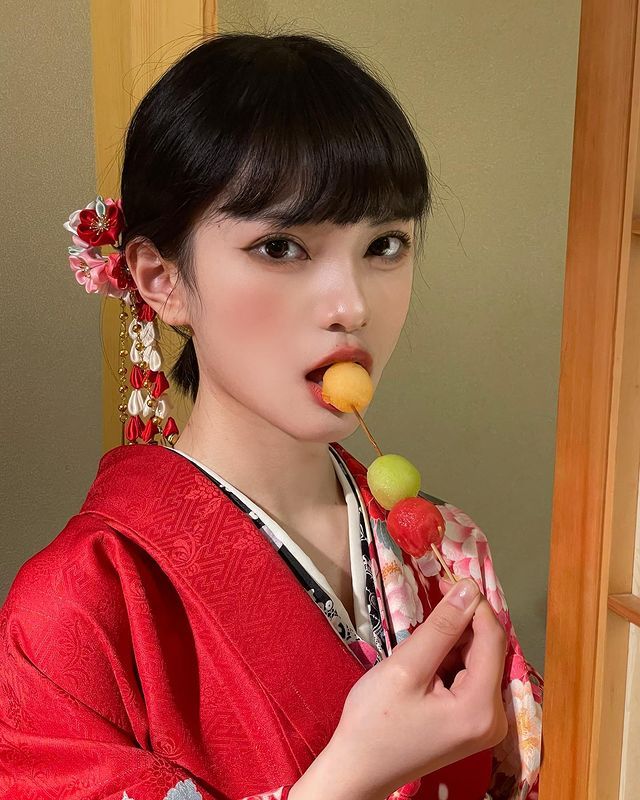
Japanese Kimono Character Sheet needs input media to work. Open it in the studio and these load alongside the prompt — pick whichever ones your chosen model can take.
Choose the primary action to open PicX Studio with the available template settings. Review the model and format, personalize the creative direction, and generate when ready.
Yes. You can change the subject, setting, lighting, mood, format, and available model controls before creating your image.
This template is free to open and customize. Generation usage is shown in PicX Studio before you create.
Start with GPT Image 2, which is the model associated with this template. You can compare another compatible model for a different finish.
Follow a topic to a crawlable collection of related PicX Studio templates.