How do I use the Spooky Japanese Halloween Logo template?
Choose the primary action to open PicX Studio with the available template settings. Review the model and format, personalize the creative direction, and generate when ready.
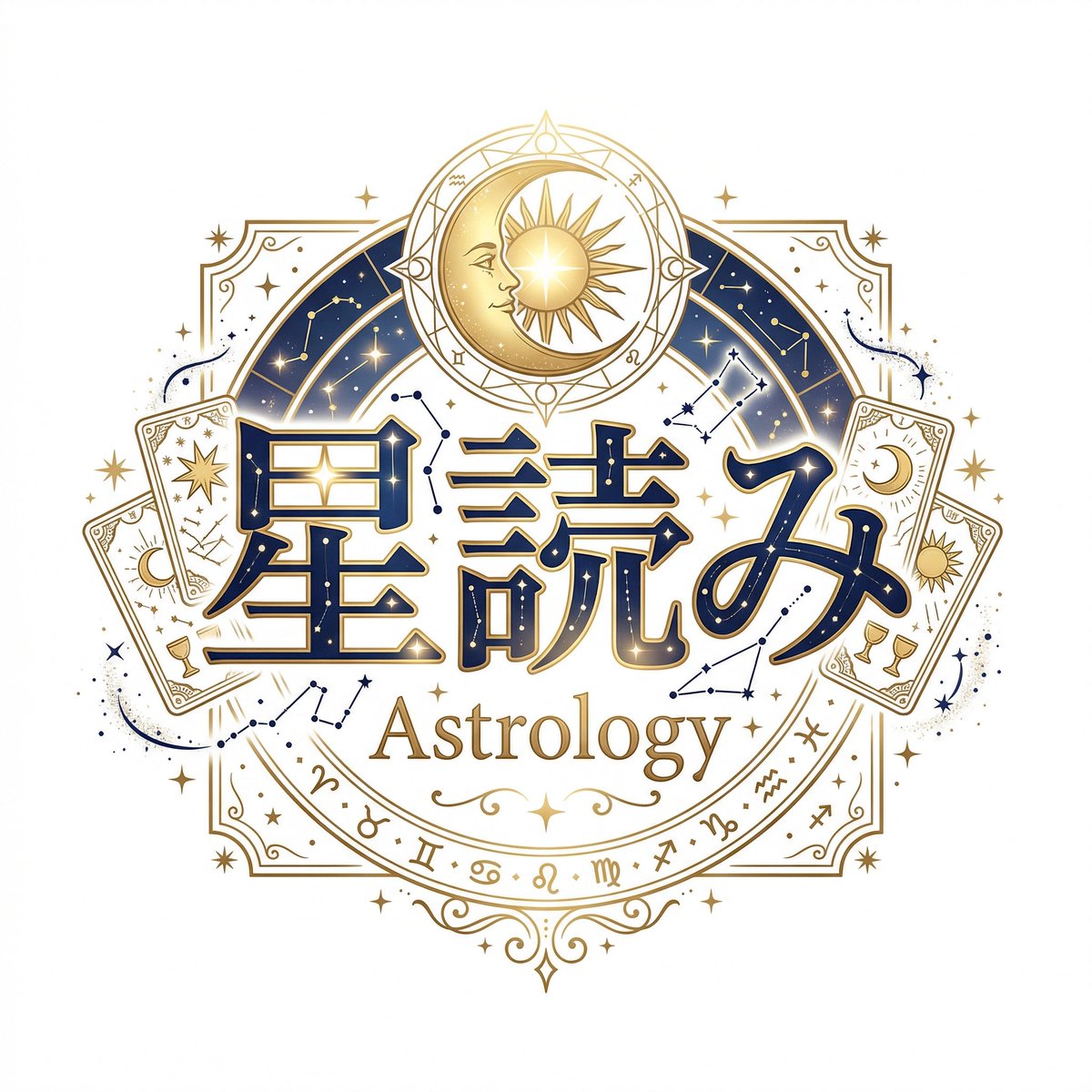
This prompt generates a stylized Japanese title graphic with cute horror elements, ideal for game logos, seasonal branding, or supernatural channel art.

A playful spooky Japanese title logo on a clean white background, centered composition, featuring the large hiragana text {argument name="main text" default="はるか"} in bold rounded hand-drawn lettering, white letters with icy pale-blue shading, subtle grunge texture, and a thick dark navy outline with luminous blue glow. Surround the text with a Halloween yokai atmosphere: 1 cute white ghost floating at the upper left of the lettering, 1 red-orange paper lantern hanging on the left side with black kanji printed on it, 1 large magnifying glass overlapping the lower right of the text, and 1 haunted castle silhouette in the background with 3 tall spires and warm glowing windows. Add 1 traditional Japanese stone lantern on the right with a lit window, 2 blue ghost-fire torches on the far right, several black bat silhouettes flying around the castle, deep indigo mist, electric blue flames, and an inky dripping shadow base beneath the logo. Use a vibrant neon palette of midnight blue, cyan glow, white, and orange accents, with a polished sticker-like game-logo illustration style, crisp edges, soft airbrushed lighting, whimsical horror mood, and high contrast.
Choose the primary action to open PicX Studio with the available template settings. Review the model and format, personalize the creative direction, and generate when ready.
Yes. You can change the subject, setting, lighting, mood, format, and available model controls before creating your image.
This template is free to open and customize. Generation usage is shown in PicX Studio before you create.
Start with GPT Image 2, which is the model associated with this template. You can compare another compatible model for a different finish.
© 2026 PicX Studio. All rights reserved.

Follow a topic to a crawlable collection of related PicX Studio templates.