How do I use the Gothic Magical Swordswoman template?
Choose the primary action to open PicX Studio with the available template settings. Review the model and format, personalize the creative direction, and generate when ready.
This prompt generates a dramatic anime fantasy key visual of a gothic swordswoman attacking through a cosmic field of glowing magic circles, ideal for character art, splash screens, or collectible game illustrations. Change the subject, setting, or lighting one variable at a time.
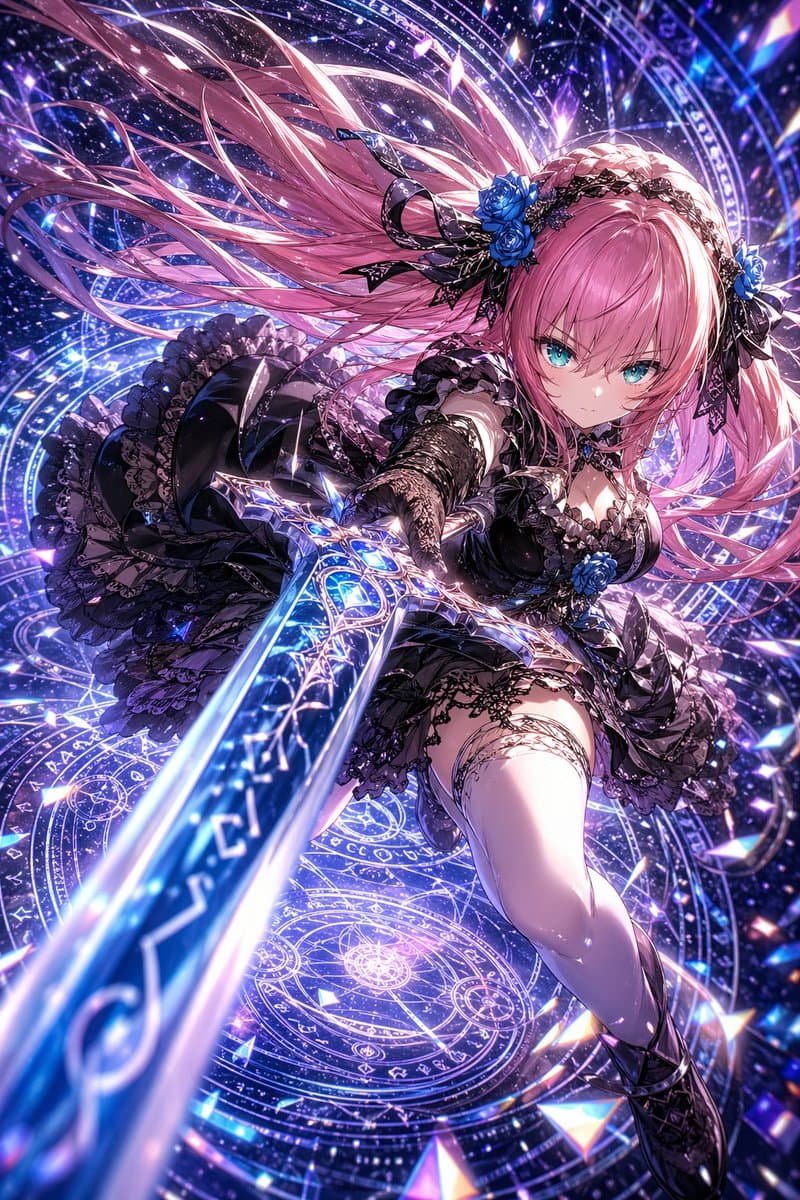
A hyper-detailed anime fantasy action illustration of a fierce young woman lunging toward the viewer with a glowing magical sword, shown in an extreme foreshortened low-angle perspective where the blade dominates the foreground and points straight at the camera. She has {argument name="hair color" default="long pastel pink"} hair streaming dramatically behind her in many windblown strands, bright {argument name="eye color" default="turquoise blue"} eyes, and a focused, determined expression. She wears an elaborate black gothic-lolita battle dress with layered ruffles, lace trim, corset shaping, detached lace sleeves or gloves, thigh garter details, and dark armored boots. Her outfit is accented with exactly 3 vivid blue roses: 2 in a black lace headpiece and 1 at the center of her chest. The sword is ornate and elegant, with a silver filigree guard and a luminous blue blade filled with glowing rune-like patterns. Surround her with multiple overlapping circular magic sigils, arcane rings, starfield particles, sparkling shards, and cosmic light trails in a {argument name="background palette" default="violet, indigo, and electric blue"} celestial backdrop. Add crystalline prism fragments and glittering highlights across the scene, with intense bloom, high contrast, intricate lace and fabric detail, and a polished premium gacha-game key visual look. The composition should feel dynamic, cinematic, and magical, as if {argument name="character name" default="a gothic magical swordswoman"} is mid-strike in an astral dimension.
Choose the primary action to open PicX Studio with the available template settings. Review the model and format, personalize the creative direction, and generate when ready.
Yes. You can change the subject, setting, lighting, mood, format, and available model controls before creating your image.
This template is free to open and customize. Generation usage is shown in PicX Studio before you create.
Start with GPT Image 2, which is the model associated with this template. You can compare another compatible model for a different finish.
© 2026 PicX Studio. All rights reserved.

Follow a topic to a crawlable collection of related PicX Studio templates.
43,474 public templates available. Verified via the PicX Studio public templates API; refreshed hourly.

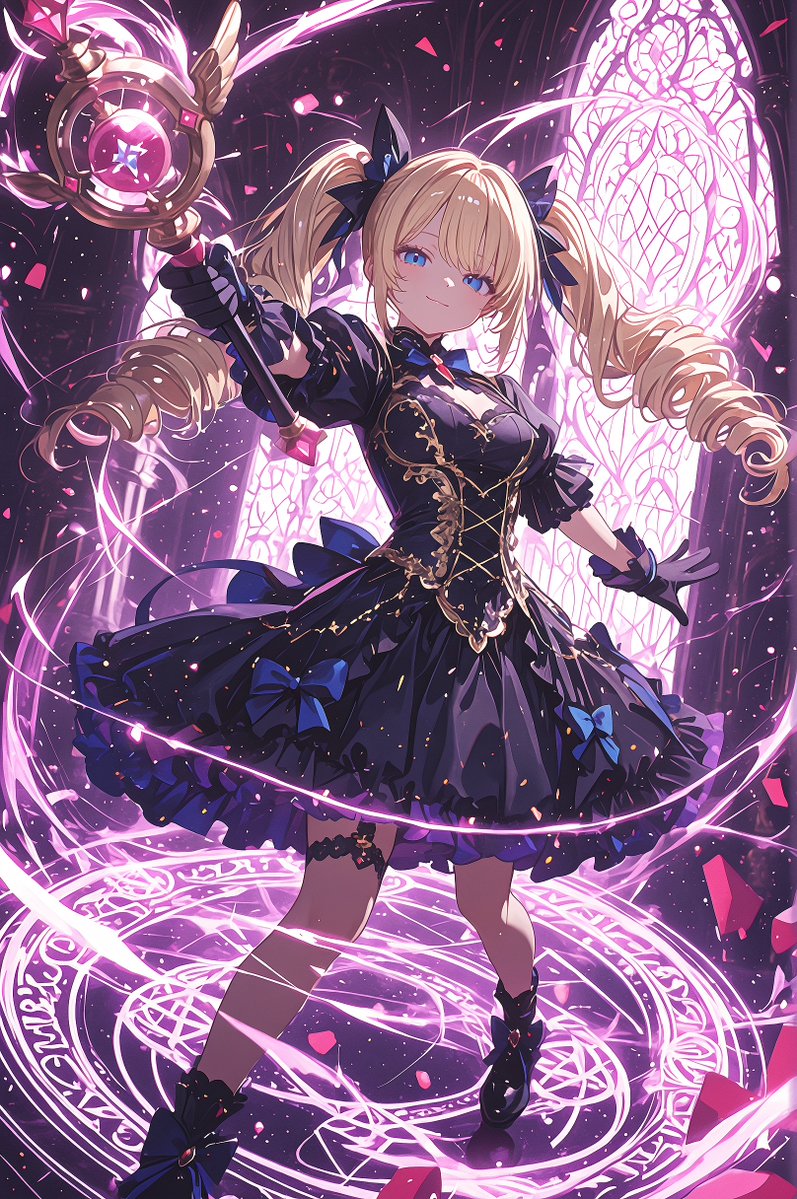

![Gothic Whimsical Storybook Illustration — Gothic whimsical hand-drawn illustration of {argument name="character" default="[HUMAN]"} wearing {argument name="clot](https://cms-assets.youmind.com/media/1787386199520_zhn83k_HQPM603bQAE2-Ax-300x375.jpg)



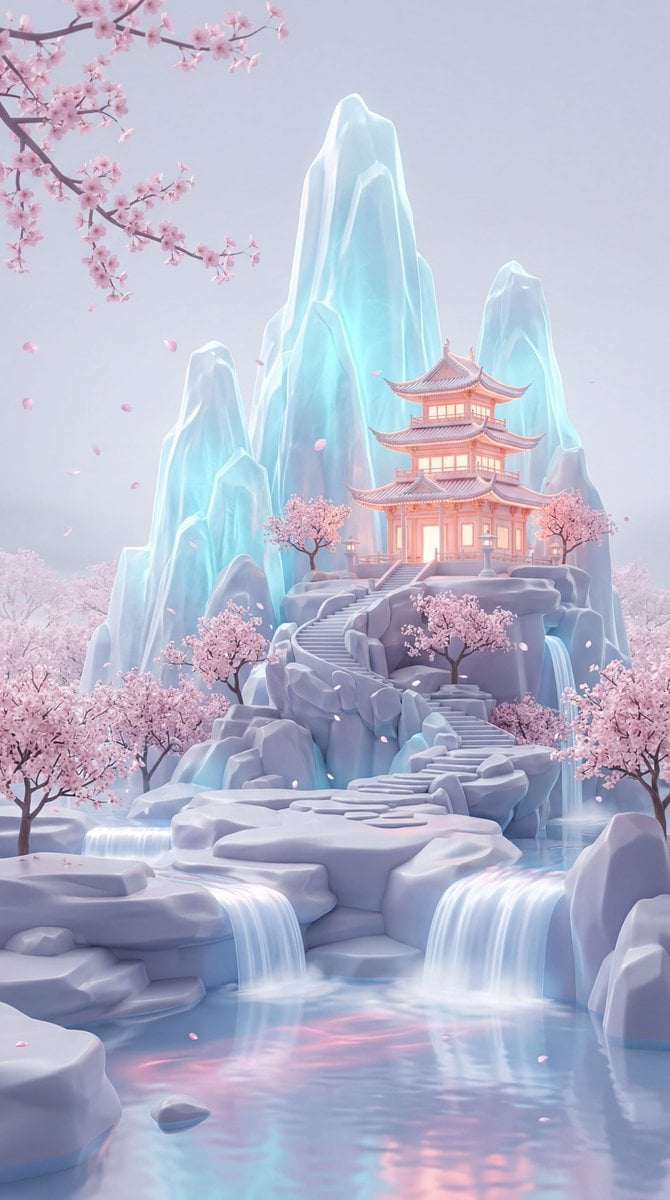










![Minimalist Flat Vector Travel Poster — Premium minimalist flat-vector travel poster for {argument name="city name" default="[CITY_NAME]"}, 3:4 vertical format.](https://cms-assets.youmind.com/media/1787917359711_3ug846_HQX205cbMAA6F6S-300x400.jpg)
























![Cinematic Editorial Ink Illustration — Cinematic editorial ink illustration of {argument name="subject" default="[HUMAN]"} in {argument name="scenery" default="](https://cms-assets.youmind.com/media/1781427842978_o5z6fz_HKvPlaWbwAANebH.jpg)