How do I use the Noshi-Kanamer WordPress Plugin Banner template?
Choose the primary action to open PicX Studio with the available template settings. Review the model and format, personalize the creative direction, and generate when ready.
A clean horizontal plugin banner featuring a Japanese folding fan logo and WordPress developer toolkit branding.
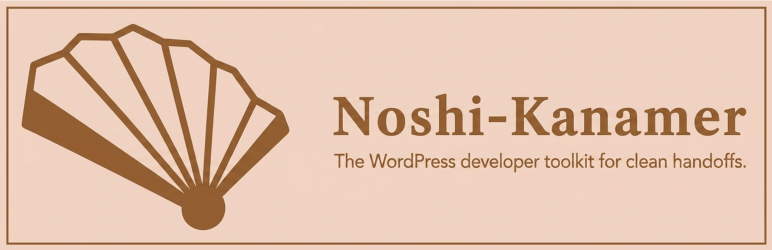
Create a horizontal WordPress plugin banner with a refined minimalist Japanese aesthetic. Canvas: wide rectangle, approximately 1540 × 500 pixels, pale warm peach background with a very subtle soft radial glow near the center. Add a thin medium-brown rectangular border inset slightly from the edges. Layout: place a large stylized folding fan icon on the left occupying about 35% of the width, and place the product name and tagline on the right, vertically centered. Icon details: a simple geometric Japanese folding fan in dark warm brown outlines and fills, angled slightly upward, with exactly 7 visible fan panels separated by thick brown ribs, cream-filled inner panels, dark brown filled outer side sections, and a rounded dark brown pivot circle at the bottom center of the fan. Text: large serif title reading {argument name="plugin name" default="Noshi-Kanamer"} in dark warm brown, bold, elegant, with generous letter spacing; directly underneath, smaller sans-serif tagline reading {argument name="tagline" default="The WordPress developer toolkit for clean handoffs."} in the same brown. Keep the design clean, flat, vector-like, professional, and suitable for a WordPress plugin banner. Use no extra icons, no shadows, no mockups, no people, and no additional text.
Choose the primary action to open PicX Studio with the available template settings. Review the model and format, personalize the creative direction, and generate when ready.
Yes. You can change the subject, setting, lighting, mood, format, and available model controls before creating your image.
This template is free to open and customize. Generation usage is shown in PicX Studio before you create.
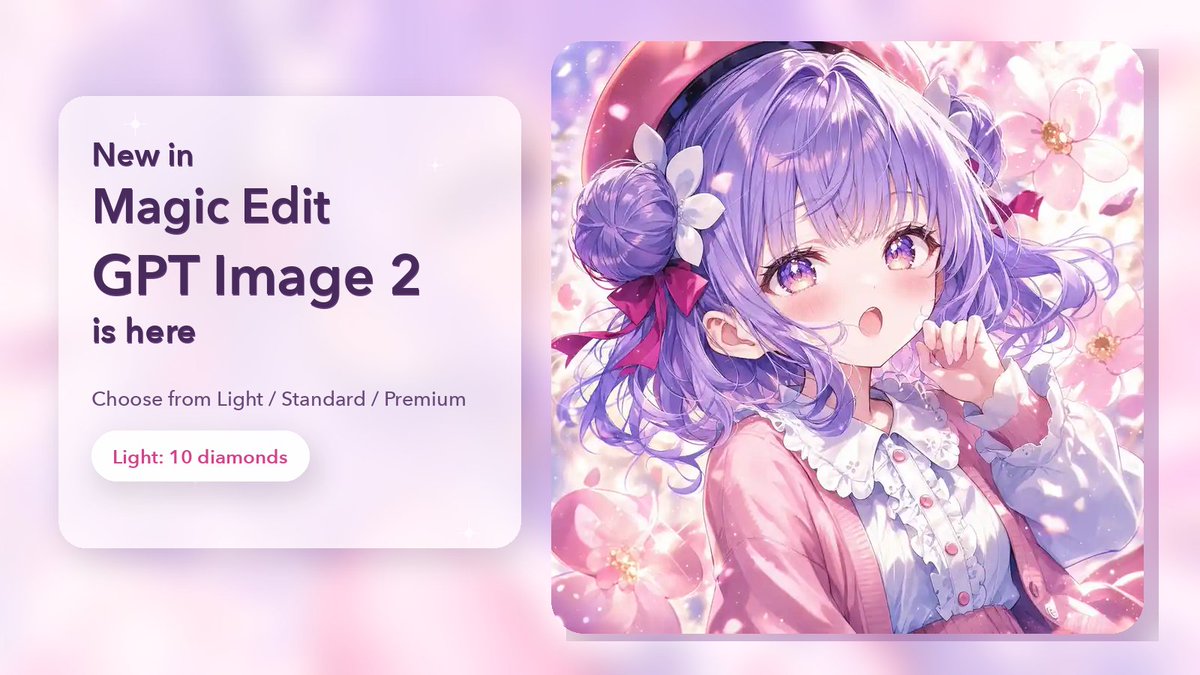
Start with GPT Image 2, which is the model associated with this template. You can compare another compatible model for a different finish.
© 2026 PicX Studio. All rights reserved.

Follow a topic to a crawlable collection of related PicX Studio templates.