How do I use the Four-Model Nomadic Portrait Comparison template?
Choose the primary action to open PicX Studio with the available template settings. Review the model and format, personalize the creative direction, and generate when ready.
Creates a wide four-panel comparison banner of cinematic nomadic woman portraits labeled by image generation model.
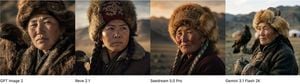
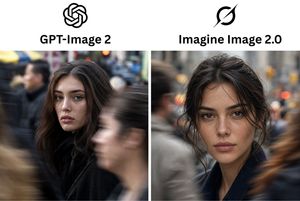
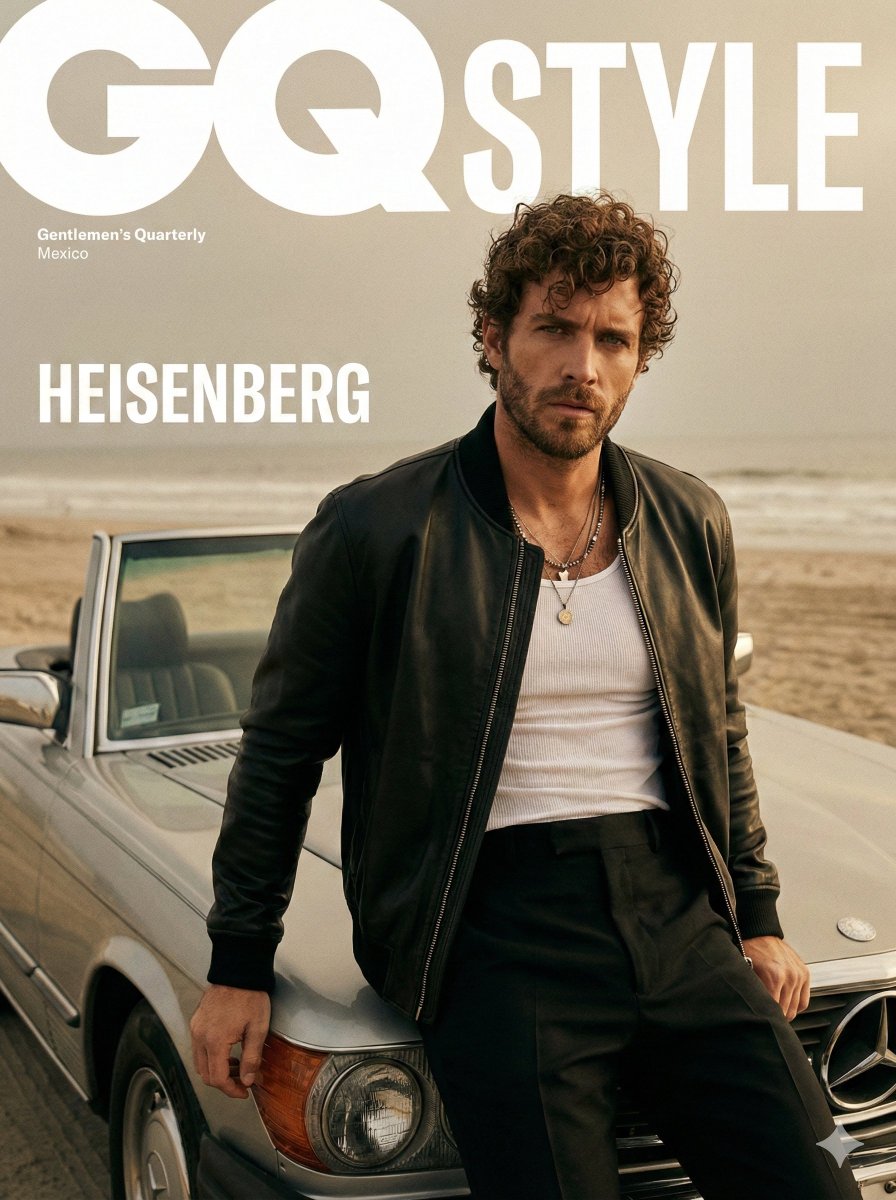
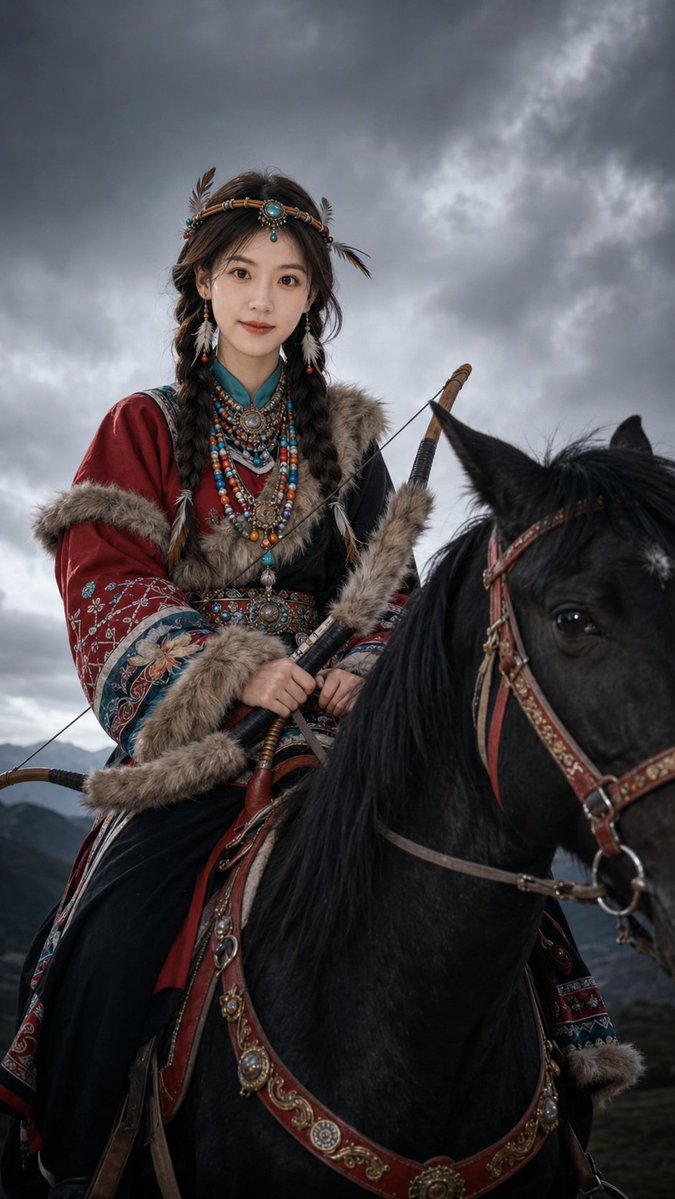
Goal: Create a wide horizontal model-comparison banner showing four side-by-side photorealistic portrait results of the same prompt, each labeled underneath. Canvas: Extra-wide landscape aspect ratio, approximately 4:1, with a thin white label strip along the bottom. The image area is divided into exactly 4 equal vertical portrait panels separated by clean straight boundaries. Layout: Four discrete panels from left to right, each occupying one quarter of the width. Beneath the panels, place one black text label centered or left-aligned within each panel’s bottom white strip. Use exactly these 4 labels: “GPT Image 2”, “Reve 2.1”, “Seedream 5.0 Pro”, and “Gemini 3.1 Flash 2K”. Subject details: Each panel depicts a realistic cinematic portrait of {argument name="subject" default="a Mongolian or Central Asian nomadic woman in traditional winter clothing"}. She wears a large fur hat with ornate embroidered fabric, heavy layered fur or wool garments, braids, weathered skin, and a serious calm expression. The portraits should look like different generations or variations of the same cultural theme: panel 1 is a close-up of a middle-aged woman facing slightly left with warm side lighting; panel 2 is a stern woman with two braids and a burgundy embroidered fur hat, looking off to the right, with a hint of an eagle at the lower left edge; panel 3 is an elderly woman with rosy weathered cheeks and gray braids, wearing a richly decorated fur hat against a sunset mountain valley; panel 4 is an older woman in a dark coat and fur hat holding a small object or glove, with a rider or eagle hunter and a white yurt/ger in the distant background. Environment: Use {argument name="setting" default="a rugged steppe and mountain landscape at golden hour"}, with shallow depth of field, muted earth tones, distant mountains, open grassland, and warm dramatic light. Visual style: Hyperrealistic documentary photography, cinematic color grading, natural skin texture, high detail in fur and embroidered textiles, medium-to-close portrait framing, soft bokeh backgrounds, subtle film grain, no cartoon style. Constraints: Include exactly 4 portrait panels and exactly 4 bottom labels. Keep the bottom label strip plain white with simple black sans-serif text. Do not add logos, watermarks, extra captions, borders, UI chrome, or additional panels.
Choose the primary action to open PicX Studio with the available template settings. Review the model and format, personalize the creative direction, and generate when ready.
Yes. You can change the subject, setting, lighting, mood, format, and available model controls before creating your image.
This template is free to open and customize. Generation usage is shown in PicX Studio before you create.
Start with GPT Image 2, which is the model associated with this template. You can compare another compatible model for a different finish.
Follow a topic to a crawlable collection of related PicX Studio templates.